功能說明
FORM is the Garmin watch companion for the FORM strength-training planner and logbook.
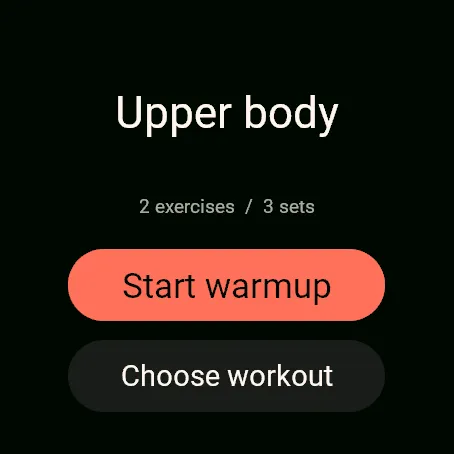
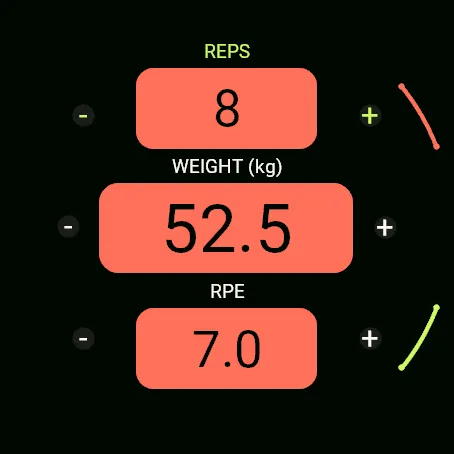
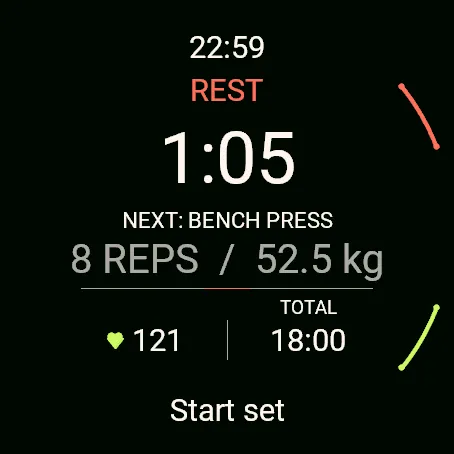
Use your watch to start a workout, stop warm-up, start and stop sets, and finish your workout. Enter weight, reps and RPE in the FORM phone app, which also manages rest timing. The watch shows heart rate, calories and steps and can save a Garmin strength activity. Workout controls and available measurements synchronize with your FORM account.
An existing active FORM account with Garmin access is required. Enable Garmin in the FORM phone app before connecting your watch. Accounts cannot be created from the watch app or this Store listing.
This release supports Venu 4 41 mm, Venu 4 45 mm and Forerunner 965. Internet access through your connected phone is needed for pairing and synchronization. Pending workout controls are saved locally for retry; finishing and closing FORM do not require phone confirmation.
Get started: https://form-workout-pwa.vercel.app
On your phone, open Settings, Garmin watch, then Enable Garmin. Open FORM on your watch, request a pairing code, then enter that code in the phone app to connect your watch.
更新記錄
Restored the familiar workout screens and hardware-button behavior. Weight, reps and RPE logging stays on your phone.
The green and red edge controls now respond to touch, matching their physical-button actions.
Fixed controller actions being swallowed by Garmin recording recovery. Removed misleading prompts to review earlier controller actions and the UPPER MENU hint.
Heart-rate sampling starts with the FORM workout independently of Garmin activity-file recording, and samples remain attached to the correct workout when finishing on either device.
Choose workout includes every plan offered by FORM, including planned workouts up to 28 days ahead, without the previous three-day watch filter.
螢幕截圖
支援語言(1)
相容機型(4)
最近指標趨勢
評分
評論
快照日期
2026-10-27 → 2026-10-30