功能说明
FORM is the Garmin watch companion for the FORM strength-training planner and logbook.
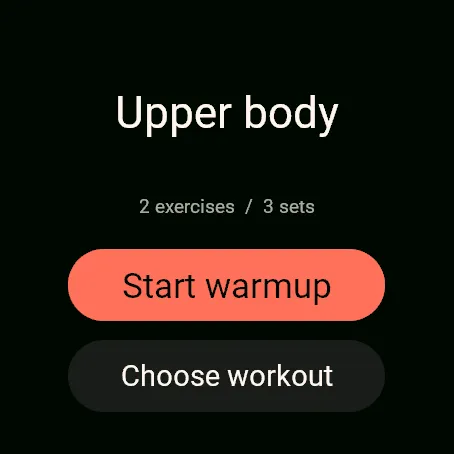
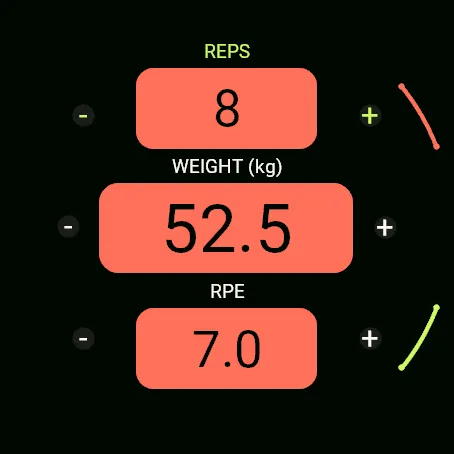
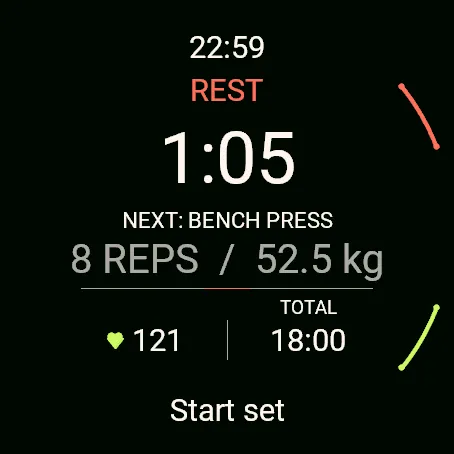
Use your watch to start a workout, stop warm-up, start and stop sets, and finish your workout. Enter weight, reps and RPE in the FORM phone app, which also manages rest timing. The watch shows heart rate, calories and steps and can save a Garmin strength activity. Workout controls and available measurements synchronize with your FORM account.
An existing active FORM account with Garmin access is required. Enable Garmin in the FORM phone app before connecting your watch. Accounts cannot be created from the watch app or this Store listing.
This release supports Venu 4 41 mm, Venu 4 45 mm and Forerunner 965. Internet access through your connected phone is needed for pairing and synchronization. Pending workout controls are saved locally for retry; finishing and closing FORM do not require phone confirmation.
Get started: https://form-workout-pwa.vercel.app
On your phone, open Settings, Garmin watch, then Enable Garmin. Open FORM on your watch, request a pairing code, then enter that code in the phone app to connect your watch.
更新日志
FORM 1.8.2
- Choose workout opens at today, the next available date, or the most recent earlier workout.
- Choose workout is greyed out while syncing or otherwise unavailable, and becomes active when ready.
- Startup no longer describes an older completed workout as today's completion. Status messages wrap to fit the screen.
- Rest periods are labelled REST. Unavailable Undo actions are hidden from finish options.
- Phone-driven set transitions, rest transitions and pauses update watch timers correctly.
- Saved changes remain queued if local journal storage is temporarily unavailable.
截图
支持语言(1)
兼容机型(4)
最近指标走势
评分
评论
快照日期
2026-10-27 → 2026-11-02