此項目已不再由商店提供(狀態:not_seen)。資料來自最近一次成功的爬取。
功能說明
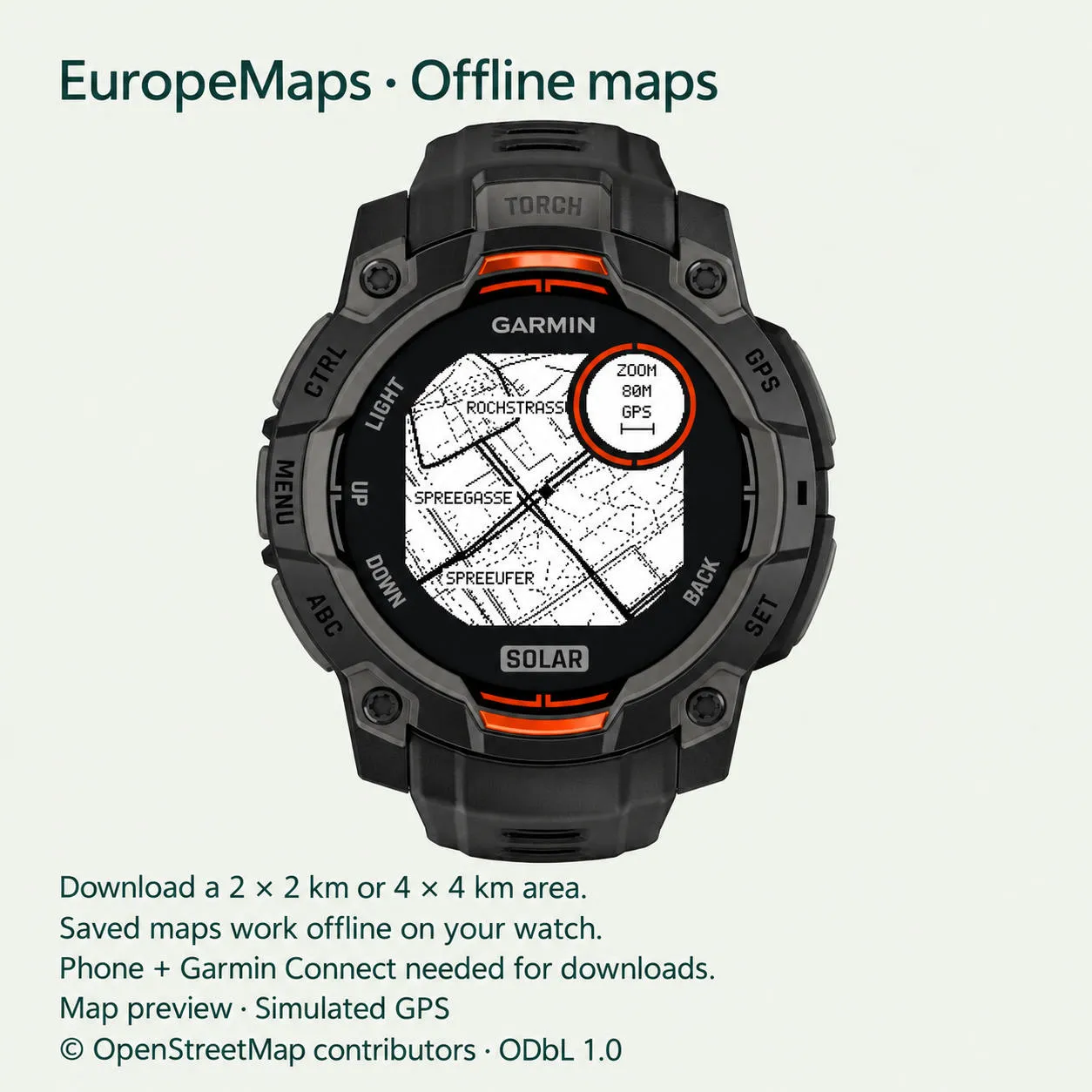
EuropeMaps brings simplified OpenStreetMap maps and GPX routes to your Garmin Instinct. Download an area or route corridor, follow your GPS position and explore your saved maps offline.
FEATURES
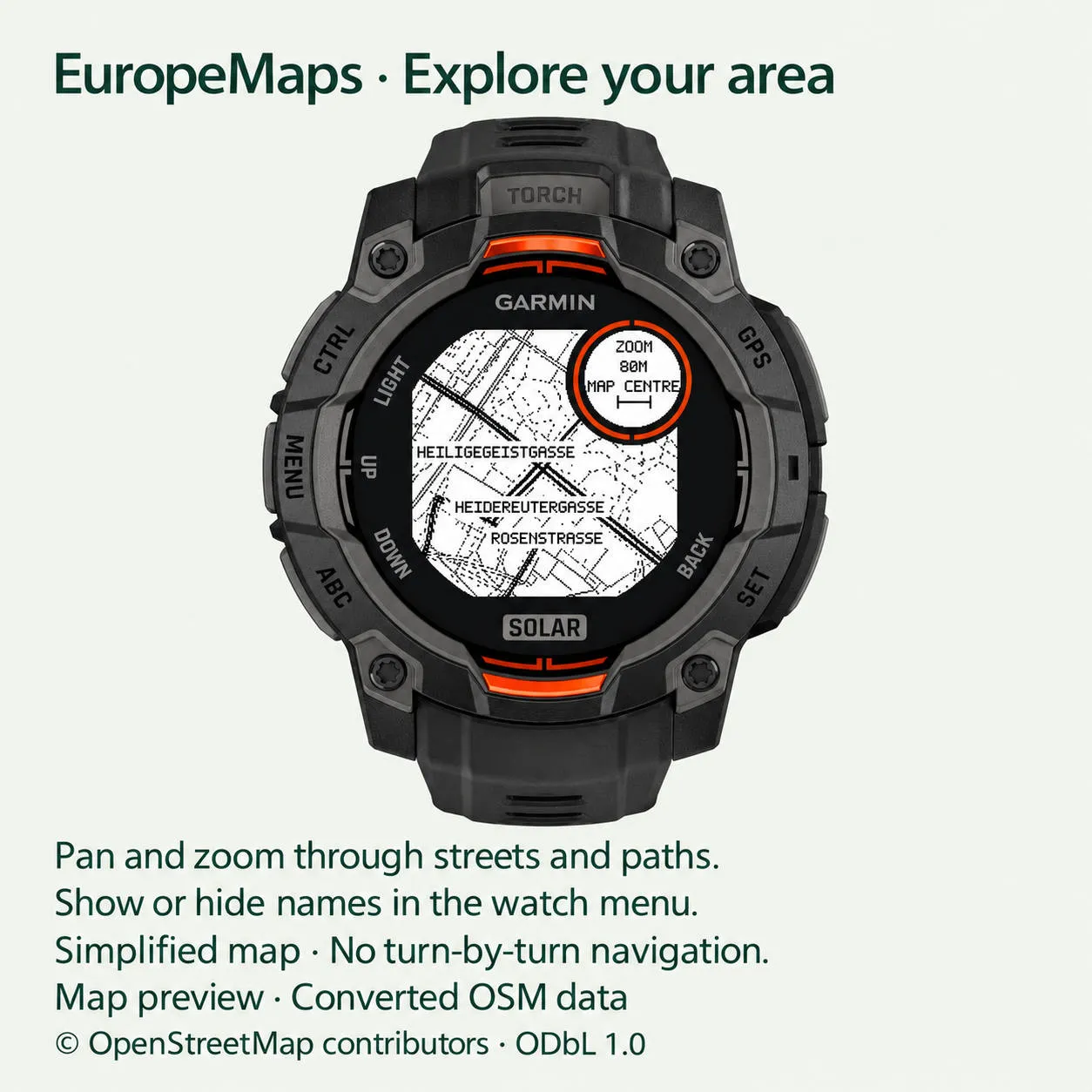
- Offline maps with streets, paths, waterways and selected names.
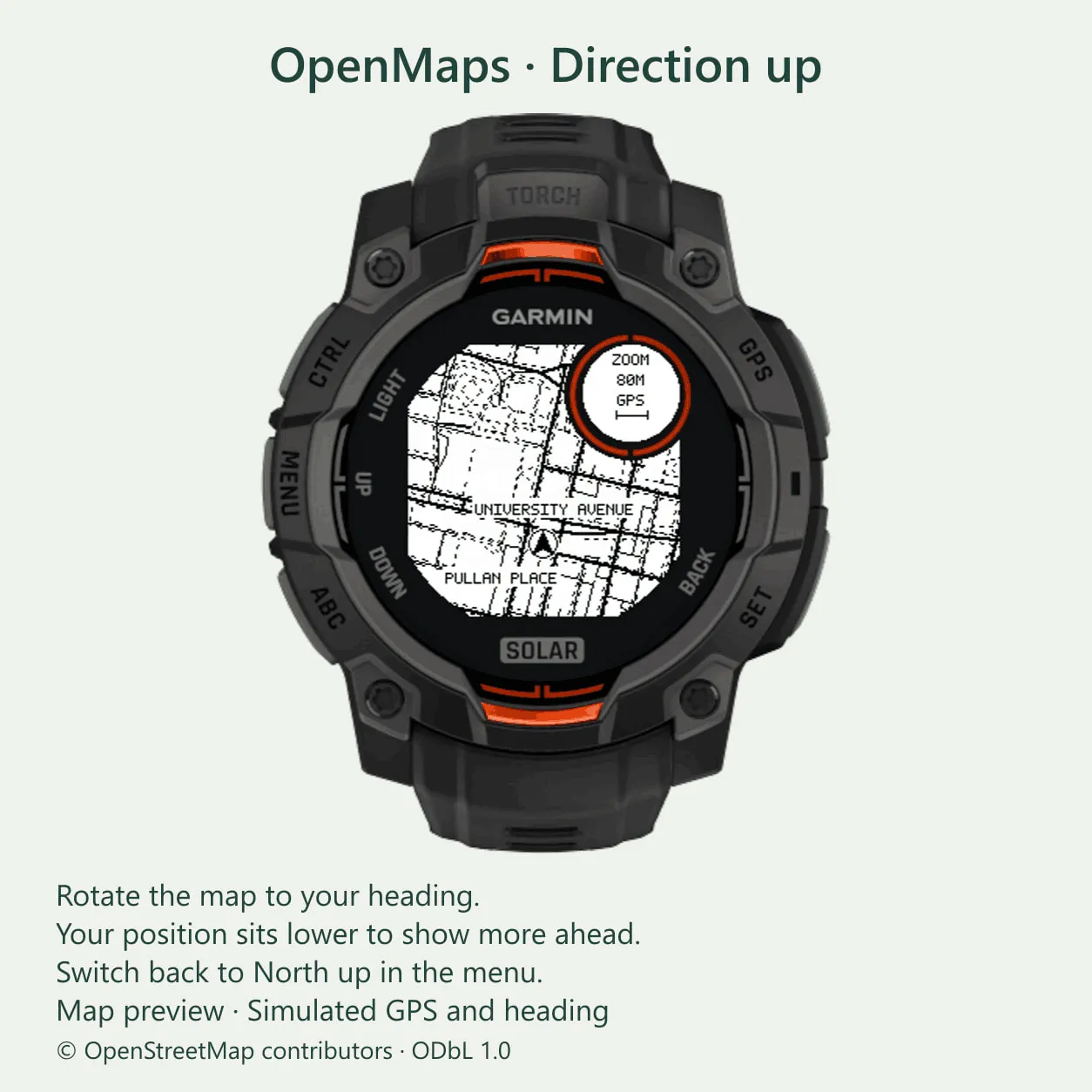
- North up or Direction up, with your position below the centre to show more ahead.
- Pan, zoom and recenter on your position.
- Save multiple map areas and routes; load one map at a time.
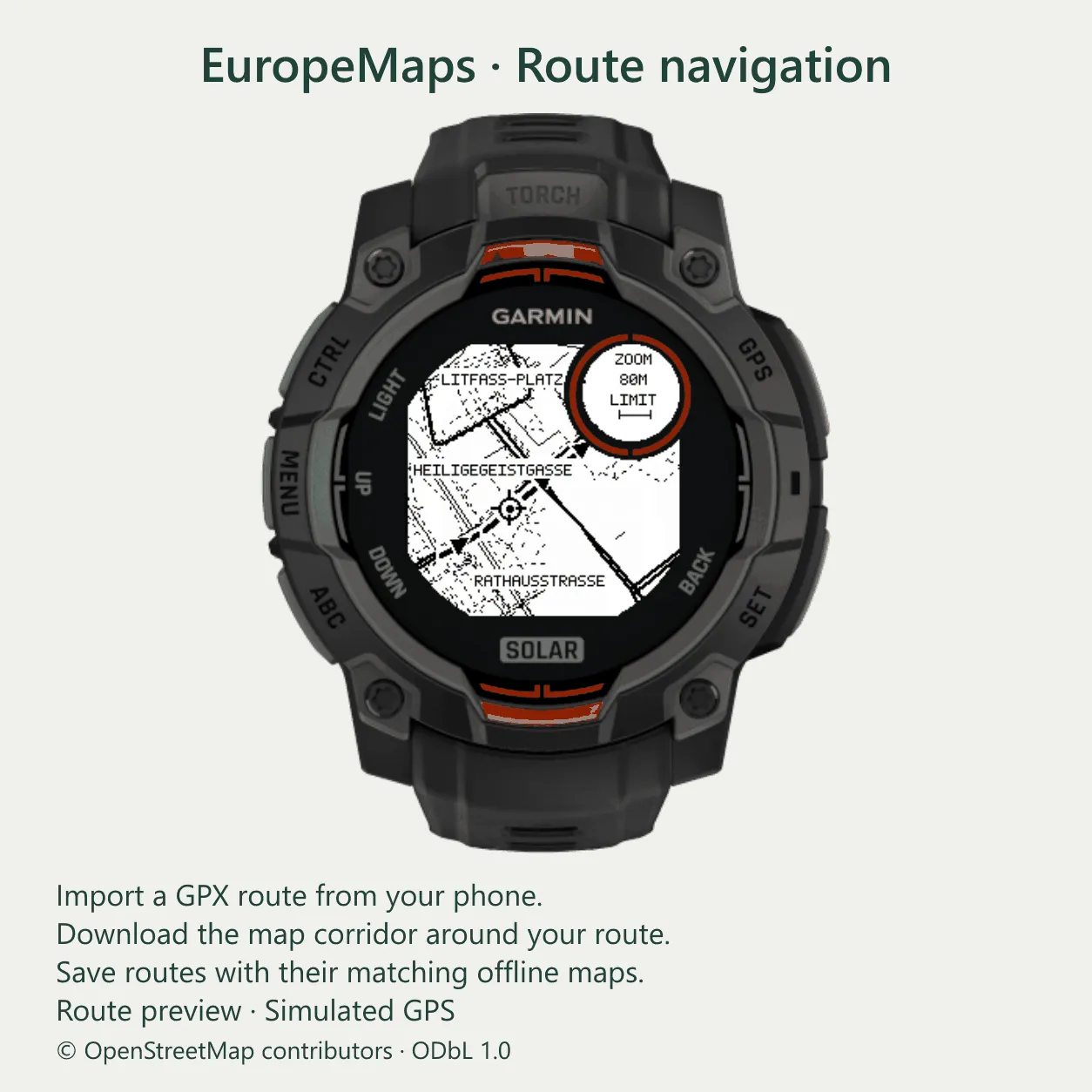
- Import GPX routes through the website. Download the map tiles around the route instead of a large surrounding square.
- Select a saved route to load its matching corridor. Delete a route and its linked map together.
- Record walking, hiking or cycling activities. Start before a GPS fix; recording begins when a usable fix is available. Pause, resume and save, then sync the activity to Garmin Connect.
- Optional map names and Keep backlight on setting.
SUPPORTED WATCHES
Instinct 3 Solar 45/50 mm and Instinct E 40/45 mm. See the store's compatible-device list for your watch. Instinct 3 AMOLED and the original Instinct are not included in this version.
FIRST-TIME SETUP
1. Pair your watch with Garmin Connect and install EuropeMaps from the Connect IQ Store. Leave Map server set to Default; custom server fields are optional.
2. Open Garmin Connect on your phone and keep it in the foreground while opening the website link. Garmin Connect and Connect IQ are separate apps.
3. Open EuropeMaps on your watch. Hold MENU, then choose Download maps → Choose on phone. Keep EuropeMaps open.
4. Accept the phone prompt to open the website in your default browser. If no prompt appears, press GPS on the watch with Garmin Connect open. Alternatively, visit https://europemaps.duckdns.org/routes and enter the temporary watch code.
5. Choose a map area or import a GPX file. For an area, search and select a result, or tap directly on the map. Choose the size and preview the coverage. Start with 2 x 2 km for a quicker download.
6. Send the transfer, then return to Garmin Connect if prompted. The watch starts downloading automatically. Keep your phone connected, internet available and EuropeMaps open until installation finishes.
OTHER DOWNLOAD OPTIONS
- Download around me: MENU → Download maps → Download around me. Go outdoors and wait for a GPS fix.
- Alternative location search: enter a city or street in the Connect IQ settings, save and sync. This chooses a centre from the search result. For a precise centre and coverage preview, use the website picker.
ON THE WATCH
GPS/START cycles between zoom, vertical pan and horizontal pan. UP/DOWN operates the selected mode. Hold MENU for Route Navigation, Activity, Saved maps, Orientation and Recenter. Advanced contains name visibility, backlight and map information.
PLEASE NOTE
No map is bundled. Downloads need a paired phone, internet and an available map service. Saved maps work offline; positioning uses the watch's GPS. Available area sizes depend on the app version and server access. Downloads take longer for larger or denser areas and are subject to service limits.
Maps are simplified for the watch's display and memory; some features and names may be omitted. GPS, activity recording, frequent map updates and keeping the backlight on increase battery use. GPS quality depends on reception.
Support development: https://buymeacoffee.com/asparaguss
Map data © OpenStreetMap contributors, licensed under ODbL 1.0.
https://www.openstreetmap.org/copyright
更新記錄
- Added Support for larger offline map sizes up to 24km x 24km.
- New Website for picking map locations and uploading GPX routes.
- You can now upload routes, download them including a map corridor to your watch and navigate those routes
- Added the option to record walking, hiking or cycling activities
- Easier menu navigation
螢幕截圖
支援語言(1)
相容機型(4)
最近指標趨勢
評分
評論
快照日期
2026-10-27 → 2026-10-31