功能說明
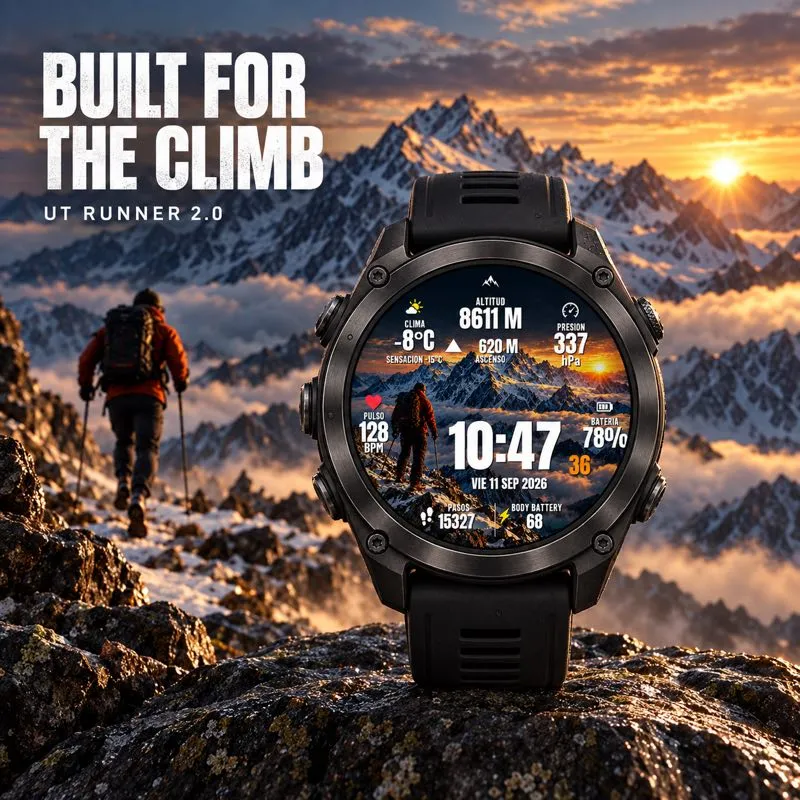
UT Runner 2.0 brings mountain landscapes and eight configurable data fields to your wrist, with three scenes to make it your own.
This watch face is completely free. No purchase or activation code is required.
How to install:
1. Download UT Runner 2.0 from this Connect IQ listing to a compatible watch.
2. Open its Settings to choose your landscape and data fields.
Features:
- Three selectable landscape themes.
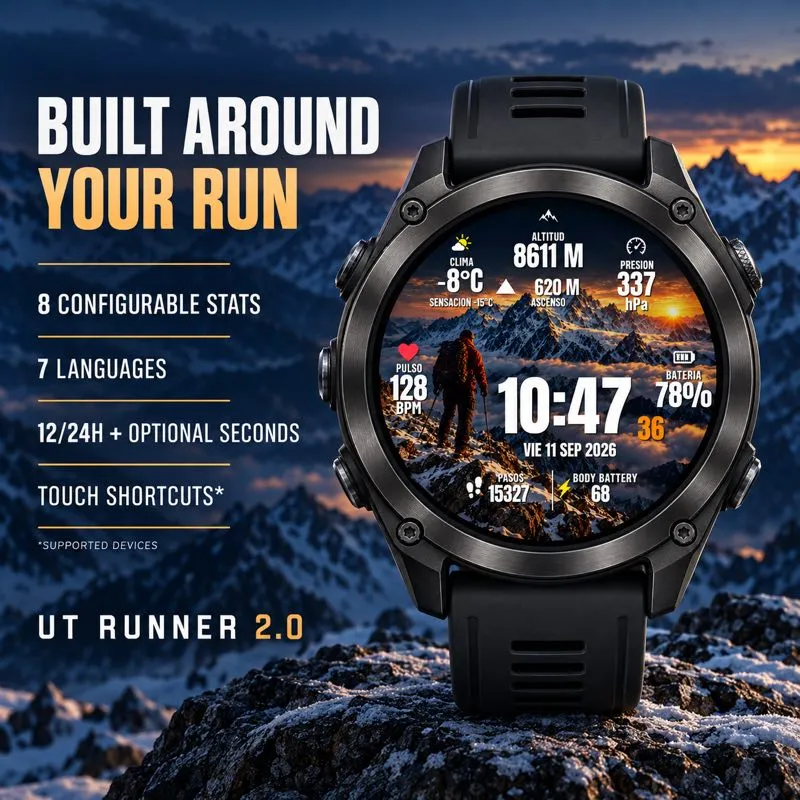
- Eight independently configurable data fields.
- Language options: English, Spanish, Polish, French, Italian, German and Portuguese.
- System, 12-hour and 24-hour time, selectable date formats and optional seconds.
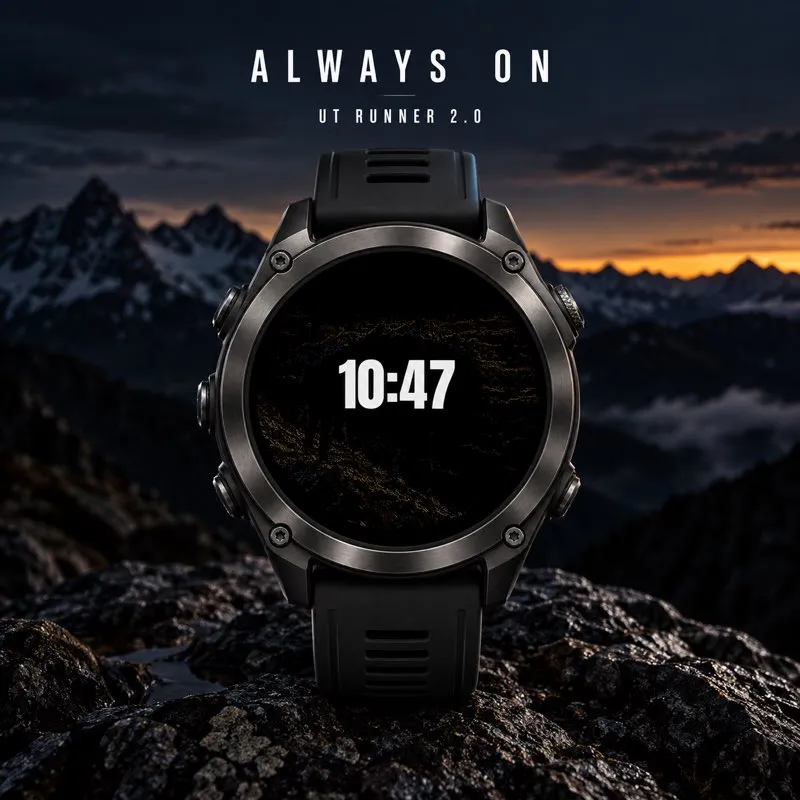
- Reduced Always On with filled time on black; optional Full Always On retains the landscape with dimming on compatible AMOLED watches.
- Long-press complication shortcuts on supported devices.
Data availability depends on your watch. Missing data is shown as --. MIP devices use a reduced palette. Always On availability and appearance depend on the display technology.
Support: [email protected]
Promotional images are illustrations. Colors and appearance may vary by device.
Privacy policy: https://athleteworld.store/en/privacy
更新記錄
Added optional Full Always On in the Connect IQ settings to keep the complete watch face visible with AMOLED dimming. Improved wake-up rendering, reused drawing resources, and deferred sensor subscriptions and maintenance until after the first visible frame. The simplified Always On option remains available.
螢幕截圖
支援語言(1)
相容機型(52)
Approach® S50
Approach® S70 (42mm)
Approach® S70 (47mm)
D2™ Air X15
D2™ Mach 1
D2™ Mach 1 Pro
D2™ Mach 2
D2™ Mach 2 Pro
Descent™ G2
Descent™ MK3 - 43mm
Descent™ MK3i - 51mm
epix™ (Gen 2)
epix™ (Gen 2)
epix™ Pro (42mm)
epix™ Pro (47mm)
epix™ Pro (51mm)
fēnix® 8 AMOLED (43mm)
fēnix® 8 AMOLED (47mm/51mm)
fēnix® 8 Pro
fenix® 9 - 43 mm
fenix® 9 – 47 mm
fenix® 9 Pro - 43 mm
fenix® 9 Pro - 47 mm
fenix® 9 Pro - 51 mm
fenix® 9 Pro - Solar 47 mm
fenix® 9 Pro - Solar 51 mm
fēnix® E
Forerunner® 165
Forerunner® 165 Music
Forerunner® 170
Forerunner® 170 Music
Forerunner® 265
Forerunner® 265S
Forerunner® 570 - 42mm
Forerunner® 570 - 47mm
Forerunner® 70
Forerunner® 70
Forerunner® 965
Forerunner® 970
Instinct® 3 – 45 mm, AMOLED
Instinct® 3 – 50 mm, AMOLED
MARQ® (Gen 2)
MARQ® Commander (Gen 2) – Carbon Edition
MARQ™ Aviator (Gen 2)
tactix® 7 – AMOLED Edition
tactix® 8 – 47 mm, AMOLED
Venu® 3
Venu® 3S
Venu® 4 – 41 mm
Venu® 4 – 45 mm
vívoactive® 5
vívoactive® 6
最近指標趨勢
評分
評論
快照日期
2026-10-27 → 2026-10-29