Beschrijving
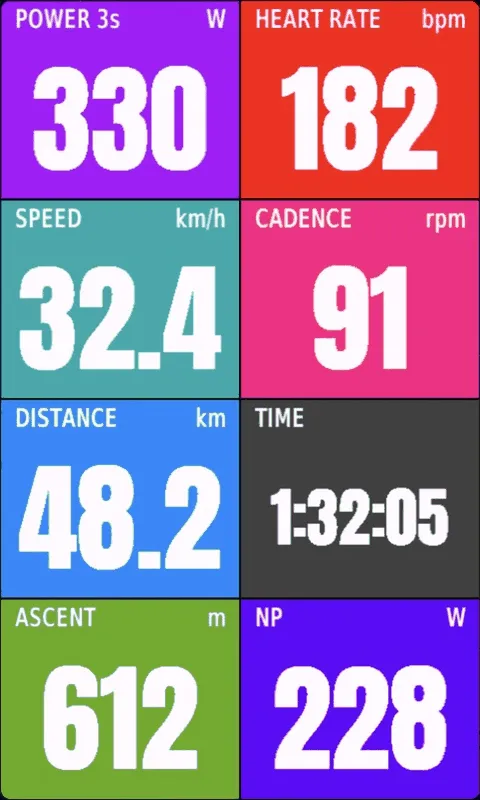
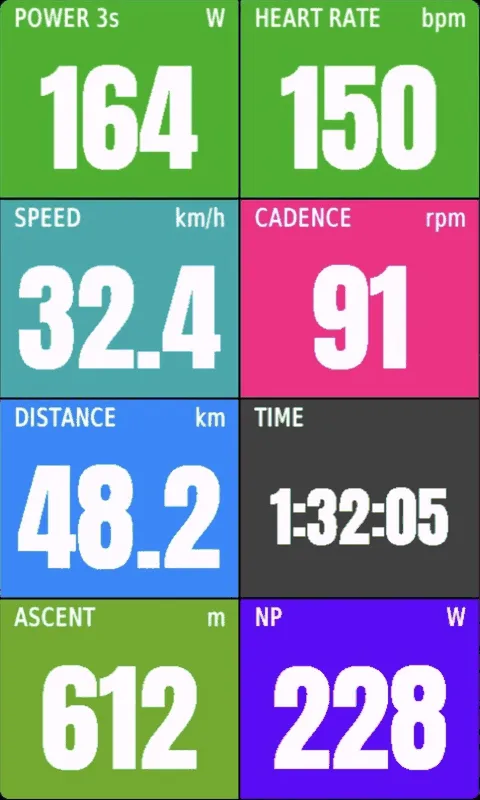
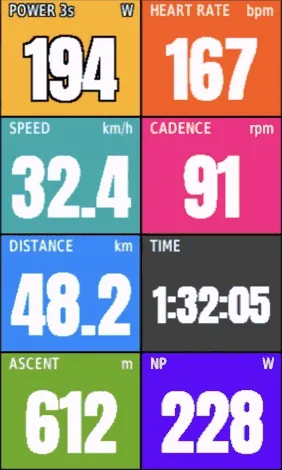
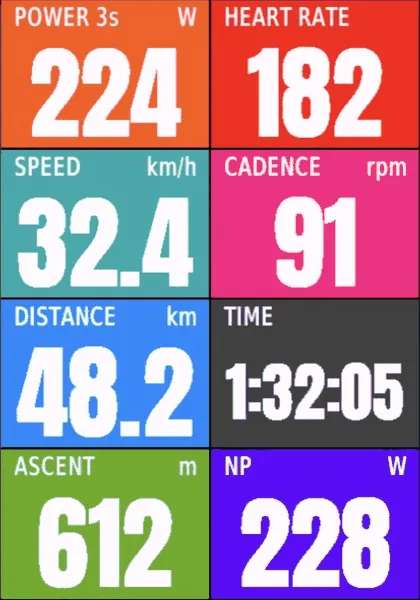
Pedalist Screen turns one data page of your Edge into eight, six or four
big, colour-coded fields — readable at a glance, at any speed.
CHOOSE YOUR LAYOUT AND FIELDS
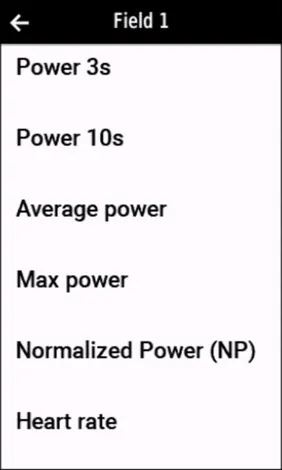
Pick 8, 6 or 4 fields per page (Layout setting). Each field can show any
of 19 metrics:
Power 3s · Power 10s · Average power · Max power · Normalized Power (NP)
Heart rate · Average heart rate · Speed · Average speed · Cadence
Distance · Time · Ascent · Grade · Calories · Temperature
Time of day · Lap time · Lap power
Default layout: Power 3s, Heart rate, Speed, Cadence, Distance, Time,
Ascent, NP.
ZONE COLOURS
Power 3s, Power 10s and Lap power change colour with your power zone,
based on your FTP:
below 55% grey · 55–75% blue · 75–90% green · 90–105% yellow
105–120% orange · 120–150% red · above 150% purple
Heart rate follows the heart-rate zones in your Garmin user profile.
All other metrics keep their own bright, fixed colours. Colours are
fully saturated for the Edge's sunlight-readable display, and the white
numbers have a black outline for contrast.
SET UP
1. Activity Profiles › (your profile) › Data Screens › Add New ›
Connect IQ › Pedalist Screen.
2. To change the layout or a field: Data Screens › (the screen you
added) › Connect IQ Data Fields › Pedalist Screen › Layout (8, 6 or
4 fields), or tap a field (e.g. Field 1) and pick the metric.
Layout and fields can also be set from the Garmin Connect app (Connect
IQ apps › Pedalist Screen › Settings).
Placed in a smaller slot, it automatically shows fewer rows (the first
fields are kept).
FTP
Edge 1050, 1040, 850, 840, 550, 540 and Edge MTB read FTP from your
device profile automatically. On Edge 1030, 830, 530 and Explore 2, enter
your FTP in the app settings (Garmin Connect app › Connect IQ apps ›
Pedalist Screen › Settings). A value entered there always overrides the
device profile. If no FTP is found, the power fields show "FTP?"
instead of "W".
Your Edge keeps recording, navigating and syncing as usual — Pedalist
Screen only draws a data page. Units follow your device settings
(metric or statute). The numbers use the same typeface as the Pedalist
app.
PRIVACY
No internet access, no account, no data leaves your device. Permissions
are used only to read your heart-rate zones and FTP (user profile) and
the Edge's temperature sensor (sensor history).
Wat is nieuw
Version 1.0.1
• New Layout setting: 8, 6 or 4 fields per page.
• Power zone colours now update during the ride when your FTP becomes available or changes; power fields show "FTP?" if no FTP is found.
• Black outline on all numbers for better contrast.
Schermafbeeldingen
Ondersteunde taal (1)
Compatibele toestellen (18)
Recente trend
Beoordeling
Reviews
Snapshot-datums
2026-11-17 → 2026-11-28