Descripción
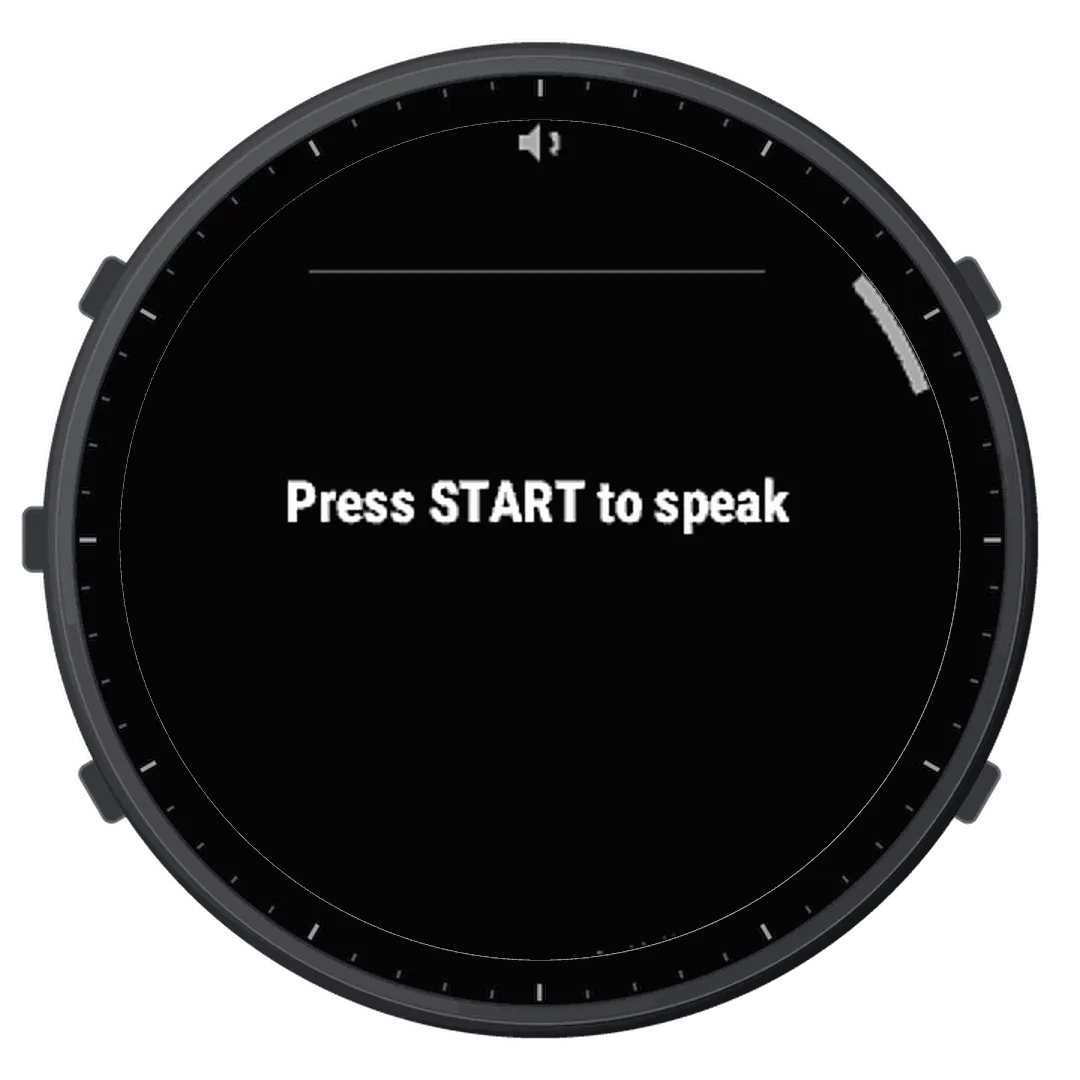
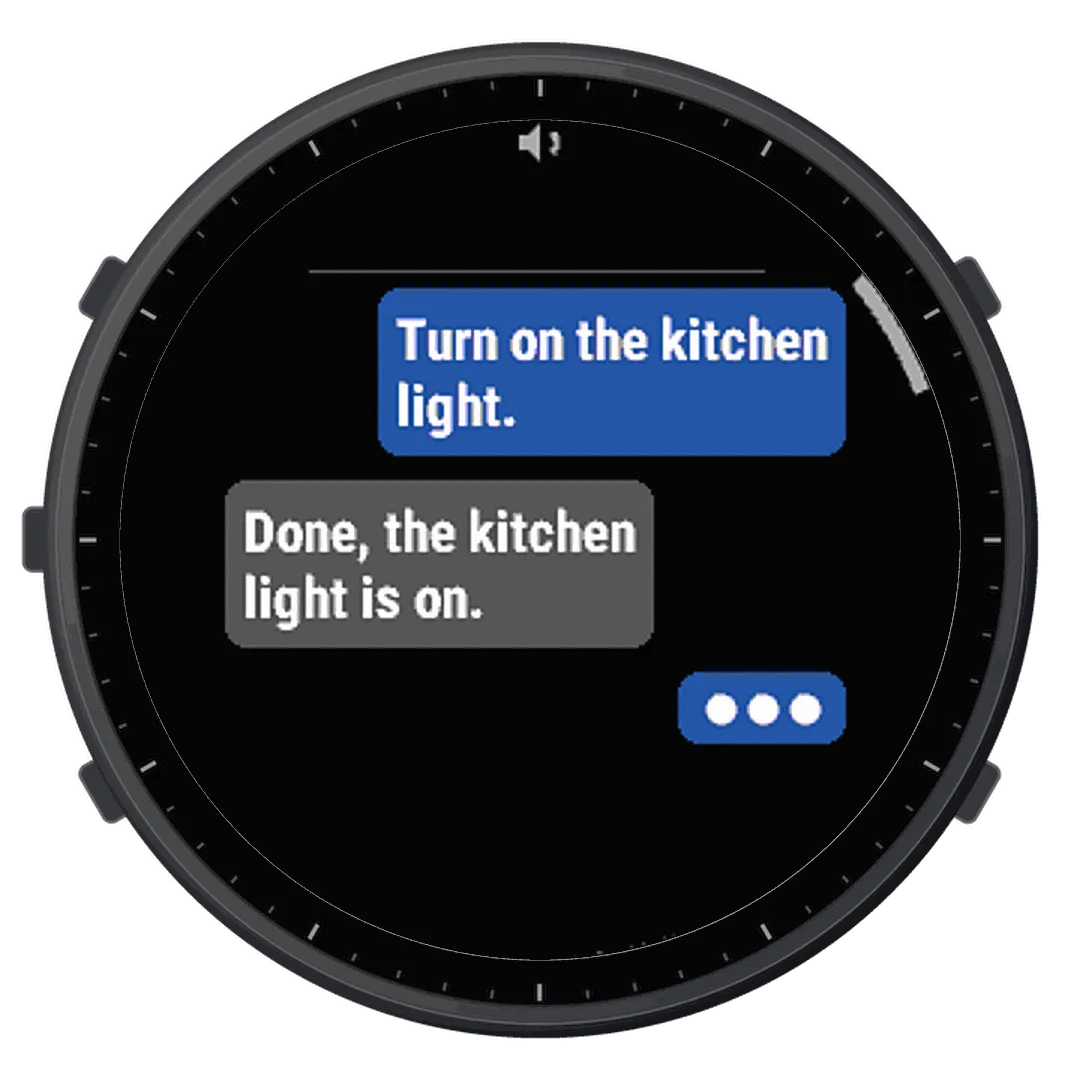
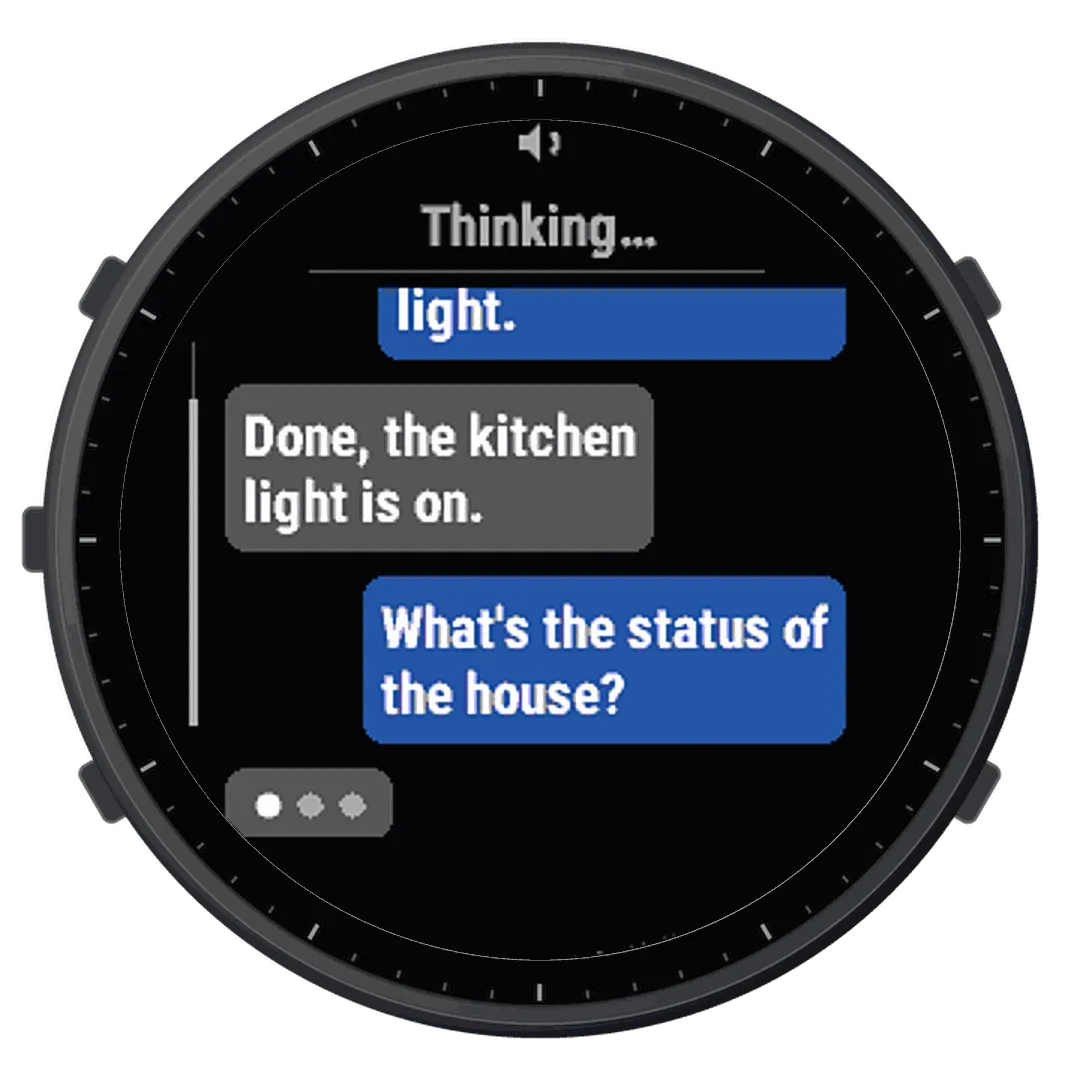
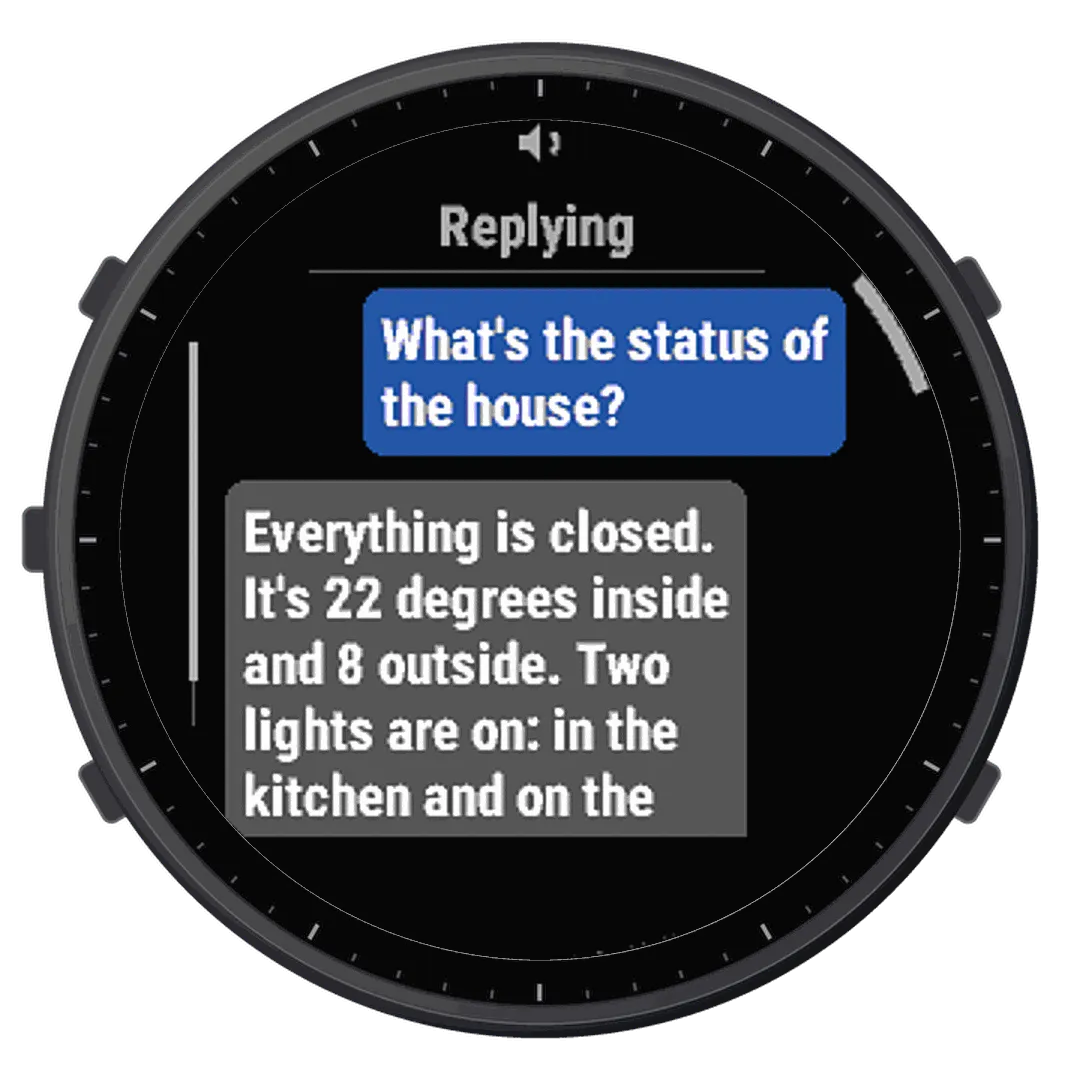
WristTalk is a voice assistant for Home Assistant on your wrist. Press START, say what you need - "turn on the kitchen light", "is the gate closed?", "what's the temperature outside?" - and your own Home Assistant understands it, acts, and answers. The watch shows the conversation like a chat and speaks the reply through its speaker.
HOW IT WORKS
• Your voice goes from the watch, through Garmin Connect on your phone, to your own Home Assistant. Home Assistant's Assist (the speech-to-text, the agent and the voice you chose there) does the rest.
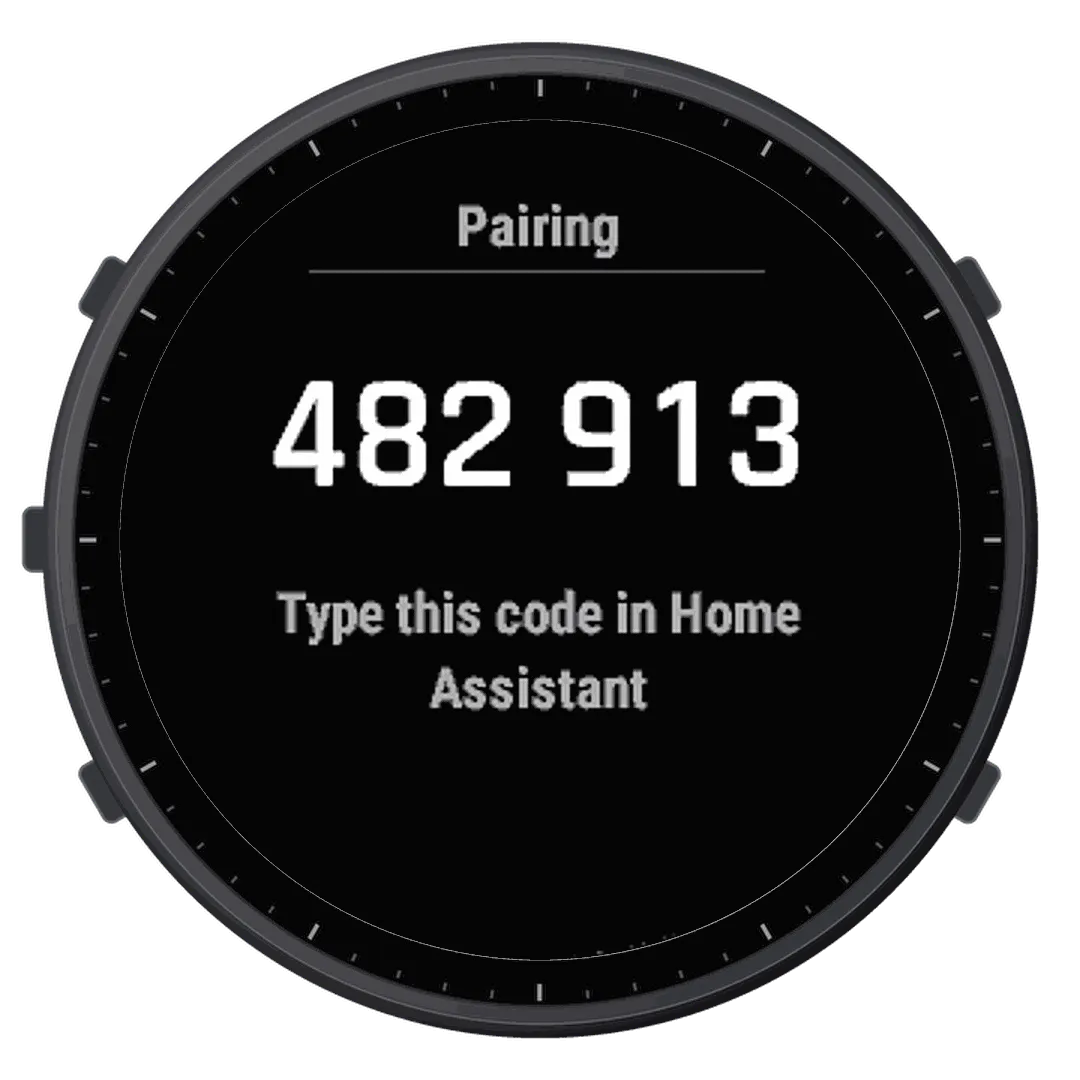
• Pair the watch once: open "Add watch" in the WristTalk integration in Home Assistant and type the code shown on the watch.
• Reply as text and voice, or text only (hold UP for the menu). Scroll long replies with a finger or UP / DOWN.
• Open it from the glance list, or hold it on a watch face that shows it (Face It, or a Connect IQ face that takes other apps' complications).
WHAT YOU NEED
• Home Assistant 2026.10 or newer with an Assist pipeline.
• The WristTalk integration 1.6.0 or newer in Home Assistant (free, from the Marketplace in Home Assistant 2026.11 or newer, or HACS): github.com/grzegorz-krzyzak/ha-wristtalk
• Home Assistant reachable over HTTPS with a trusted certificate (for example Home Assistant Cloud).
• Your phone with Garmin Connect nearby - the watch talks to Home Assistant through it, also at home (the watch's Wi-Fi is not used).
• Tested on a fēnix 8 Solar 51 mm with an iPhone; the other watches in the list have the same hardware and screen.
PRIVACY
WristTalk records only after you press START and sends your voice only to your own Home Assistant. Nothing goes to the developer, and the app keeps no recordings. Privacy policy: grzegorz-krzyzak.github.io/wristtalk/privacy/
"Keep listening after a reply" is off by default: when it is on, a conversation or a radio nearby can be taken for a command.
The watch can do everything you exposed to Assist in Home Assistant - also away from home. Turn on the watch's passcode, and delete a lost watch in Home Assistant: its key stops working at once.
A personal, non-commercial hobby project by a private individual. Not affiliated with or endorsed by Garmin, the Open Home Foundation or Home Assistant.
Novedades
• WristTalk on the watch face: add it to a Face It face or to a Connect IQ face that takes other apps' complications, then hold it to open WristTalk. Garmin's built-in faces do not take it.
• New setting - Watch face text: up to 12 characters (default: WristTalk; empty: the icon alone). After changing it, open WristTalk (or any app) from the glance list and return to the face to see the new text - opening WristTalk from the face does not refresh it.
• New permission (broadcast data for watch faces): only the watch face text from the settings is sent, to the face on your watch, nothing else.
• Fixed: the app could close after a connection error.
• Fixed: if a reply's voice is cut off before it plays and the watch misses its end, the app is ready again after the voice's length.
Capturas
Idioma compatible (1)
Dispositivos compatibles (2)
Tendencia reciente
Valoración
Reseñas
Fechas de instantáneas
2026-11-17 → 2026-11-23