Beskrivelse
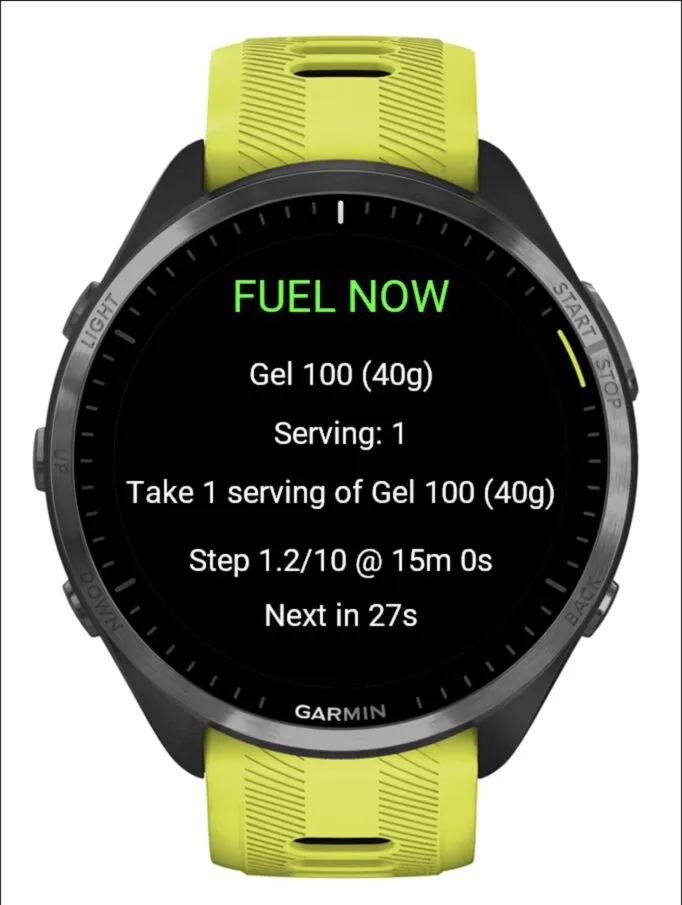
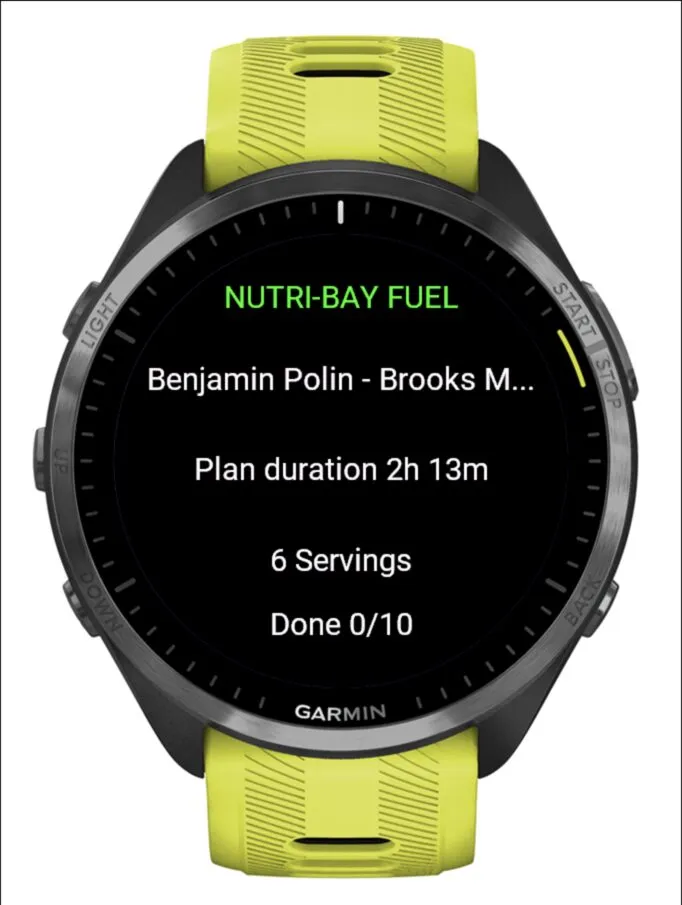
Nutri-Bay Fuel brings your personalized nutrition strategy to your Garmin device as a Connect IQ data field.
Sync a completed fuel plan from the Nutri-Bay mobile app before your event, then receive clear product and serving reminders during your activity. Reminder timing follows Garmin activity elapsed time, so countdowns pause when the activity is paused. Synced plans remaine available offline on the device.
Features:
• Timed nutrition reminders during Garmin activities
• Product, serving quantity and strategy instructions
• Support for multiple products scheduled at the same time
• Countdown to the next nutrition reminder
• Vibration alerts
• Offline access after synchronization
• Progress and completed-plan states
Setup:
1. Install the Nutri-Bay Fuel data field.
2. Add it to a data screen in your Garmin running or cycling activity.
3. Enable Connect IQ alerts in the activity settings.
4. Open a completed plan in the Nutri-Bay mobile app and select “Send to Garmin”.
5. Start your Garmin activity.
The Nutri-Bay mobile app and Garmin Connect Mobile are required to transfer plans to the device.
This is a beta release intended for testing device compatibility, plan synchronization and race-day reminder behaviour.
Skærmbilleder
Understøttede sprog (2)
Kompatible enheder (15)
Seneste målingsudvikling
Bedømmelse
Anmeldelser
Datoer for øjebliksbilleder
2026-10-27 → 2026-10-31