该条目当前未在商店返回(状态:delisted),数据为最近一次成功抓取结果。
功能说明
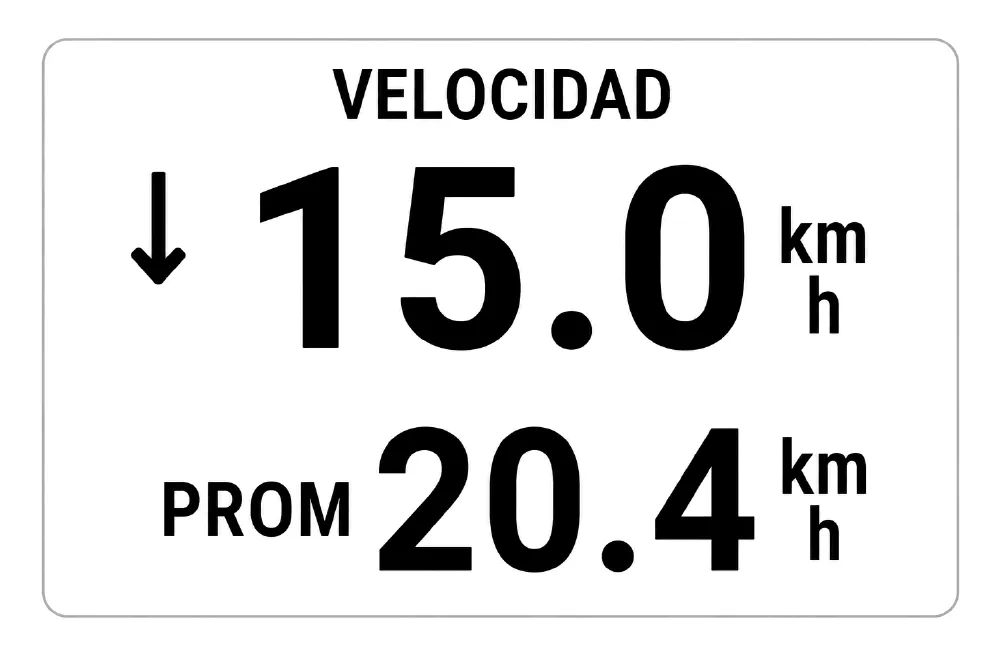
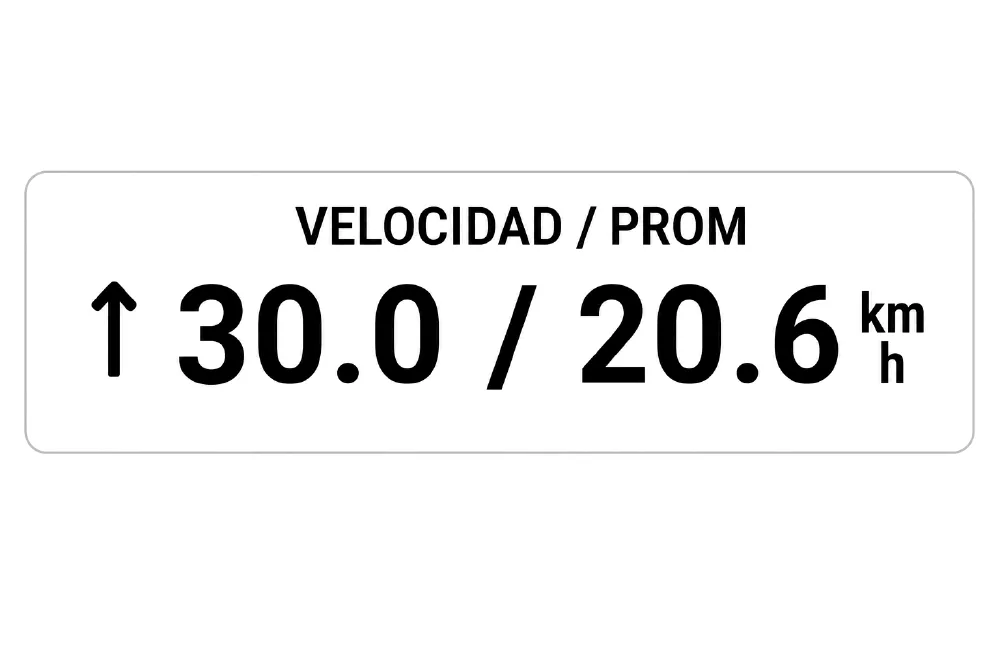
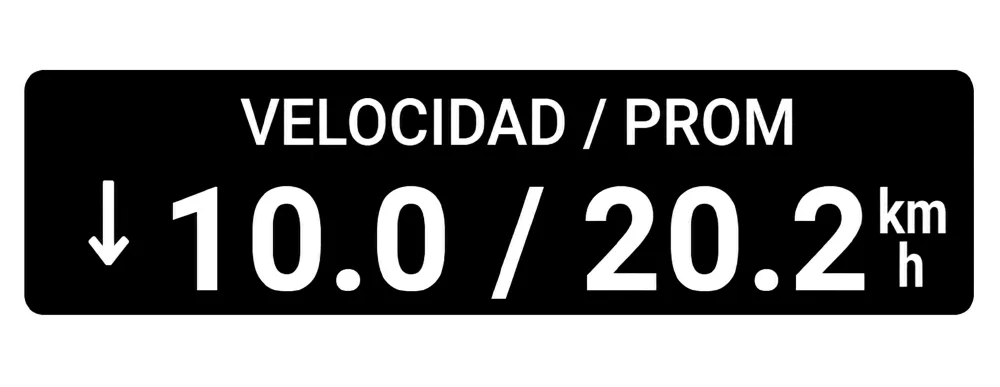
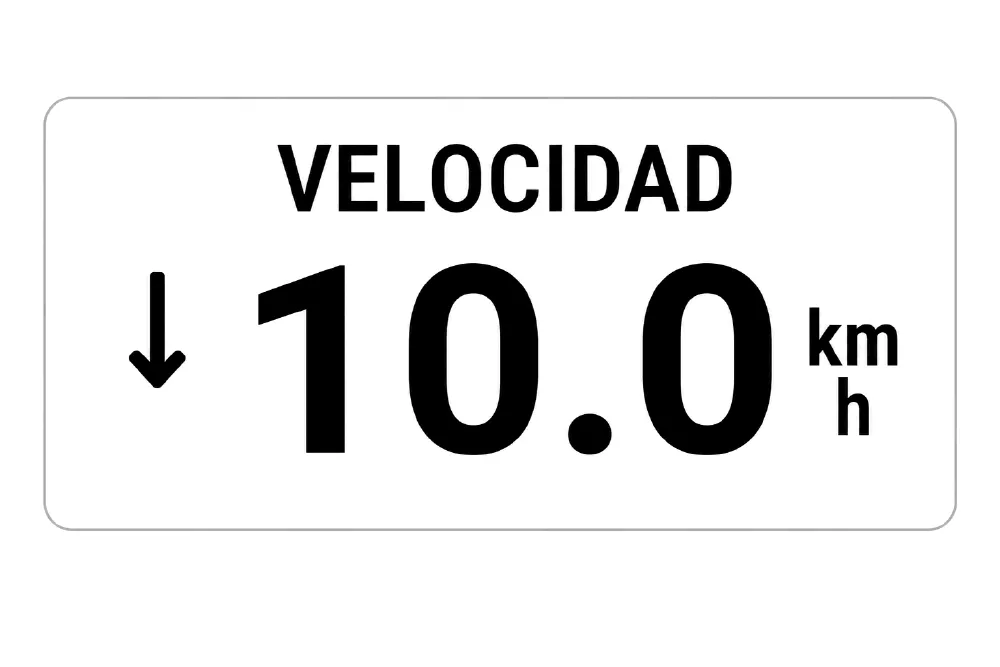
Those Cateye cycle computers from the 90s had a small arrow (↑ or ↓) next to the speed: it pointed up when you were riding faster than your average, down when you were slower, and disappeared when the two matched. One glance and you knew whether you were pushing or fading - no maths, no second screen.
This data field brings that back to your Edge.
Your Edge already knows your current speed and your average speed, but it shows them in separate
fields: to compare them you have to read two numbers and do the subtraction yourself, while riding.
Here you get one indicator.
- Current speed, big, with an up or down arrow next to it.
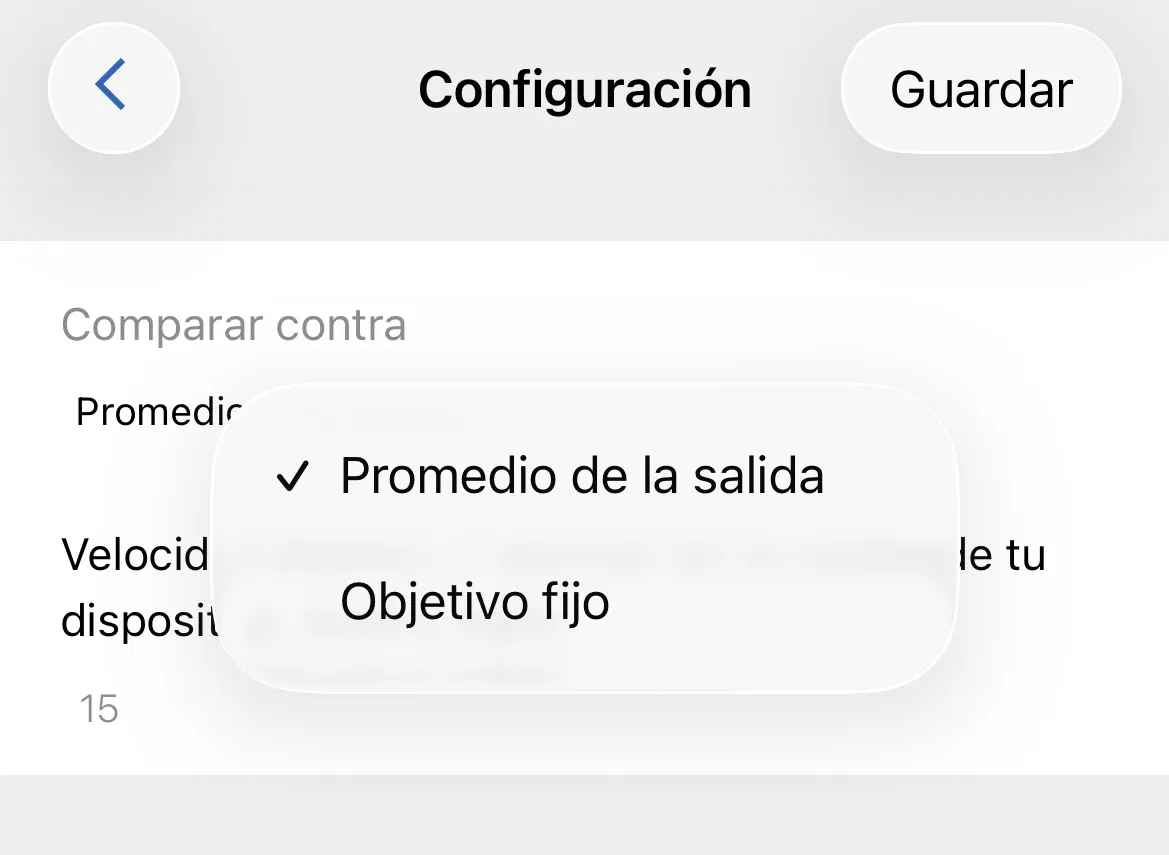
- No arrow when you are within 0.1 km/h of your average. That means "you are riding at your average",
not "no data".
- The average too, on a second line, whenever the field is tall enough to fit it.
- It adapts to the cell: full screen, half, or a small cell. In a wide, short cell it switches to one
line, current / average.
- Follows your device units, km/h or mph.
Works on Edge 530, 540, 550, 830, 840, 850, 1030, 1030 Plus, 1030 Bontrager, 1040, 1050, Explore 2
and Edge MTB.
更新日志
Bug fix on the *30 family on some screen sizes
截图