รายละเอียด
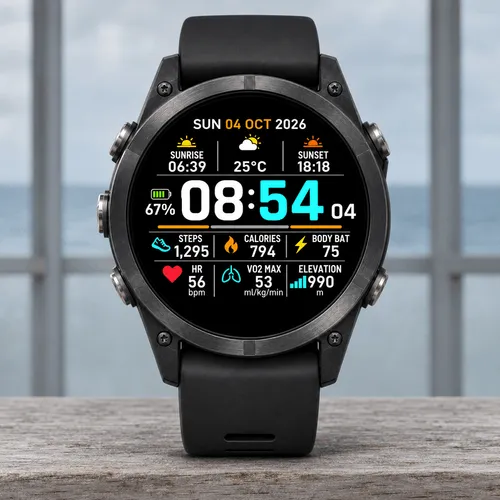
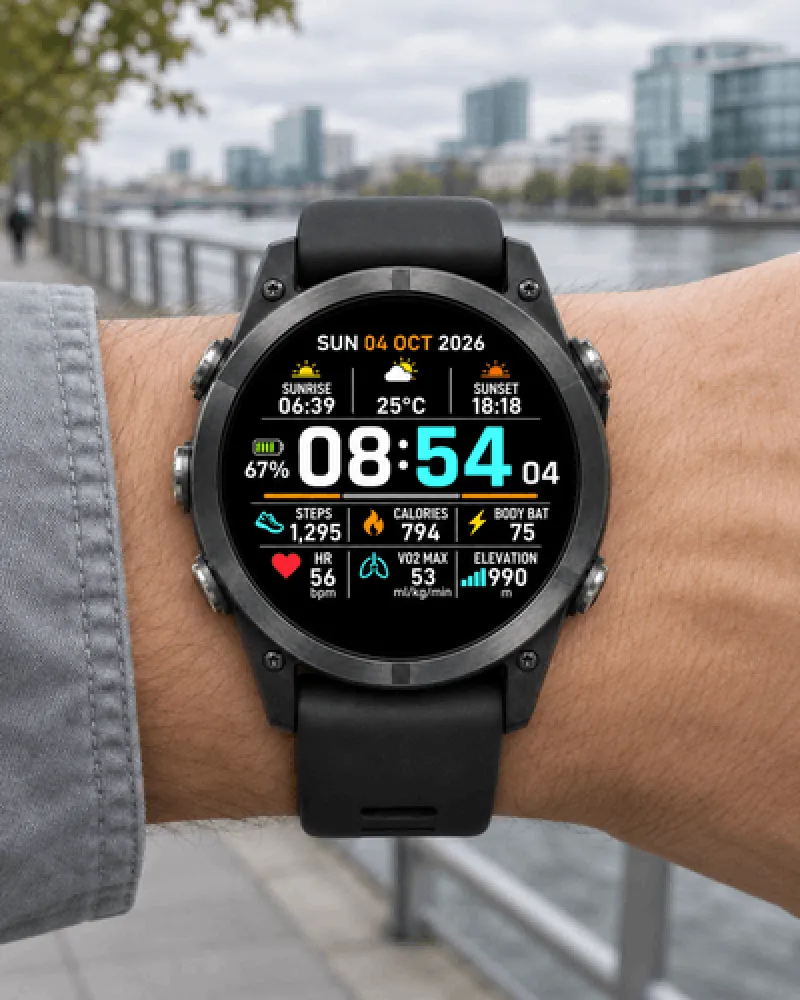
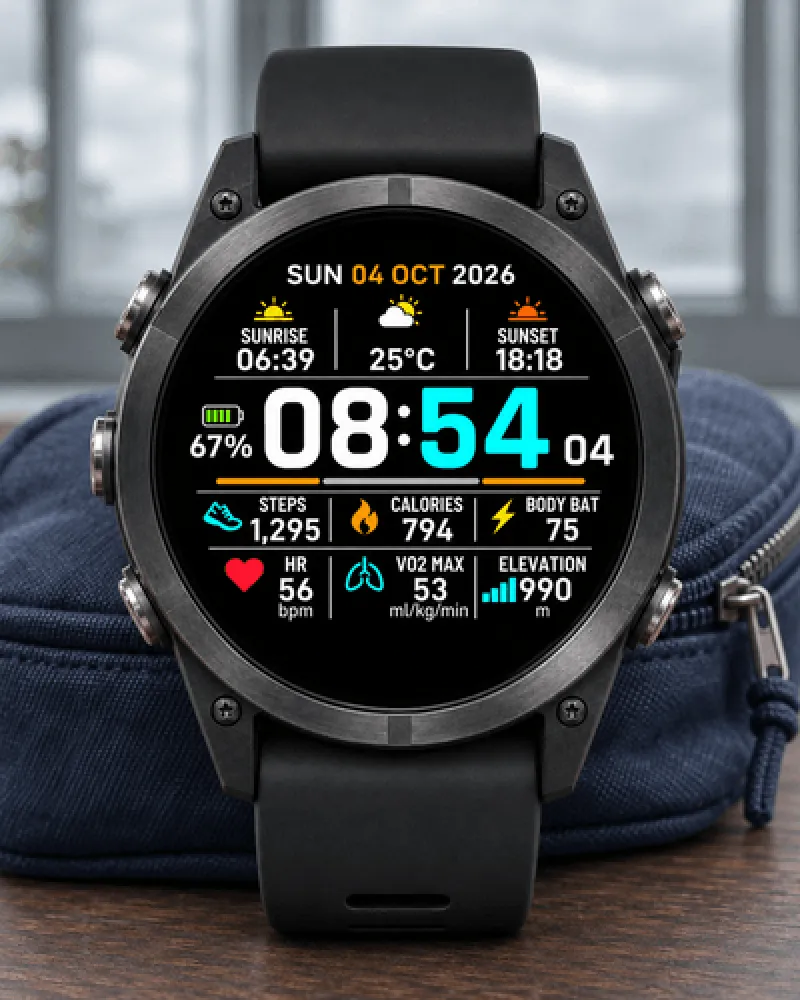
A clean digital dashboard with bold white and cyan time, solar and weather information, battery and six customizable stats. Color themes and an independent minutes color let you make the face your own.
This watch face costs USD 4 as a one-time purchase through Athlete World. New purchases are currently unavailable while this product is hidden from our store.
How to purchase and activate when available:
1. Open the Cyan Tempo product page: https://athleteworld.store/en/themes/cyan-tempo
2. When purchasing is available, complete checkout and copy the activation code from your Athlete World confirmation email.
3. Install Cyan Tempo from Connect IQ and open its Settings.
4. Paste the code into Activation code, tap Save, and keep your watch connected to your phone with internet access. Background activation may wait for Garmin's permitted interval; connection errors retry and can extend this wait.
A purchased license supports up to three compatible watches.
Features:
- Six independent fields with 99 selectable metrics plus None
- 20 color themes and a separate minutes color option
- Seven supported languages
- System, 12-hour and 24-hour time; date formats
- Optional leading-zero suppression in 12-hour format
- Optional seconds and weekly calendar
- Distance and temperature unit options
- Long-press shortcuts to compatible native widgets
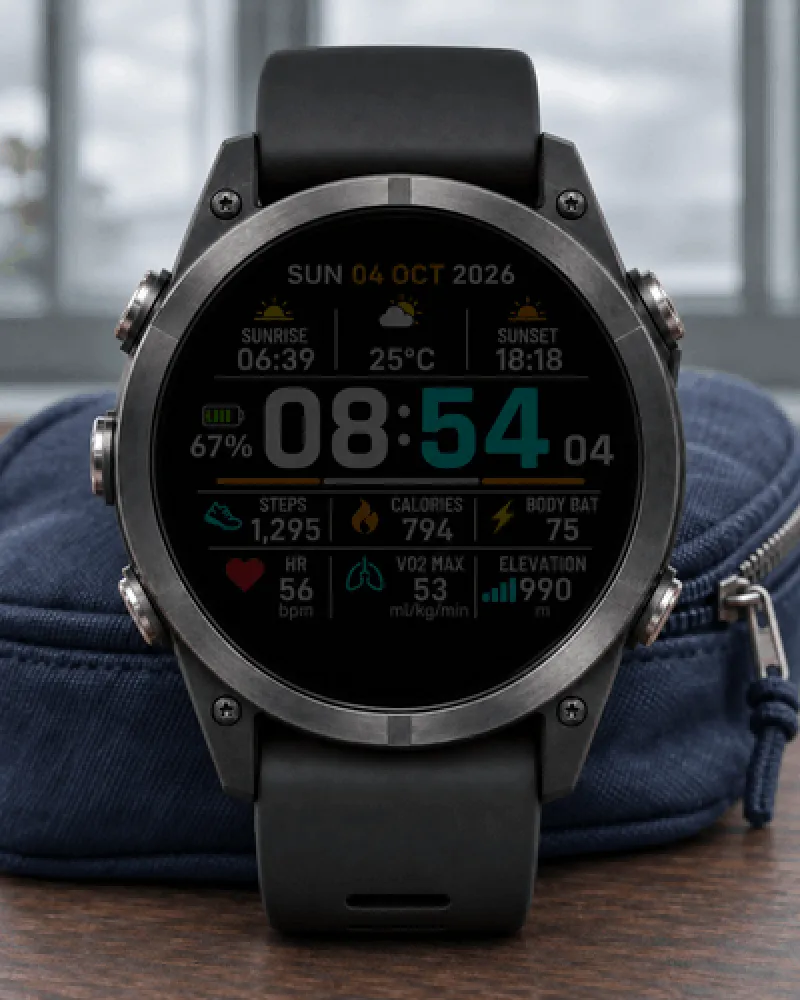
- Reduced Always On and optional Full Always On on AMOLED
- Recent HR and altitude fallback while current readings refresh
- Verified AMOLED profiles and selected 260/280 px MIP profiles
Missing data displays --. Current heart rate is separate from historical averages. Recent sensor fallbacks expire. Local activity totals are not lifetime Garmin Connect history. Weather and solar information may require phone synchronization. Full Always On uses cached data and hides seconds. Availability varies by device, firmware and sensors. The thin colored strips are decoration, not training graphs. Long values may be abbreviated to fit.
Promotional images are illustrations. Included Connect IQ simulator screenshots use illustrative data and are not physical-device measurements. Appearance and brightness may vary by device.
Support: [email protected]
Privacy policy: https://athleteworld.store/en/privacy
บันทึกการอัปเดต
1.0.1: Improved spacing between data icons, values and units, including longer step counts. Improved solar-panel and weekly-calendar margins. Full numeric values now fit the data fields without renderer abbreviations. Features, settings, themes and licensing remain unchanged.
ภาพหน้าจอ
ภาษาที่รองรับ (1)
อุปกรณ์ที่รองรับ (52)
Approach® S50
Approach® S70 (42mm)
Approach® S70 (47mm)
D2™ Air X15
D2™ Mach 1
D2™ Mach 1 Pro
D2™ Mach 2
D2™ Mach 2 Pro
Descent™ G2
Descent™ MK3 - 43mm
Descent™ MK3i - 51mm
epix™ (Gen 2)
epix™ (Gen 2)
epix™ Pro (42mm)
epix™ Pro (47mm)
epix™ Pro (51mm)
fēnix® 8 AMOLED (43mm)
fēnix® 8 AMOLED (47mm/51mm)
fēnix® 8 Pro
fenix® 9 - 43 mm
fenix® 9 – 47 mm
fenix® 9 Pro - 43 mm
fenix® 9 Pro - 47 mm
fenix® 9 Pro - 51 mm
fenix® 9 Pro - Solar 47 mm
fenix® 9 Pro - Solar 51 mm
fēnix® E
Forerunner® 165
Forerunner® 165 Music
Forerunner® 170
Forerunner® 170 Music
Forerunner® 265
Forerunner® 265S
Forerunner® 570 - 42mm
Forerunner® 570 - 47mm
Forerunner® 70
Forerunner® 70
Forerunner® 965
Forerunner® 970
Instinct® 3 – 45 mm, AMOLED
Instinct® 3 – 50 mm, AMOLED
MARQ® (Gen 2)
MARQ® Commander (Gen 2) – Carbon Edition
MARQ™ Aviator (Gen 2)
tactix® 7 – AMOLED Edition
tactix® 8 – 47 mm, AMOLED
Venu® 3
Venu® 3S
Venu® 4 – 41 mm
Venu® 4 – 45 mm
vívoactive® 5
vívoactive® 6
แนวโน้มตัวชี้วัดล่าสุด
คะแนน
รีวิว
วันที่ของสแนปช็อต
2026-11-13 → 2026-11-15