Popis
Pump Smarter, Foil Longer.
Pumpfoilytics (formerly PumpfoilMate) is the first Garmin Connect IQ app built specifically for pumpfoiling. The Fusion detection algorithm automatically picks up successful and failed starts, pumps, flights, pauses and glides — no need to fiddle with the watch during your session.
Just go pump, and let the watch track every stat that matters.
And so you can read the one metric you actually care about between two pumps (e.g. heart rate), pick your pump screen in Settings — an XL screen shows a single value full-size, readable even mid-pump. Then press "Just pump it!" in the main menu and go.
The basics
• Auto-detection — The app picks up when you start a run and when you stall, so you ride without fiddling with the watch. One tuned detection, nothing to choose; manual override on the LAP button. A GPS outlier filter keeps phantom runs out.
• Fail tracking — A short attempt (under 8 s or 25 m) is logged as a Fail instead of a successful run, and your session hit rate shows up as a percent.
• Pump Laps only — Only your pump runs become laps. In between, the recording keeps going, so your heart rate counts as recovery.
On the watch
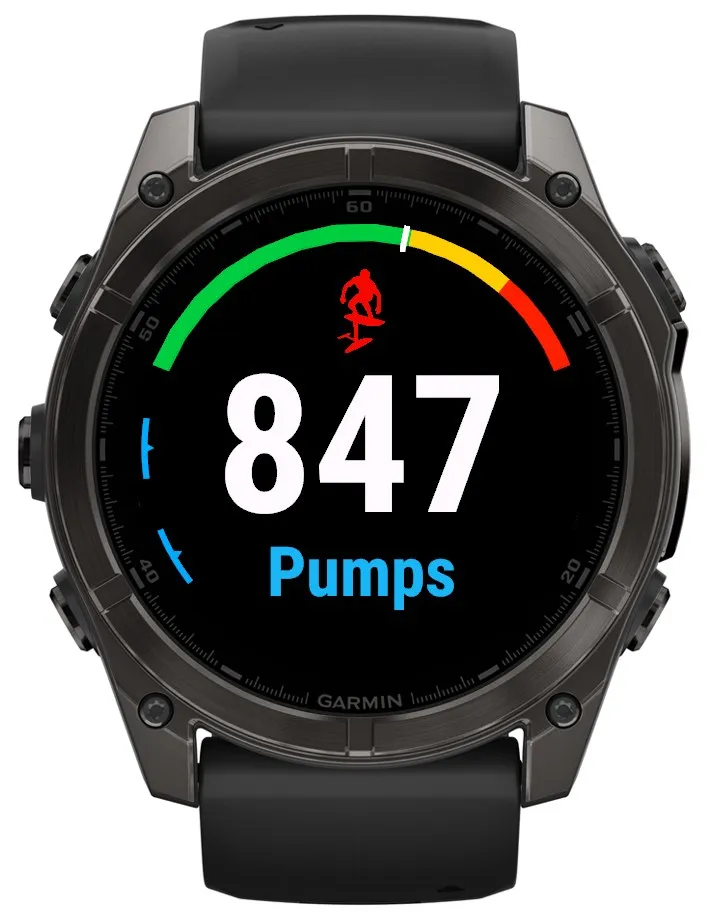
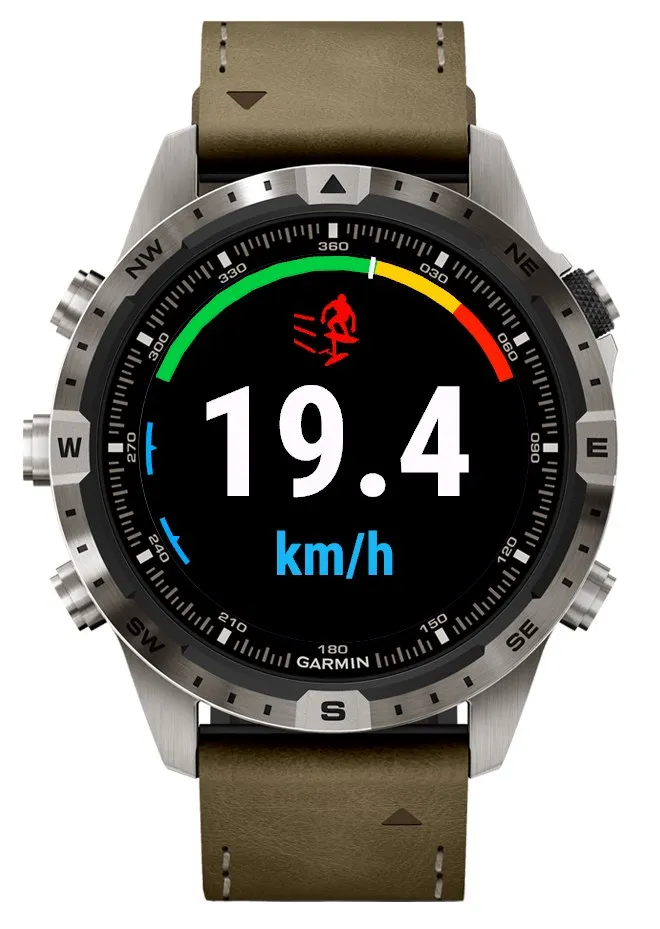
• 6 Pump screens — Five XL screens give the whole glass to one number: distance (the default), heart rate, pumps, time and speed. Plus Multi Iten: heart rate, distance, time and speed at a glance. A live HR-zone arc runs along the top edge: green up to zone 3, yellow for zone 4, red for zone 5. Or build your own with Custom Screen: up to 3 pages with 4 slots each, 12 values to choose from.
• Recovery pages — One card for every pump run, plus four session overviews: totals, pumps, averages and time.
• 3-page Session Summary — Right after you save, scroll with UP/DOWN through Overview, your hit rate, and your peak numbers.
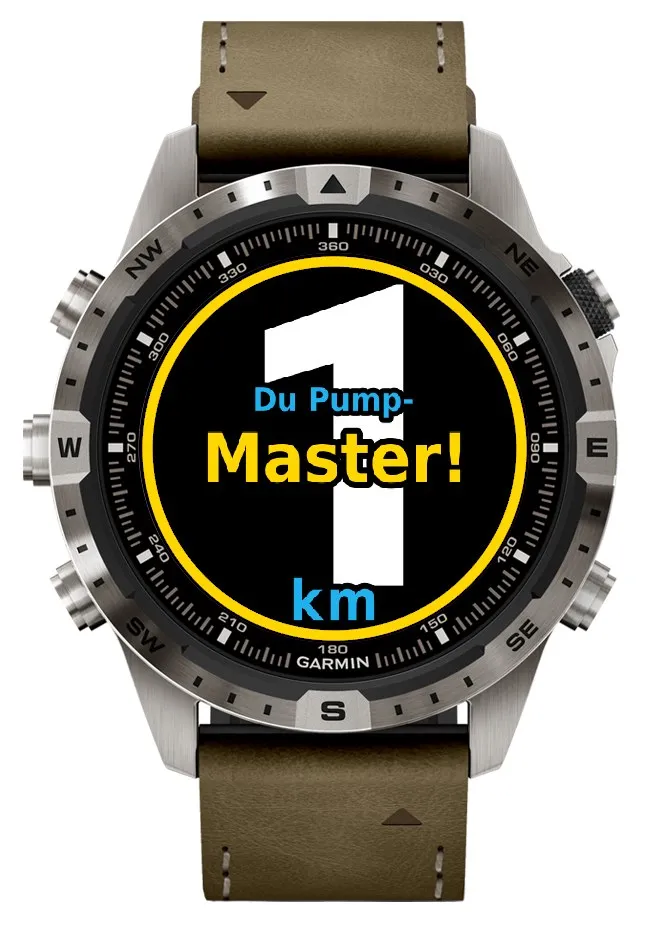
• Milestones — Ten milestones from 100 m up to 97.2 km (Pump Iten), celebrated on every pump lap, not just on session totals.
• Clear cues — One clear tone per event, and a vibration pattern strong enough to feel through a wetsuit.
After the session
• Garmin Connect charts — Pump / Glide / Recovery timeline, colour-coded second by second, plus all the numbers: run time, distance, hit rate, longest run, top speed (the steadier 5-second value), metres per pump, longest glide.
• Web companion — Scan the QR code in the summary right after you save and sign up at pumpfoilytics.com. Your rides, phases and stats in the browser, free.
• Foilsetup — Name up to three gear setups in Garmin Connect and every session carries the one you rode.
• HR and speed alerts — Buzz and tone when you cross your limit. 130–200 bpm in 5 bpm steps, 9–20 km/h.
• User Guide — updated: 9 short pages in the main menu explain the app.
Compatible with fenix 7, 7X, 7 Pro, 8, epix, epix Pro, Forerunner 255, 265, 570, 965, Instinct 3, Venu 3, Vivoactive 5, Enduro 3, and other Connect IQ 5+ watches (67 devices total). On Instinct the app runs a slimmed build made for the smaller screen.
11 languages: English, German, French, Italian, Spanish, Portuguese, Dutch, Swedish, Japanese, Danish, Polish.
Companion watch face: Pumpfoil – https://apps.garmin.com/apps/645e324a-b3ae-41f1-a93a-46abd2eb8d56
Formerly known as PumpfoilMate.
Čo je nové
2.19
Your Custom Screen now has up to 3 pages: more values in view without switching screens.
• Custom Screen with up to 3 pages: in the Connect IQ app, set "Custom Screen – pages" to 1, 2 or 3 and fill 4 slots on each page with any of the 12 values.
• On the watch, UP/DOWN first scrolls through your custom pages, then on to the next screen.
• Pages 2 and 3 come pre-filled: run distance, pumps, heart rate and top speed, then average session speed, pump rate, 15 s average and speed. The default stays at 1 page, so nothing changes until you set it.
• Fix: on some watches the top line of the Custom Screen stayed empty. It now shows up.
Custom Screen is not available on Instinct. Your settings stay as they are.
Earlier versions:
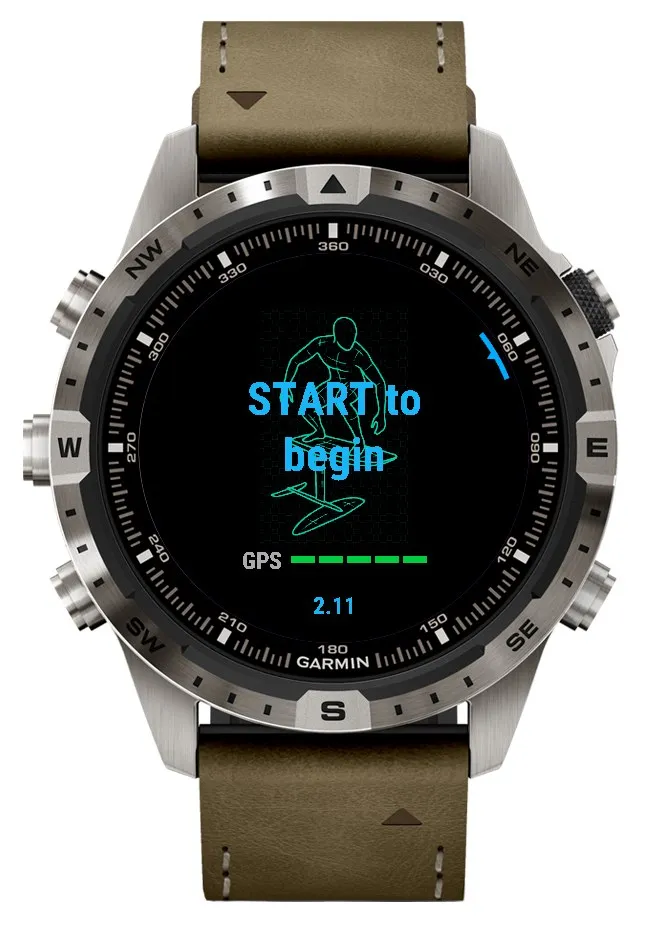
• The main menu appears right at launch and on the menu button: "Just pump it!", "Foilsetup", "Settings" and "User Guide". "Just pump it!" takes you to the start screen, and START begins recording. It replaces the setup wizard.
• Settings reordered: Pump Screen, Detection Mode, Lap Alert, HR Alert, Speed Alert and Audio Cues, then Advanced with Voice Laps, Stall Alert, Milestones and Foil Time. Below the highlighted item you see its current value with a short explanation.
• Lap Alert with pace in min:ss per km: from 1 km the pace of the last kilometre, before that the run average. Distance and pace have more room.
• Voice Laps shows the big lap display with distance and pace at every lap, even on watches without a speaker. Before, those only beeped.
• Milestones: "Every session" as before, "Only new ones" or "Only at the end". With "Only new ones", a milestone you have already seen no longer covers your lap. The watch remembers them from this update on. With "Only at the end" you see them in the summary. They are always counted.
• Badges: the big number is fully visible, the name sits on top as a coloured rim. In the summary they come in ascending order, the highest last.
• Foil Time is out of beta and sits under Advanced.
• Fix: in Manual and for laps switched with LAP, Lap Alert and milestones start from zero in every lap.
• Ten milestones from Pumper (100 m) to Pump Iten (97.2 km), with badges.
• Foil Time: the Garmin timer only runs while you foil.
• Metres per pump in Garmin Connect and on the watch.
• LAP twice ends any lap, a prompt when you stop moving, Voice Laps with 1 mi too.
• No accidental stops, foil setup picker, pump screen Multi Iten and much better pump detection.
• Chest strap check, XL screens with watermarks, clear tones and Lap Alert.
Instinct keeps its menu and shows milestones in its own way. The main menu, Custom Screen, Voice Laps, Foil Time and the coloured badges are not available there. Lap Alert with pace and the fix apply on Instinct too.
After every pumpfoil session, open Garmin Connect for pump distance, hit rate, metres per pump and recovery context.
Pumpfoilytics is the first Garmin app built specifically for pump foiling, whether you dock start, prone, or pump between wing runs.
Works on fenix 7 / 7S / 7X / 7 Pro / 8 / 8S / 8X, Forerunner 255 / 265 / 265S / 570 / 955 / 965, epix Pro, Instinct 3, Venu 3, Vivoactive 5, Enduro 3, MARQ and other Connect IQ 5+ watches.
Snímky obrazovky
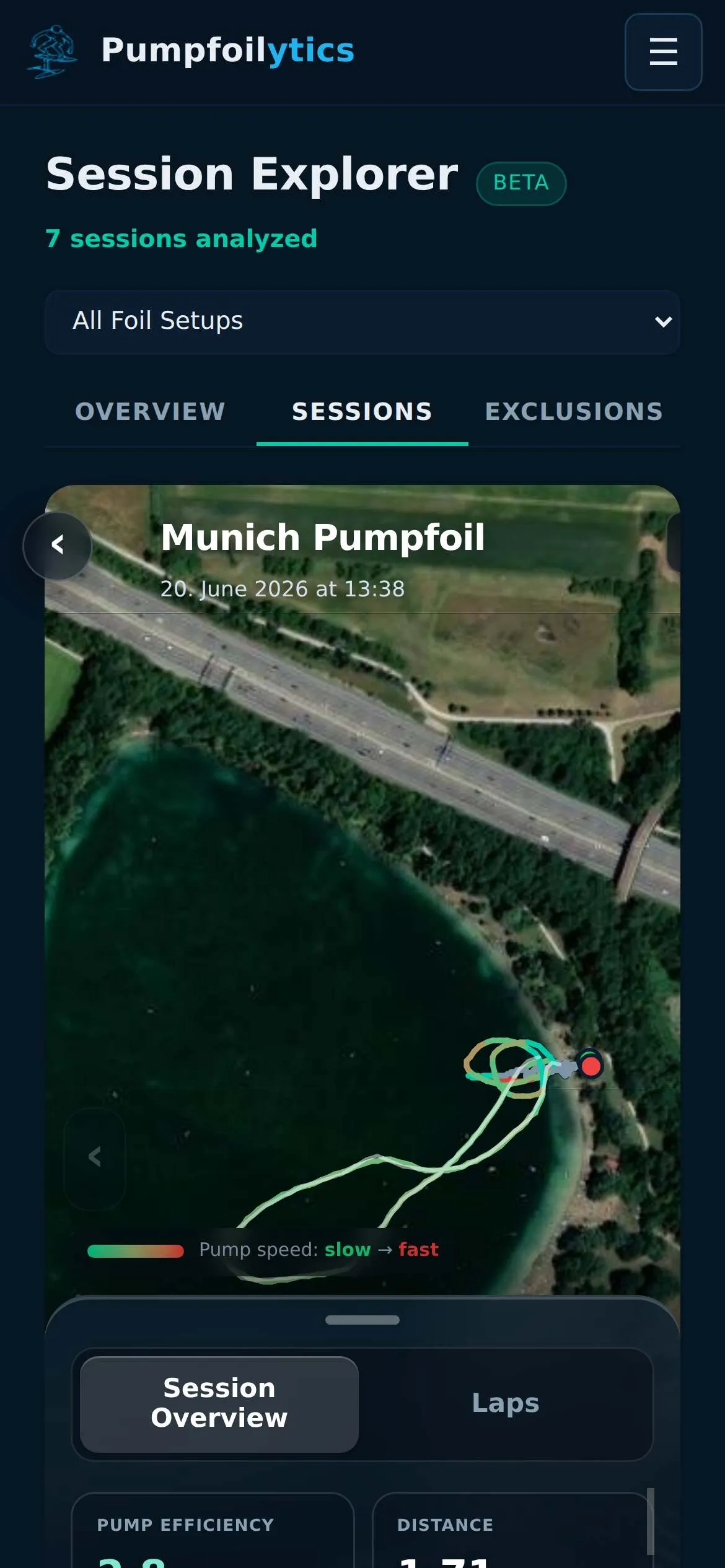
Podporovaných jazykov (11)
Kompatibilných zariadení (82)
Approach® S50
Approach® S70 (42mm)
Approach® S70 (47mm)
D2™ Air X10
D2™ Air X15
D2™ Mach 1
D2™ Mach 1 Pro
D2™ Mach 2
D2™ Mach 2 Pro
Descent™ G2
Descent™ MK3 - 43mm
Descent™ MK3i - 51mm
Enduro™ 2
Enduro™ 3
epix™ (Gen 2)
epix™ (Gen 2)
epix™ Pro (42mm)
epix™ Pro (47mm)
epix™ Pro (51mm)
fēnix® 7
fēnix® 7
fēnix® 7 Pro
fēnix® 7 Pro – Solar Edition (No Wi-Fi®)
fēnix® 7S
fēnix® 7S
fēnix® 7S Pro
fēnix® 7X
fēnix® 7X
fēnix® 7X Pro
fēnix® 7X Pro No Wi-Fi
fēnix® 8 AMOLED (43mm)
fēnix® 8 AMOLED (47mm/51mm)
fēnix® 8 Pro
fēnix® 8 Solar (47mm)
fēnix® 8 Solar (51mm)
fenix® 9 - 43 mm
fenix® 9 – 47 mm
fenix® 9 Pro - 43 mm
fenix® 9 Pro - 47 mm
fenix® 9 Pro - 51 mm
fenix® 9 Pro - Solar 47 mm
fenix® 9 Pro - Solar 51 mm
fēnix® E
Forerunner® 165
Forerunner® 165 Music
Forerunner® 170
Forerunner® 170 Music
Forerunner® 255
Forerunner® 255 Music
Forerunner® 255S
Forerunner® 255S Music
Forerunner® 265
Forerunner® 265S
Forerunner® 570 - 42mm
Forerunner® 570 - 47mm
Forerunner® 70
Forerunner® 70
Forerunner® 955 Dual Power
Forerunner® 965
Forerunner® 970
Instinct® 3 – 45 mm, AMOLED
Instinct® 3 – 45 mm, Solar
Instinct® 3 – 50 mm, AMOLED
Instinct® 3 – 50 mm, Solar
Instinct® Crossover AMOLED
Instinct® E – 40 mm
Instinct® E – 45 mm
MARQ® (Gen 2)
MARQ® Adventurer (Gen 3)
MARQ® Commander (Gen 2) – Carbon Edition
MARQ™ Aviator (Gen 2)
tactix® 7
tactix® 7 – AMOLED Edition
tactix® 8 – 47 mm, AMOLED
tactix® 8 – 51 mm, Solar
Venu® 3
Venu® 3S
Venu® 4 – 41 mm
Venu® 4 – 45 mm
Venu® X1
vívoactive® 5
vívoactive® 6
Nedávny trend metrík
Hodnotenie
Recenzie
Dátumy snímok
2026-10-27 → 2026-10-30