Keterangan
StemView sends your ride data to a StemView handlebar display over Bluetooth, so you can read it big, in full sun.
StemView is a display you build yourself: a Waveshare ESP32-S3-RLCD-4.2 board with a reflective 4.2" screen, a 3D-printed case and the StemView app. The app and the build guide are coming soon; until then this field has no display to connect to.
HOW TO USE
1. Activate your StemView display with the StemView app (one time). A new display starts locked: until it is activated, this field shows "Activate in app".
2. Add the StemView field to any bike activity data screen.
3. Once activated, the display shows a 4-digit code on its PAIR WATCH screen (long-press KEY if you don't see it). This code belongs to the watch link; it is not the 6-digit code the app asks for.
4. Enter that 4-digit code in the field settings in the Connect IQ app.
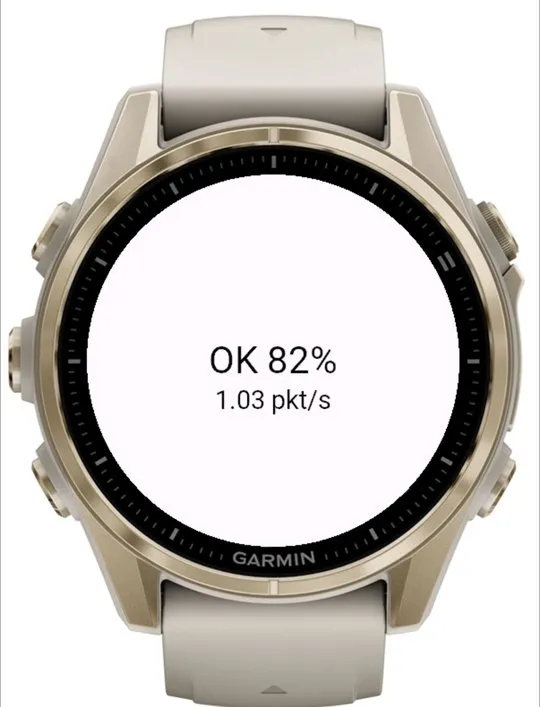
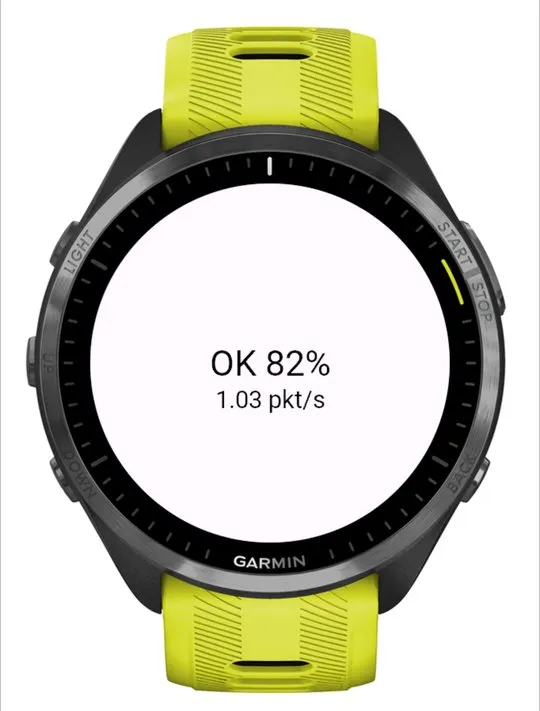
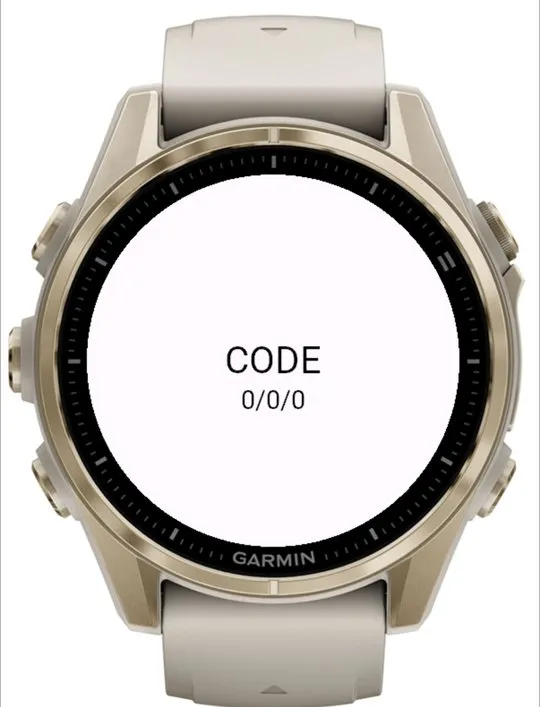
5. Start your ride. The field shows the display battery ("Display bat. 92%") and whether the link is stable.
COMPATIBILITY
Tested on a fēnix 8 (43 mm). The other listed models have so far been tested only in Garmin's simulator.
WHAT IT SENDS
Speed, distance, time, heart rate and zones, cadence, power and 3 s power, grade, ascent, position and heading (for the map), structured workout steps, weather, laps, navigation and your watch battery.
Your activity is still recorded by your watch: if the display is off or out of range, nothing is lost.
StemView is an independent project and is not affiliated with or endorsed by Garmin.
Nota kemas kini
1.0.3: Clearer status: the field shows your display's battery ("Display bat. 92%") and whether the link is stable, weak or reconnecting, instead of technical numbers (turn them back on with the new Connection diagnostics setting). Tells newer StemView displays which sensors your watch sees (power, cadence, heart rate). Fixes the field closing on Forerunner 165, 170 and 70.
1.0.2: your StemView screen now shows which Garmin watch it's paired with, and uses your FTP from Garmin Connect for %FTP and power zones on supported watches.
1.0.1: a "StemView" label above the status so you can tell it apart from other Bluetooth fields, and the diagnostic line no longer gets cut off on round screens.
Tangkapan skrin
Bahasa disokong (2)
Peranti serasi (58)
D2™ Mach 1 Pro
Enduro™ 2
Enduro™ 3
Enduro™ 4
epix™ (Gen 2)
epix™ (Gen 2)
epix™ Pro (42mm)
epix™ Pro (47mm)
epix™ Pro (51mm)
fēnix® 7
fēnix® 7
fēnix® 7 Pro
fēnix® 7 Pro – Solar Edition (No Wi-Fi®)
fēnix® 7S
fēnix® 7S
fēnix® 7S Pro
fēnix® 7X
fēnix® 7X
fēnix® 7X Pro
fēnix® 7X Pro No Wi-Fi
fēnix® 8 AMOLED (43mm)
fēnix® 8 AMOLED (47mm/51mm)
fēnix® 8 Pro
fēnix® 8 Solar (47mm)
fēnix® 8 Solar (51mm)
fenix® 9 - 43 mm
fenix® 9 – 47 mm
fenix® 9 Pro - 43 mm
fenix® 9 Pro - 47 mm
fenix® 9 Pro - 51 mm
fenix® 9 Pro - Solar 47 mm
fenix® 9 Pro - Solar 51 mm
fēnix® E
Forerunner® 165
Forerunner® 165 Music
Forerunner® 170
Forerunner® 170 Music
Forerunner® 255
Forerunner® 255 Music
Forerunner® 255S
Forerunner® 255S Music
Forerunner® 265
Forerunner® 265S
Forerunner® 570 - 42mm
Forerunner® 570 - 47mm
Forerunner® 70
Forerunner® 70
Forerunner® 955 Dual Power
Forerunner® 965
Forerunner® 970
MARQ® (Gen 2)
MARQ® Adventurer (Gen 3)
MARQ® Commander (Gen 2) – Carbon Edition
MARQ™ Aviator (Gen 2)
tactix® 7
tactix® 7 – AMOLED Edition
tactix® 8 – 47 mm, AMOLED
tactix® 8 – 51 mm, Solar
Trend metrik terkini
Penilaian
Ulasan
Tarikh snapshot
2026-10-27 → 2026-10-30