Descrizione
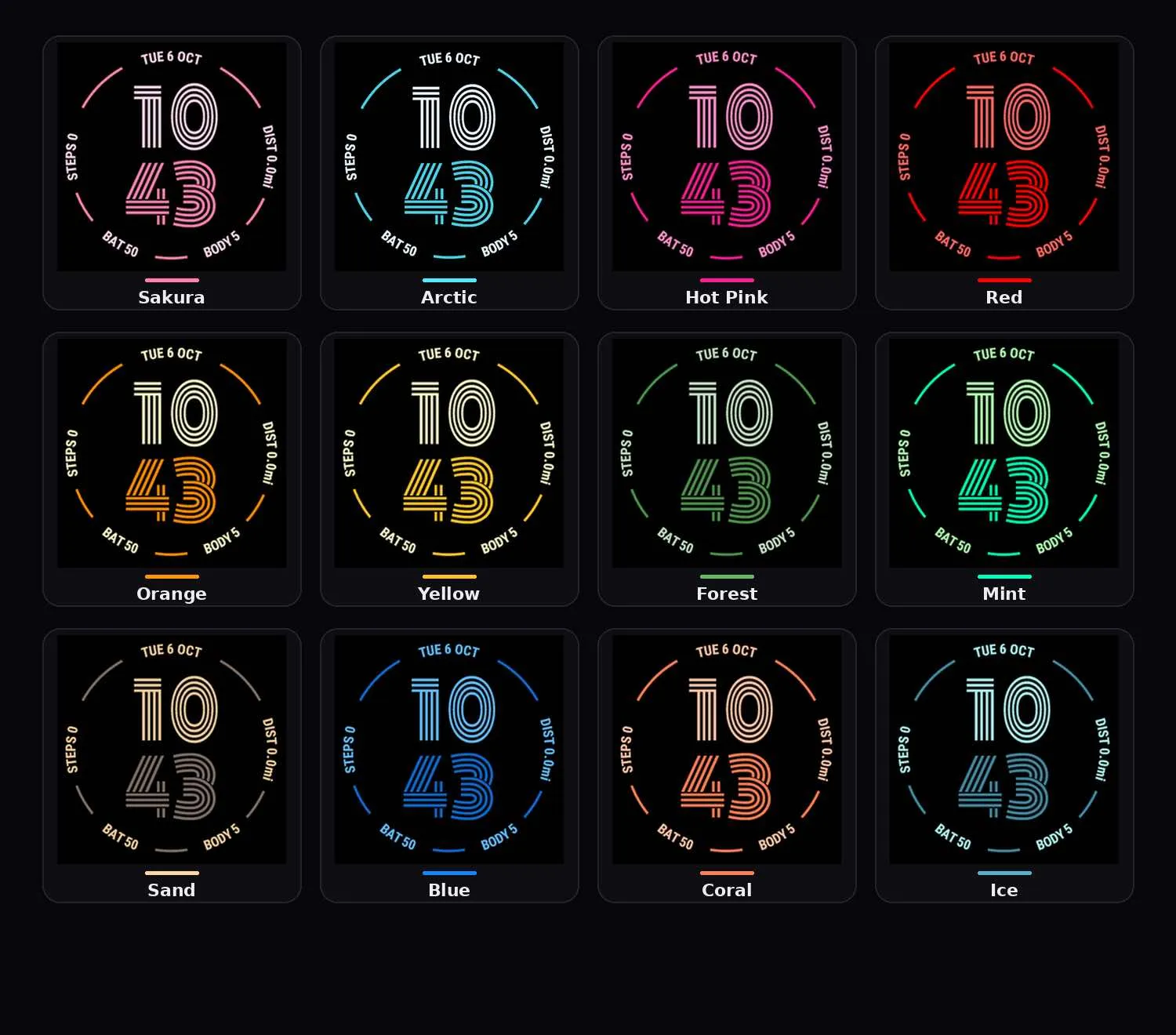
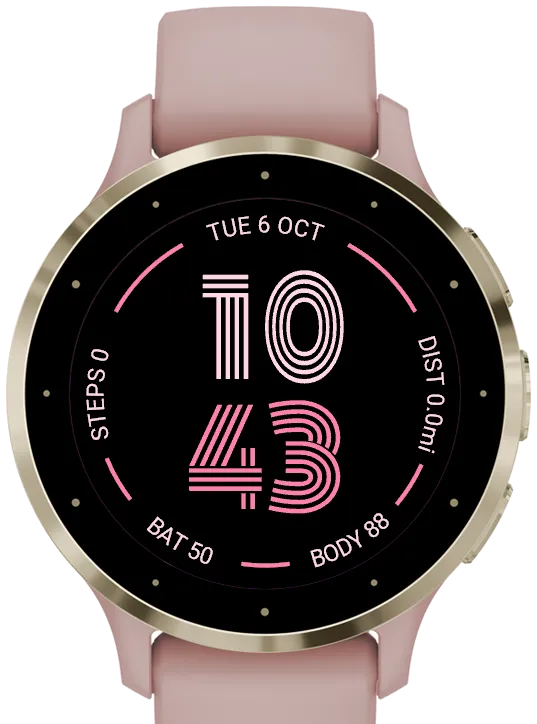
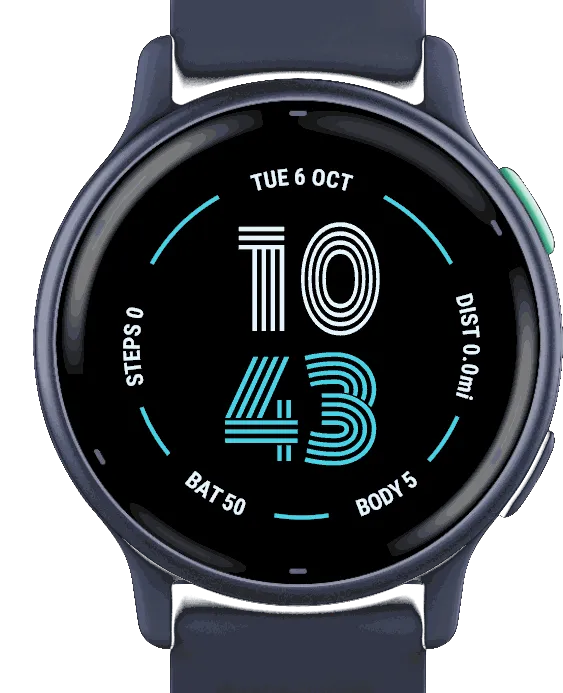
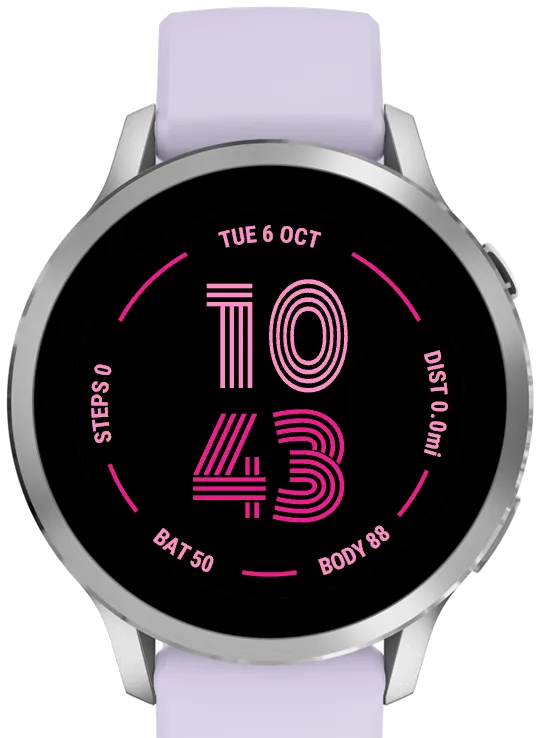
Clean circular layout: large centered time, date along the top of the ring, and four data fields around the dial with matching progress arcs. Two-tone themes color the hours, date, and values in one shade and the minutes plus ring arcs in another, so the face stays minimal while still feeling alive.
Themes:
Two-tone: Sakura, Arctic, Pink Dream, Red Alert, Tangerine, Sunshine, Green Pulse, Mint Duo, Warm Ash, Deep Blue, Coral, Ice Teal
Classic: White, clean and timeless
Data fields (4 slots: left, right, bottom-left, bottom-right):
None, Battery, Steps, Floors Climbed (if supported), Calories, Body Battery, Heart Rate, Stress, Weather Temperature, Blood Oxygen (SpO2), Altitude (if supported), Distance Today, Notifications, Recovery Time (if supported), Active Minutes, Running VO2 Max, Cycling VO2 Max, Running Distance (Week), Running Time (Week), Cycling Distance (Week), Cycling Time (Week), Swimming Distance (Week), Swimming Time (Week), Walking Distance (Week), Walking Time (Week), Active Minutes (Week), Activities (Week), Sunrise, Sunset, Chance of Rain, Second Time Zone (one of 66 cities with automatic daylight saving time, shown by its code such as NYC, or a custom UTC offset labeled automatically, e.g. UTC+3; set on the watch or in the phone app)
Sunrise and Sunset use your location (the watch face asks for location access; if no GPS fix is available, the last known position is used).
Units:
- Distance (Kilometers / Miles), Elevation (Meters / Feet) and Temperature (Celsius / Fahrenheit), each set separately
- Default is Auto: follows your watch's own unit settings
Other settings:
- Time format: Auto (follows the watch) / 12-hour / 24-hour
- Battery display: Percent / Days Remaining (when the watch supports it)
- Widget font size: Extra Tiny / Tiny
- Show battery percent sign toggle
- Every setting can be changed on the watch or in the phone app
- Steps of 10000 or more shown in short form, e.g. 12.3k
- On-device theme picker with live preview
- On-watch data editor: open the watch face settings on the watch and choose Data. The selected slot's data blinks; swipe or press UP/DOWN to change it, tap or press SELECT to move to the next slot, and press BACK to save. Works on all supported devices.
Defaults: Sakura theme, Steps, Distance, Battery, Body Battery, all units Auto
Screenshot
Lingua supportata (1)
Dispositivi compatibili (63)
D2™ Air X15
D2™ Mach 1
D2™ Mach 1 Pro
D2™ Mach 2
D2™ Mach 2 Pro
Enduro™ 2
Enduro™ 3
Enduro™ 4
epix™ (Gen 2)
epix™ (Gen 2)
epix™ Pro (42mm)
epix™ Pro (47mm)
epix™ Pro (51mm)
fēnix® 7
fēnix® 7
fēnix® 7 Pro
fēnix® 7 Pro – Solar Edition (No Wi-Fi®)
fēnix® 7S
fēnix® 7S
fēnix® 7S Pro
fēnix® 7X
fēnix® 7X
fēnix® 7X Pro
fēnix® 7X Pro No Wi-Fi
fēnix® 8 AMOLED (43mm)
fēnix® 8 AMOLED (47mm/51mm)
fēnix® 8 Pro
fēnix® 8 Solar (47mm)
fēnix® 8 Solar (51mm)
fenix® 9 - 43 mm
fenix® 9 – 47 mm
fenix® 9 Pro - 43 mm
fenix® 9 Pro - 47 mm
fenix® 9 Pro - 51 mm
fenix® 9 Pro - Solar 47 mm
fenix® 9 Pro - Solar 51 mm
fēnix® E
Forerunner® 165
Forerunner® 165 Music
Forerunner® 170
Forerunner® 170 Music
Forerunner® 265
Forerunner® 265S
Forerunner® 570 - 42mm
Forerunner® 570 - 47mm
Forerunner® 70
Forerunner® 70
Forerunner® 955 Dual Power
Forerunner® 965
Forerunner® 970
MARQ® (Gen 2)
MARQ® Commander (Gen 2) – Carbon Edition
MARQ™ Aviator (Gen 2)
tactix® 7
tactix® 7 – AMOLED Edition
tactix® 8 – 47 mm, AMOLED
tactix® 8 – 51 mm, Solar
Venu® 3
Venu® 3S
Venu® 4 – 41 mm
Venu® 4 – 45 mm
Venu® X1
vívoactive® 6