Descrizione
"IQ error issue"
Can you check if you have given location permission on your Garmin Connect app and set it to all times? This watch currently needs the weather information from the phone app. In the future version, I can set an option to disable the weather icons. Please let me know.
Required step: Enable location access for your phone app in the phone app settings.
Further steps if initial steps alone didn't work: restart the watch, go to a different watch face, and come back to this watch face. Uninstall and reinstall the watch face app in the watch.
Let me know
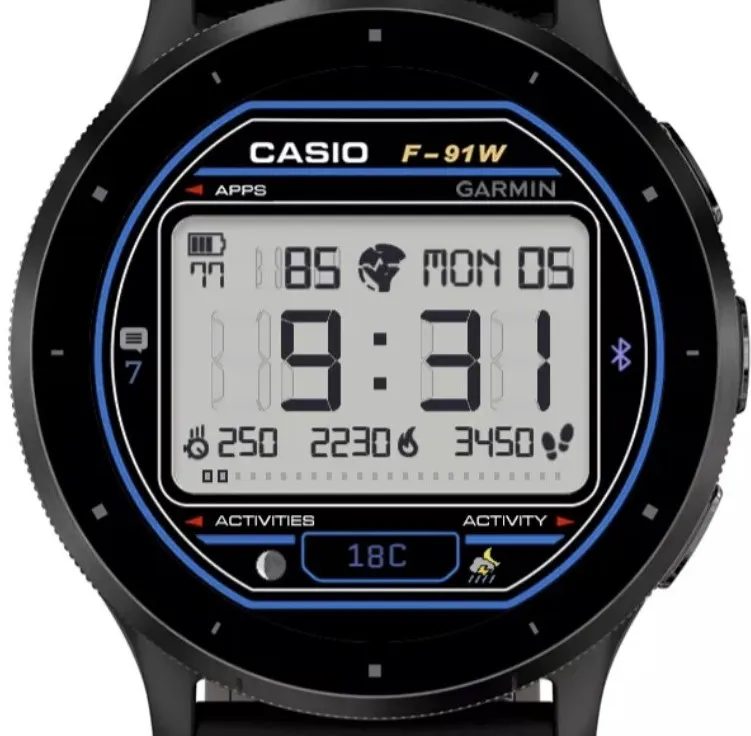
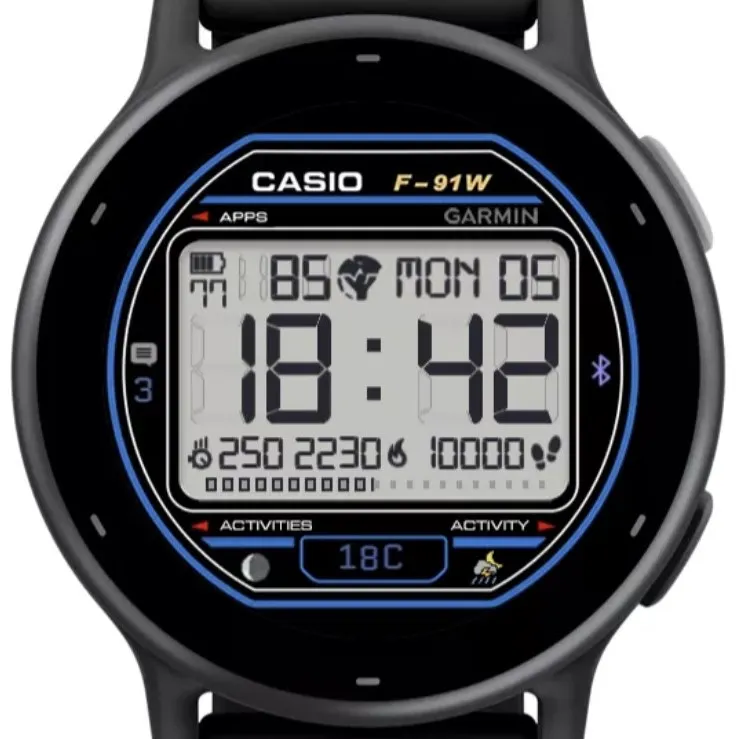
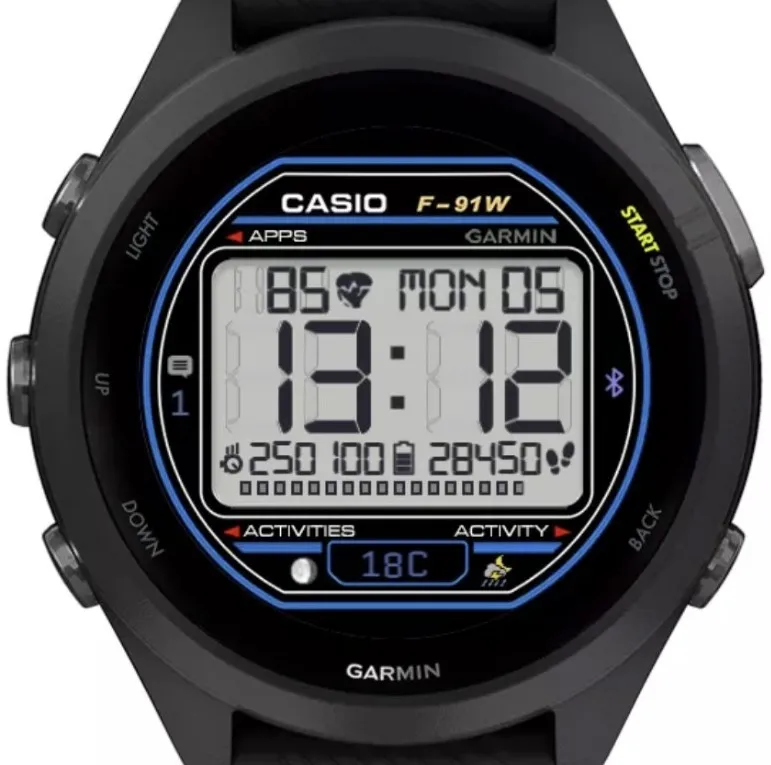
field 1 (top): body battery or heart rate
field 2 (bottom left): intensity mins today, intensity mins week, vigorous mins week.
field 3 (bottom mid): calories
field 4 (bottom right): steps
The bottom bar shows steps as a goal field.
Weather-related values (temp and Icon) will be chosen from the current, hourly, and daily forecasts, depending on what's available to the device.
The notification icon and count will appear if there is any notification.
The Bluetooth icon appears if connected to the phone.
Check out my other watch faces, and leave a review.
https://watchfacebuilder.com Built by WFB.
Novità
if new updates cause issues, try uninstalling and reinstall
Let me know if there is any issues with the latest version
Screenshot
Lingua supportata (1)
Dispositivi compatibili (45)
Approach® S70 (42mm)
Approach® S70 (47mm)
D2™ Air
D2™ Air X10
D2™ Mach 1
D2™ Mach 1 Pro
Descent™ MK3 - 43mm
Descent™ MK3i - 51mm
epix™ (Gen 2)
epix™ (Gen 2)
epix™ Pro (42mm)
epix™ Pro (47mm)
epix™ Pro (51mm)
fēnix® 8 AMOLED (43mm)
fēnix® 8 AMOLED (47mm/51mm)
fenix® 9 - 43 mm
fenix® 9 – 47 mm
fēnix® E
Forerunner® 165
Forerunner® 165 Music
Forerunner® 265
Forerunner® 265S
Forerunner® 965
MARQ® (Gen 2)
MARQ® Commander (Gen 2) – Carbon Edition
MARQ™ Aviator (Gen 2)
Mercedes-Benz Venu®
Mercedes-Benz Venu®
Mercedes-Benz Venu® 2
Mercedes-Benz Venu® 2
Mercedes-Benz Venu® 2S
Mercedes-Benz Venu® 2S
tactix® 7 – AMOLED Edition
tactix® 8 – 47 mm, AMOLED
Venu®
Venu®
Venu® 2
Venu® 2
Venu® 2 Plus
Venu® 2 Plus
Venu® 2S
Venu® 2S
Venu® 3
Venu® 3S
vívoactive® 5
Andamento recente
Valutazione
Recensioni
Date snapshot
2026-10-27 → 2026-11-02