Popis
Traverse is an outdoor-inspired watch face built around a bold central clock, high contrast and a clearly organised layout. If you like it, please take a minute to leave a review ⭐️ ⭐️ ⭐️ ⭐️ ⭐️. It really means alot.
Whether you’re heading out for a walk, exploring somewhere new or moving through a busy day, it keeps time and your chosen information easy to find.
I’d love to hear your feedback.
DATA PANELS:
Four customisable data panels sit within understated wireframe borders, giving each metric its own space. Progress bars turn supported goals and measurements into a visual reference, helping you see where you stand without studying every number.
CUSTOMISE:
• 22 data fields to choose from currently*.
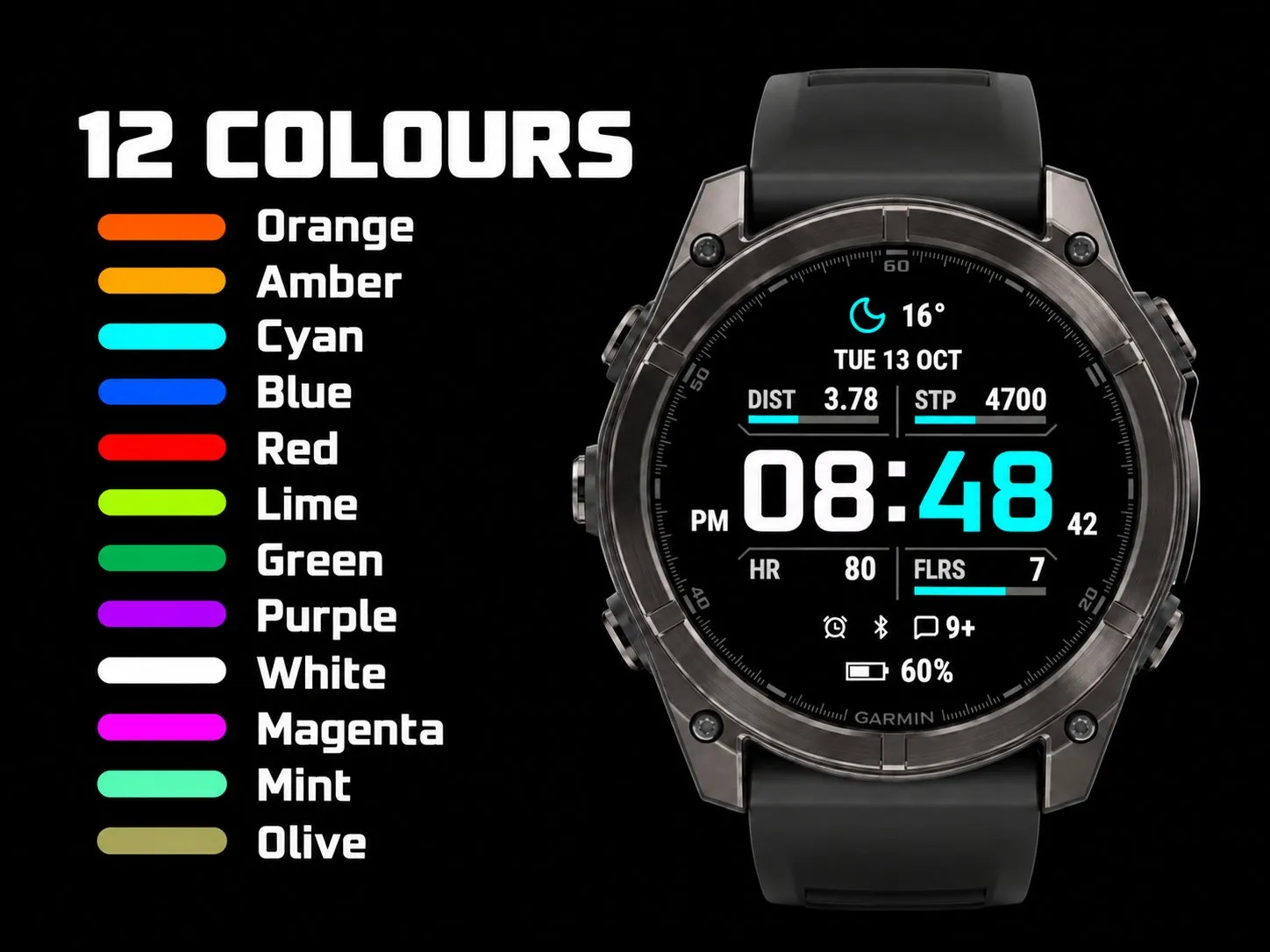
• 12 colour options.
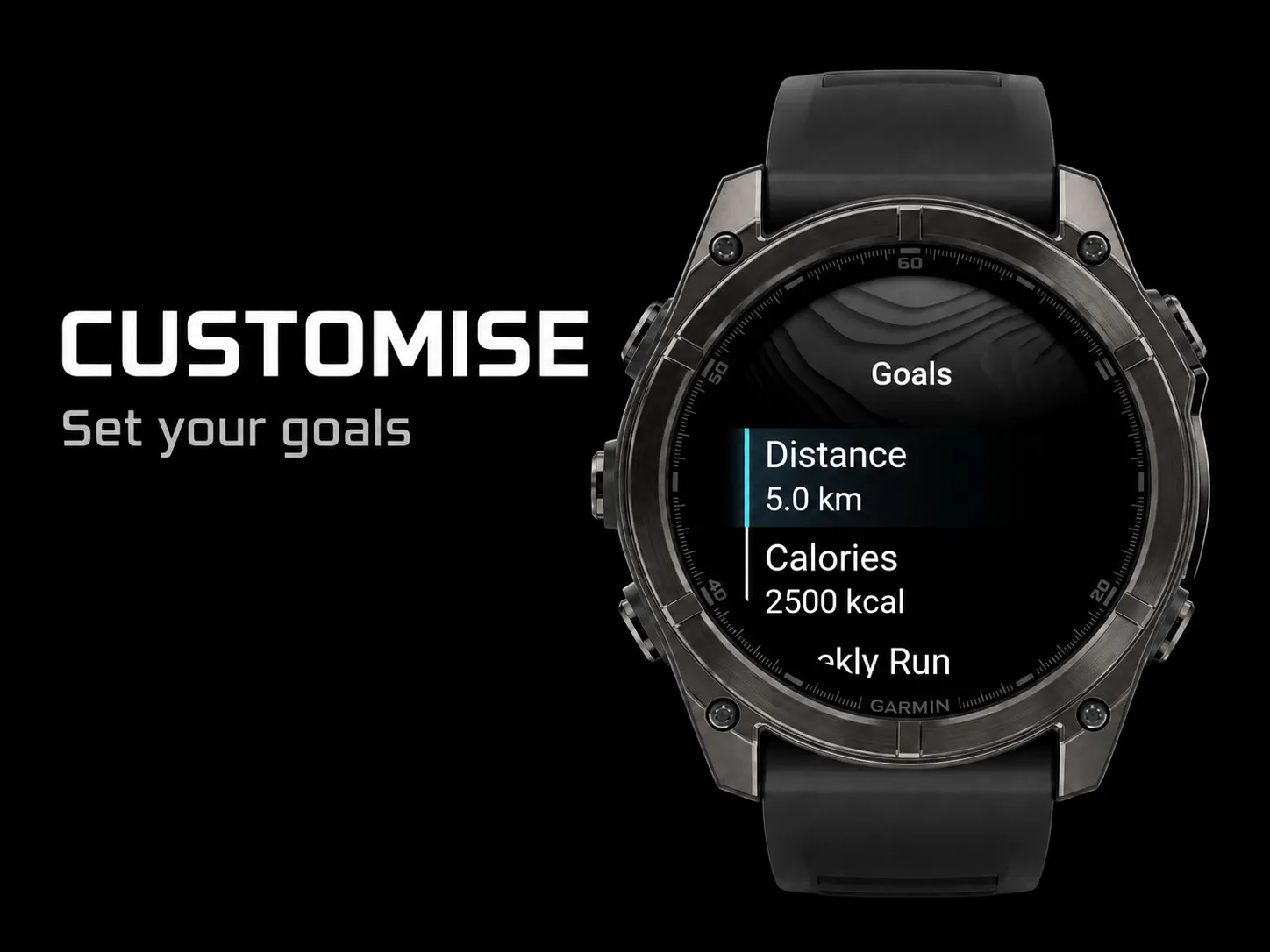
• Choose your distance or calories GOALS.
• 12-hour, 24-hour or device-default time.
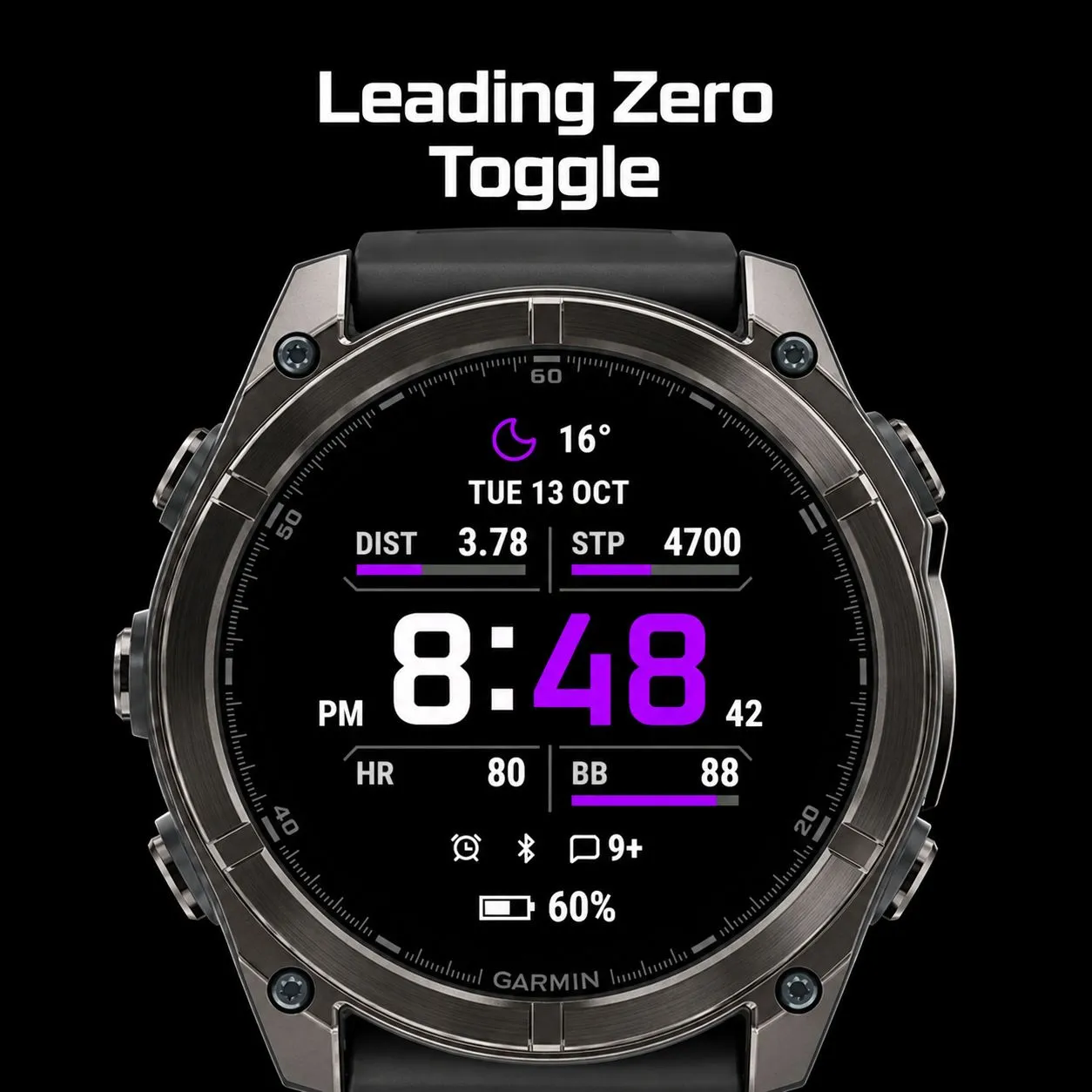
• Leading zero toggle.
• Battery percentage or estimated days remaining.
• Running or cycling VO2 Max toggle.
• Alarm, Bluetooth (BT disconnect) and Notification icon toggles = shown or hidden.
*Some data metrics require supported hardware such as a built-in barometric altimeter or accelerometer, etc
MAKE IT FIT YOUR DAY:
• Choose the information shown in each of the four panels.
• Follow activity goals with clear progress bars.
• Keep useful details close, from weather and heart rate to altitude and sunrise or sunset.
• Select an accent colour to personalise the clock and progress indicators.
• Adjust the top and bottom fields, time format, seconds and status icons.
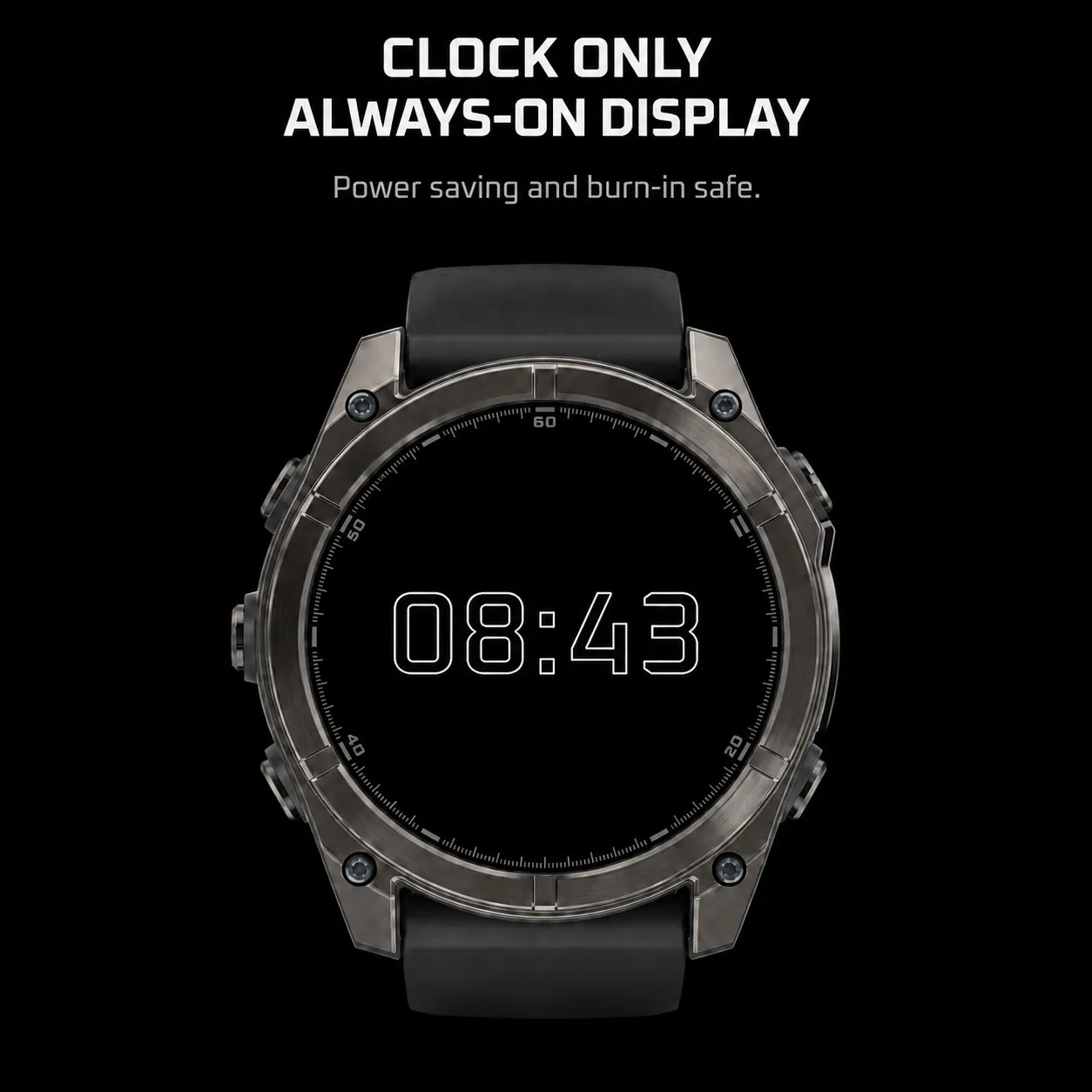
• Use a simplified always-on clock on compatible AMOLED watches. Low-Power mode on MIP watches and switch between standard dark and inverted light themes.
Inspired by field instruments, Traverse pairs a purposeful outdoor look with the flexibility of an everyday watch face.
DATE and MENU has support for English, Spanish, French and German.
CUSTOMISE ON THE WATCH
Change the face directly through your watch’s Customise menu, or use the Connect IQ settings interface.
PRESS AND HOLD - GLANCE SUPPORT
Touch and hold a supported data field to open its matching Garmin glance or complication.
*Some data and shortcuts depend on the capabilities and data available on your Garmin device.
More faces to try:
SIMPLES PRO:
https://apps.garmin.com/en-US/apps/c52bcf66-101f-489d-9926-557f11dea394
Traverse by SolasWorks.
Co je nového
V1.6.1
Bug fixes:
-Recovery Time now matches Garmin’s own display.
-Inverted MIP screens: Panel labels are now black for easier reading.
-Battery icon refined on smaller screens.
V1.6.0
-New panel options: Recovery Time, Training Status, Pulse Ox and Next Sun Event (shows whichever sunrise or sunset comes next).
-Added support for Fenix 9 Pro 51mm.
-New for MIP watches: Invert dark/light toggle.
-Panel selector now grouped by type, so it's easier to find what you want.
-Pulse Ox hides readings older than 24 hours.
-Minor bug fixes.
V1.5.0
-AM/PM setting indicator. Show or hide AM/PM in 12-hour mode (watch: Customize; AM/PM (12h); phone: AM/PM indicator).
-More reliable heart rate field.
-Small efficiency and memory improvements.
V1.4.0
Added support for:
-Approach S72 (43mm and 47mm)
-Instinct 3 AMOLED (45mm and 50mm)
V1.3.0
-Now on MIP watches: Fenix 7/8 Solar/9 Pro Solar, Enduro 2/3/4, FR255/music
-Clock and colours optimised for MIP screens
-New Low Power option: full face or clock only (MIP)
***If you have any issues, please reach out to me through the 'Contact Developer' button so I can get onto them as soon as possible for you.
Snímky obrazovky
Podporovaný jazyk (1)
Kompatibilních zařízení (63)
Approach® S70 (42mm)
Approach® S70 (47mm)
Approach® S72 - 43 mm
Approach® S72 - 47 mm
D2™ Air X15
D2™ Mach 1 Pro
Enduro™ 2
Enduro™ 3
Enduro™ 4
epix™ (Gen 2)
epix™ (Gen 2)
epix™ Pro (42mm)
epix™ Pro (47mm)
epix™ Pro (51mm)
fēnix® 7
fēnix® 7
fēnix® 7 Pro
fēnix® 7 Pro – Solar Edition (No Wi-Fi®)
fēnix® 7S
fēnix® 7S
fēnix® 7S Pro
fēnix® 7X
fēnix® 7X
fēnix® 7X Pro
fēnix® 7X Pro No Wi-Fi
fēnix® 8 AMOLED (43mm)
fēnix® 8 AMOLED (47mm/51mm)
fēnix® 8 Pro
fēnix® 8 Solar (47mm)
fēnix® 8 Solar (51mm)
fenix® 9 - 43 mm
fenix® 9 – 47 mm
fenix® 9 Pro - 43 mm
fenix® 9 Pro - 47 mm
fenix® 9 Pro - 51 mm
fenix® 9 Pro - Solar 47 mm
fenix® 9 Pro - Solar 51 mm
fēnix® E
Forerunner® 165
Forerunner® 165 Music
Forerunner® 170
Forerunner® 170 Music
Forerunner® 255
Forerunner® 255 Music
Forerunner® 265
Forerunner® 265S
Forerunner® 570 - 42mm
Forerunner® 570 - 47mm
Forerunner® 70
Forerunner® 70
Forerunner® 965
Forerunner® 970
Instinct® 3 – 45 mm, AMOLED
Instinct® 3 – 50 mm, AMOLED
tactix® 7
tactix® 7 – AMOLED Edition
tactix® 8 – 47 mm, AMOLED
tactix® 8 – 51 mm, Solar
Venu® 3
Venu® 3S
Venu® 4 – 41 mm
Venu® 4 – 45 mm
vívoactive® 6
Nedávný trend metrik
Hodnocení
Recenze
Data snímků
2026-10-27 → 2026-10-29