Descrição
Put a button on your activity screen.
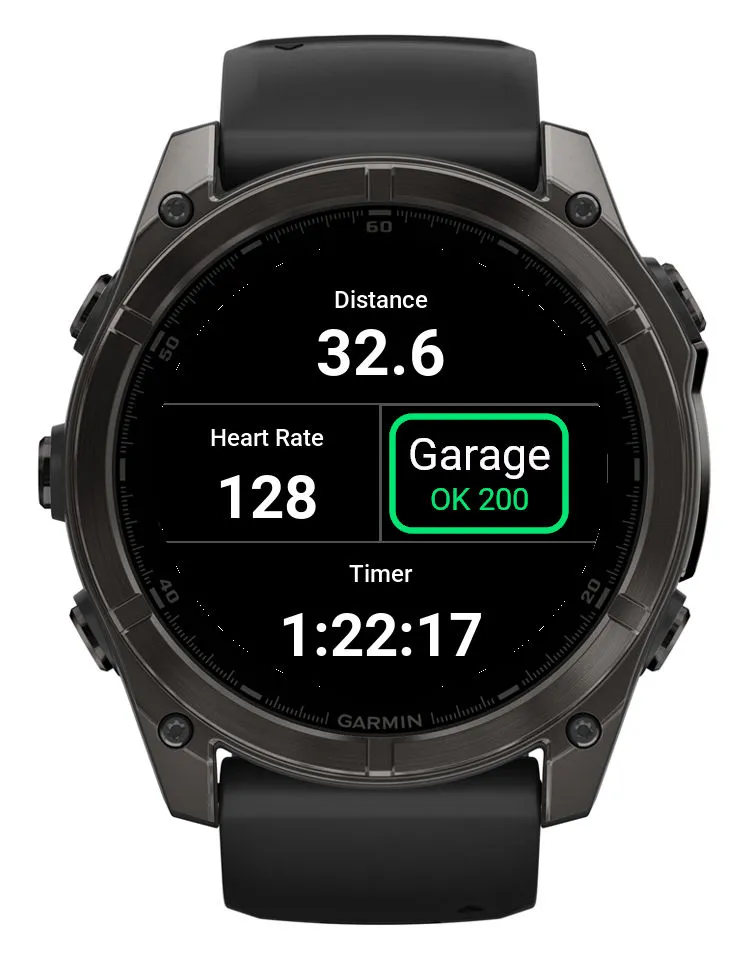
HTTP WEB Requests Data Field is a data field you add next to speed, distance and heart rate. Tap it during an activity and it sends your HTTP GET or POST request, so you can open the garage door as you ride home, trigger a Home Assistant or Node-RED webhook, call Shelly Cloud, IFTTT or any other HTTP endpoint without leaving the activity.
HOW IT WORKS
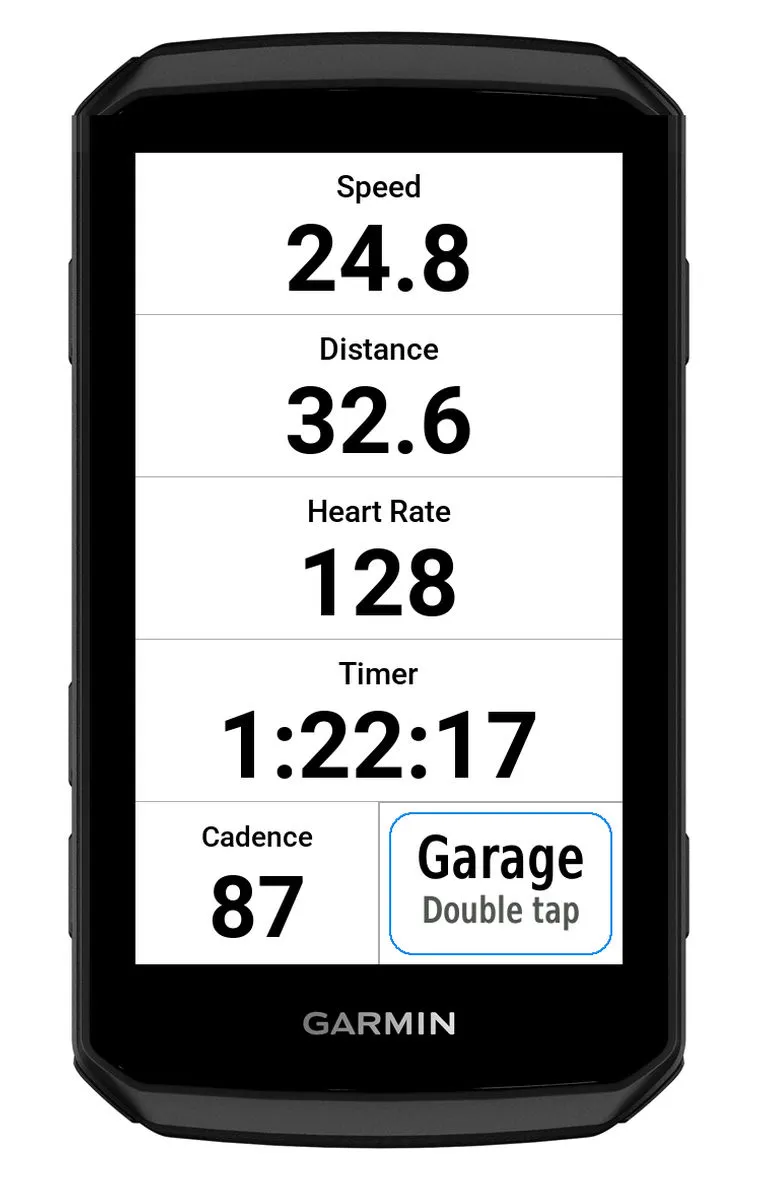
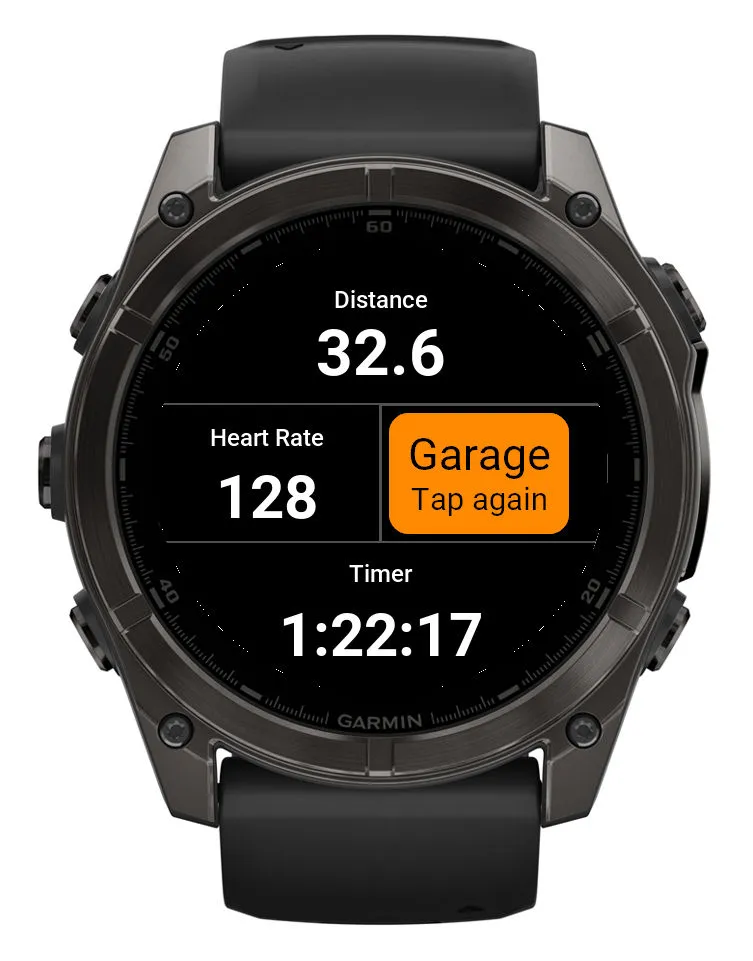
• Tap the field: it turns orange and shows "Tap again".
• Tap again within 3 seconds: the request is sent.
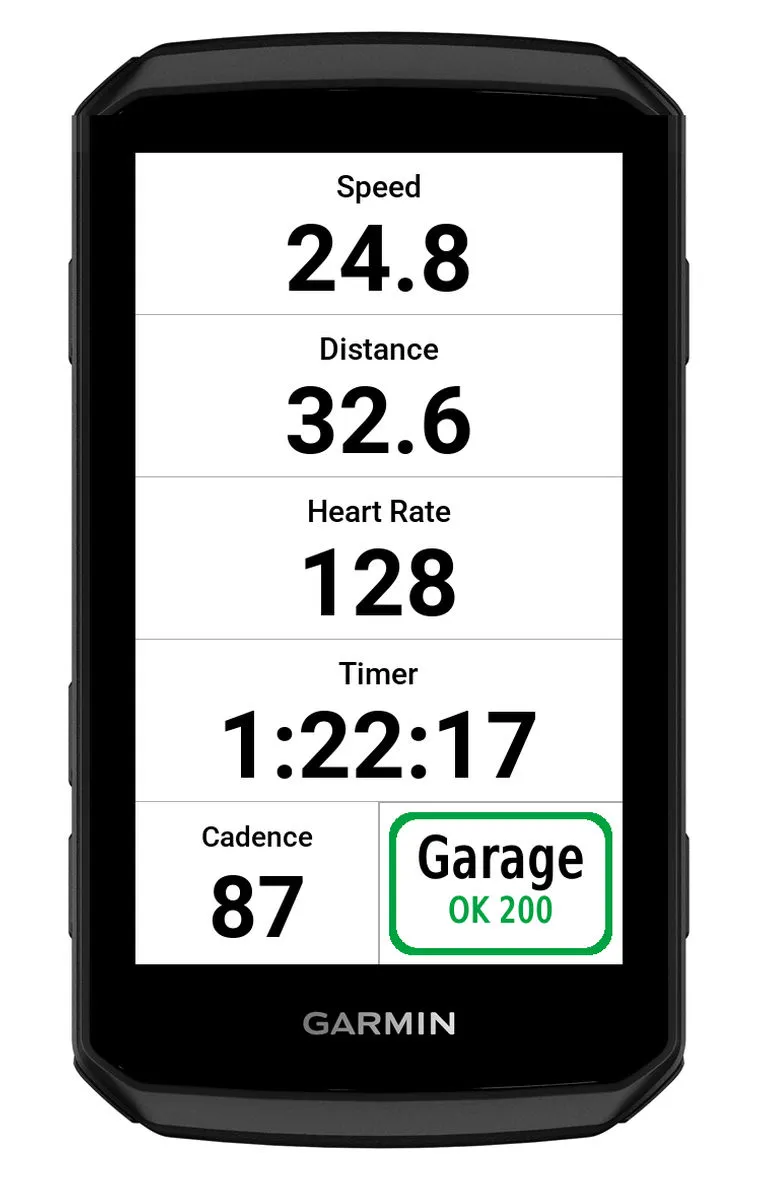
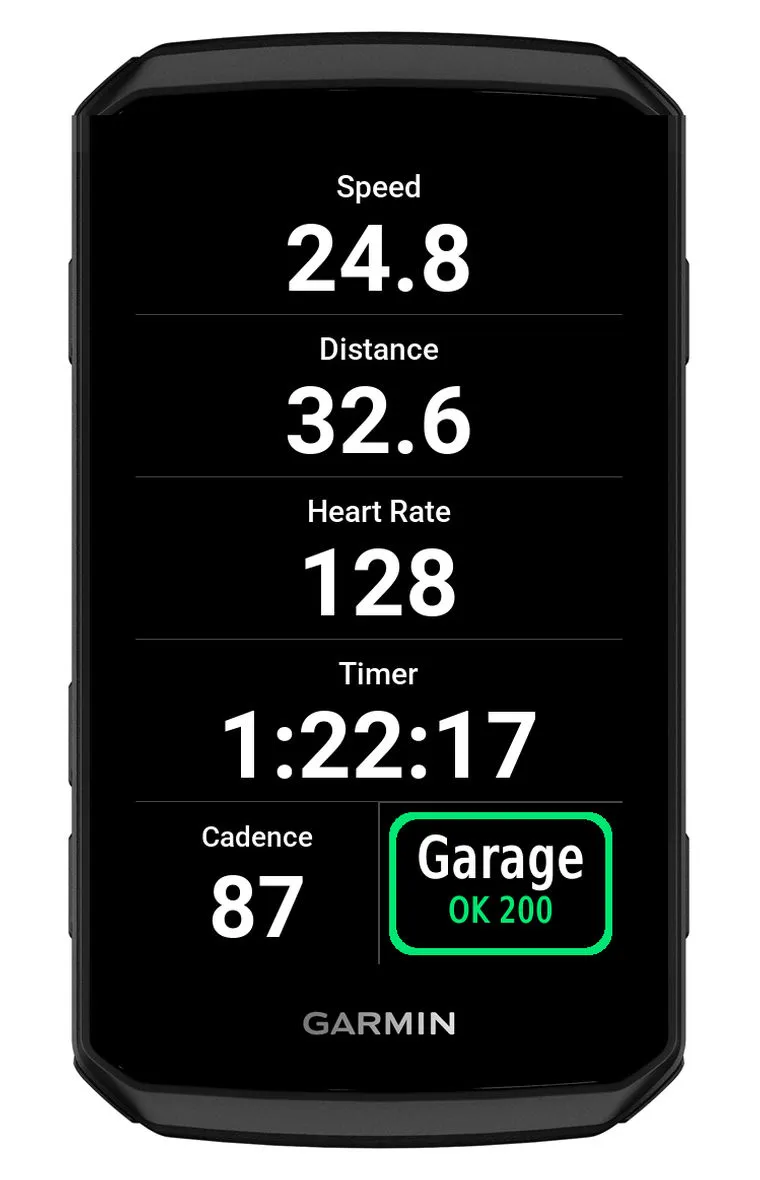
• The result appears in the field: green "OK 200", or red "HTTP 401", "No phone", "Timeout".
• Optional tone and/or vibration on the result (off by default, turn on in the settings; device sound and vibration settings are respected).
Double tap is the default, so a bump on the road cannot fire your request. Prefer one tap? Switch to Single tap in the settings.
FEATURES
• Up to 8 saved actions; choose which one the field sends
• GET or POST, JSON body and custom headers (e.g. Authorization: Bearer token)
• Works in any layout, from a full page to a small cell, in light and dark themes
• Taps are ignored while sending and right after a result
• No account, no cloud of ours: the request goes from your phone straight to your URL
SETUP
Garmin Connect app → Device → Activities & Apps (or Connect IQ Apps) → Data Fields → HTTP WEB Requests Data Field → Settings:
• Action to run on tap: Action 1…8
• Tap mode: Double tap / Single tap
• Sound on result: on/off (default off)
• Vibration on result: on/off (default off)
• For each action: Name, URL, Method (GET/POST), JSON Body, Headers (JSON)
Then add the field to a data screen of your activity profile like any other data field.
Example (POST):
URL: https://example.com/api/webhook/garage
Method: POST
JSON Body: {"action":"toggle"}
Headers: {"Authorization":"Bearer YOUR_TOKEN"}
REQUIREMENTS & NOTES
• Requests are sent through the Garmin Connect app, so your phone must be connected via Bluetooth with mobile data or Wi-Fi.
• iPhone: Garmin Connect allows HTTPS URLs only.
• Touchscreen required. Connect IQ data fields only receive taps (no buttons, no long press).
• On watches, touch is often turned off during activities. Enable it in the activity settings.
• The device redraws data fields about once per second, so the field may take up to a second to change after a tap.
Looking for a list of actions you can open from the watch face or glance? See our widget "HTTP WEB Requests" with the same settings format.
Novidades
First release: tap-to-send data field with double-tap protection, 8 actions, GET/POST, JSON body and headers.
Capturas de tela
Idioma compatível (1)
Dispositivos compatíveis (59)
Approach® S72 - 43 mm
Approach® S72 - 47 mm
D2™ Mach 1 Pro
D2™ Mach 2 Pro
Edge® 1040
Edge® 1040
Edge® 1050
Edge® 1060
Edge® 840
Edge® 850
Edge® Explore 3
Edge® Explore 3 Plus
Enduro™ 2
Enduro™ 3
Enduro™ 4
epix™ (Gen 2)
epix™ (Gen 2)
epix™ Pro (42mm)
epix™ Pro (47mm)
epix™ Pro (51mm)
fēnix® 7
fēnix® 7
fēnix® 7 Pro
fēnix® 7 Pro – Solar Edition (No Wi-Fi®)
fēnix® 7S
fēnix® 7S
fēnix® 7S Pro
fēnix® 7X
fēnix® 7X
fēnix® 7X Pro
fēnix® 7X Pro No Wi-Fi
fēnix® 8 AMOLED (43mm)
fēnix® 8 AMOLED (47mm/51mm)
fēnix® 8 Pro
fēnix® 8 Solar (47mm)
fēnix® 8 Solar (51mm)
fenix® 9 - 43 mm
fenix® 9 – 47 mm
fenix® 9 Pro - 43 mm
fenix® 9 Pro - 47 mm
fenix® 9 Pro - 51 mm
fenix® 9 Pro - Solar 47 mm
fenix® 9 Pro - Solar 51 mm
Forerunner® 265
Forerunner® 265S
Forerunner® 570 - 42mm
Forerunner® 570 - 47mm
Forerunner® 70
Forerunner® 70
Forerunner® 955 Dual Power
Forerunner® 965
Forerunner® 970
MARQ® (Gen 2)
MARQ® Commander (Gen 2) – Carbon Edition
MARQ™ Aviator (Gen 2)
tactix® 7
tactix® 7 – AMOLED Edition
tactix® 8 – 47 mm, AMOLED
tactix® 8 – 51 mm, Solar
Tendência das métricas
Nota
Avaliações
Datas dos snapshots
2026-11-17 → 2026-11-29