Opis
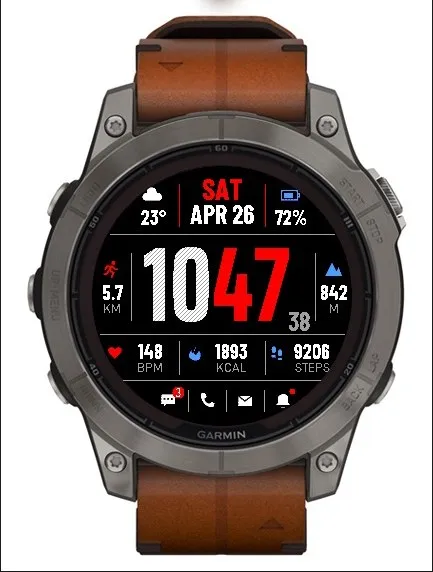
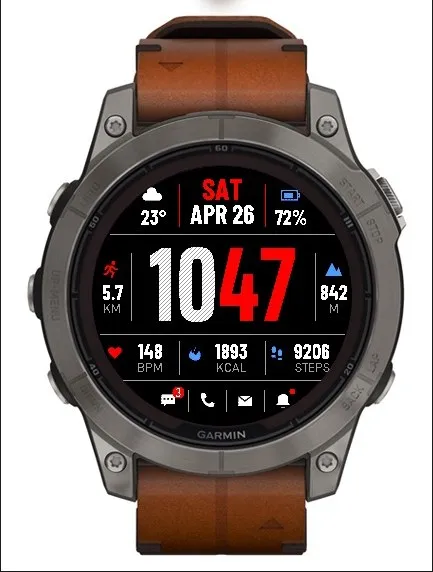
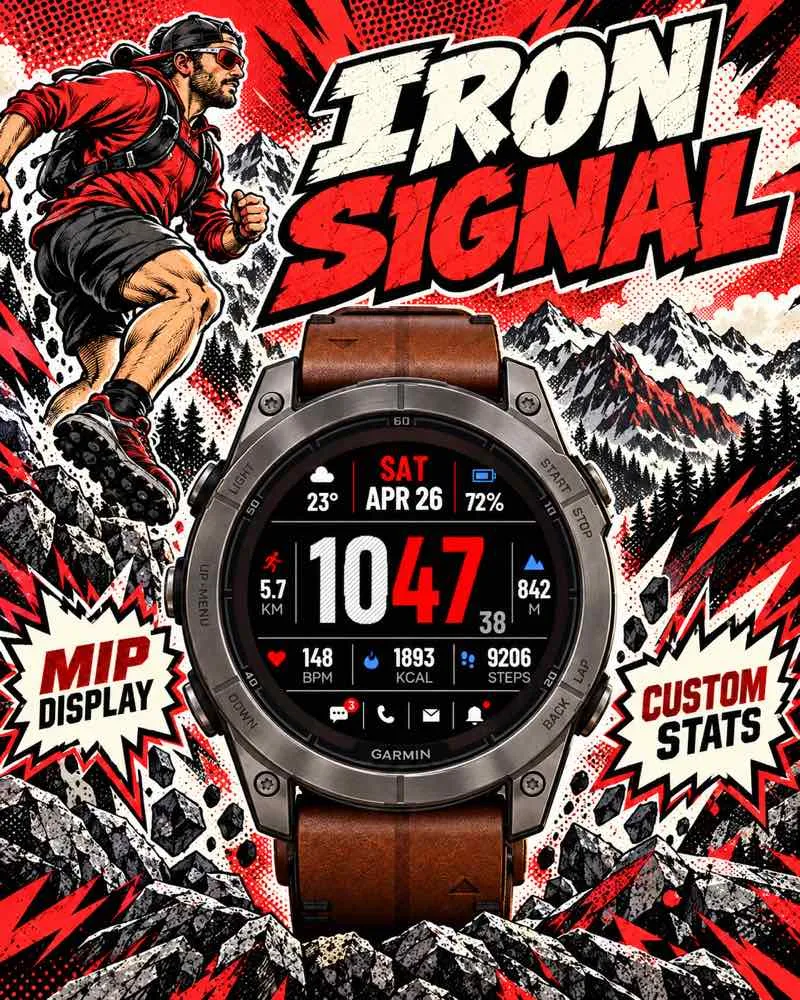
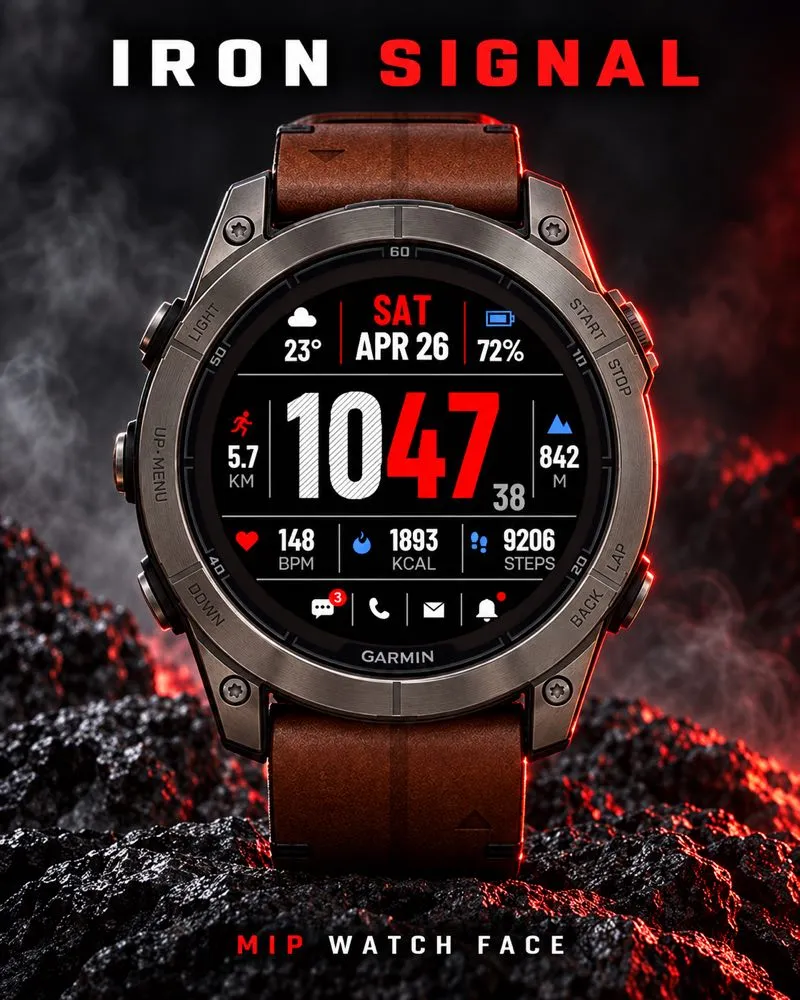
Iron Signal brings bold textured hours, mixed-color accents and seven configurable data fields to compatible Garmin MIP watches. Choose from 20 coordinated themes.
This watch face costs US$4, a one-time external license purchase.
How to purchase and activate:
1. Buy Iron Signal at https://athleteworld.store/en/themes/iron-signal
2. Complete checkout and copy the activation code from your Athlete World confirmation email.
3. Install Iron Signal from Connect IQ and open its Settings.
4. Paste the code into Activation code, tap Save, and keep your watch connected to your phone with internet access. The first attempt may wait for Garmin's background scheduling interval; connection problems can delay activation and trigger automatic retries.
One license supports up to three compatible watches. This product is unlisted in the public Athlete World catalog; use the direct purchase link.
Features:
- MIP-only design for the compatible models listed below, with resources adapted to 240, 260 and 280 pixel displays.
- 20 mixed-color themes and optional texture on the large hour digits.
- Seven independently configurable fields. Choose weather, battery, distance, elevation, heart rate, calories, steps, floors, Body Battery, running VO2 Max, stress, SpO2, pressure, sunrise, sunset or sleep score. Fields can also be hidden.
- Full design retained in MIP sleep, without seconds. Optional large horizontal sleep clock and date.
- System, 12-hour or 24-hour time; six date formats; optional seconds while awake.
- English, Spanish, French, German, Italian, Portuguese and Polish for calendar, metric labels and display settings. Activation status remains in English.
- Current heart rate prioritizes Garmin's native complication with ActivityInfo fallback. Elevation uses the native altitude complication and shows dashes when unavailable.
- Distance, elevation and temperature follow watch unit preferences.
- Optional status strip for phone connection, Garmin notifications, alarms and Do Not Disturb.
- Touch and hold supported fields to open the corresponding native widget where available. Distance has no direct widget shortcut.
Sensor availability and update cadence depend on the watch and firmware. Elevation is current altitude, not accumulated ascent. Notifications are Garmin's aggregate active count, not separate unread SMS/email totals. Weather and solar times require available Garmin data and may need a phone connection. Unsupported or unavailable values show dashes. MIP lighting and appearance depend on ambient light and watch backlight settings.
Support: [email protected]
Images show simulator examples, not physical hardware measurements. Colors and appearance may vary by device.
Privacy policy: https://athleteworld.store/en/privacy
Nowości
Improved screen redraw and cached resources/data when returning to the watch face or waking from Always On Display.
Expanded native data fields, configurable from Connect IQ app settings, with safer handling of missing data and long values.
Current heart rate uses native sensor updates while the watch face is visible and awake.
Existing preferences and activation are preserved.
Zrzuty ekranu
Obsługiwany język (1)
Zgodnych urządzeń (20)
Enduro™ 2
Enduro™ 3
fēnix® 7
fēnix® 7
fēnix® 7 Pro
fēnix® 7 Pro – Solar Edition (No Wi-Fi®)
fēnix® 7S
fēnix® 7S
fēnix® 7S Pro
fēnix® 7X
fēnix® 7X
fēnix® 7X Pro
fēnix® 7X Pro No Wi-Fi
fēnix® 8 Solar (47mm)
fēnix® 8 Solar (51mm)
fenix® 9 Pro - Solar 47 mm
fenix® 9 Pro - Solar 51 mm
Forerunner® 955 Dual Power
tactix® 7
tactix® 8 – 51 mm, Solar