Keterangan
REGEN
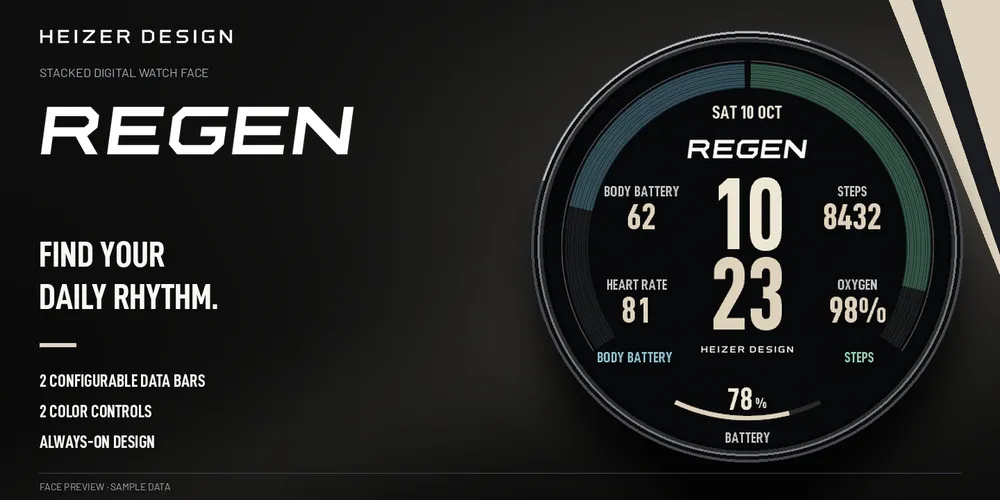
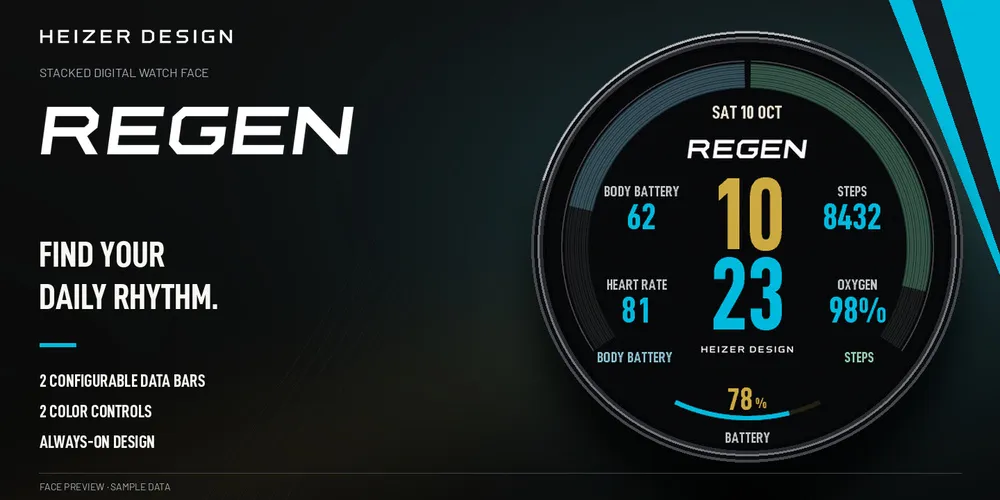
Find your daily rhythm with larger readings, stacked digital time and two arc-shaped data bars in a calm, open layout.
YOUR DATA, IN VIEW
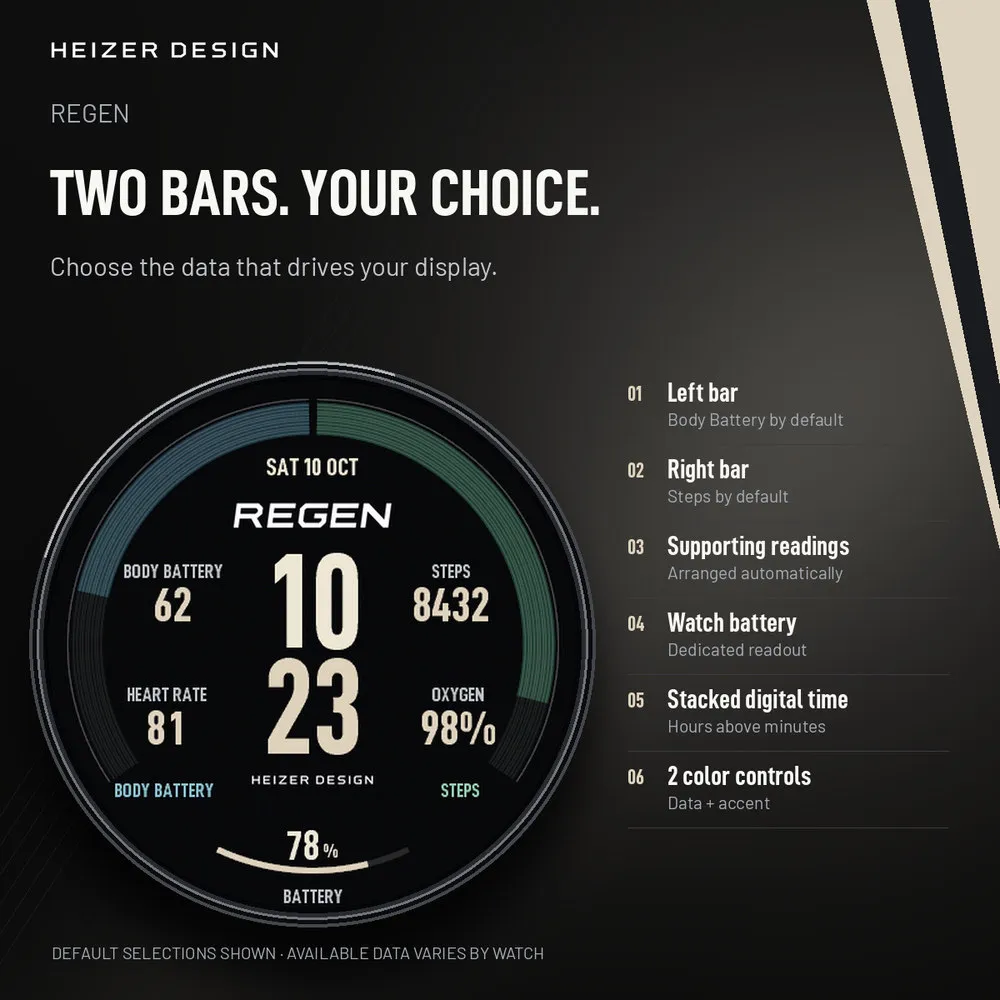
Choose the left and right bar readings in your watch’s native face editor. The defaults are Body Battery and steps. Heart rate, oxygen, Body Battery and steps that are not assigned to either bar appear as supporting readings. Watch battery has its own readout, with the date above the time. Touch and hold for the additional data panel.
MAKE IT YOURS
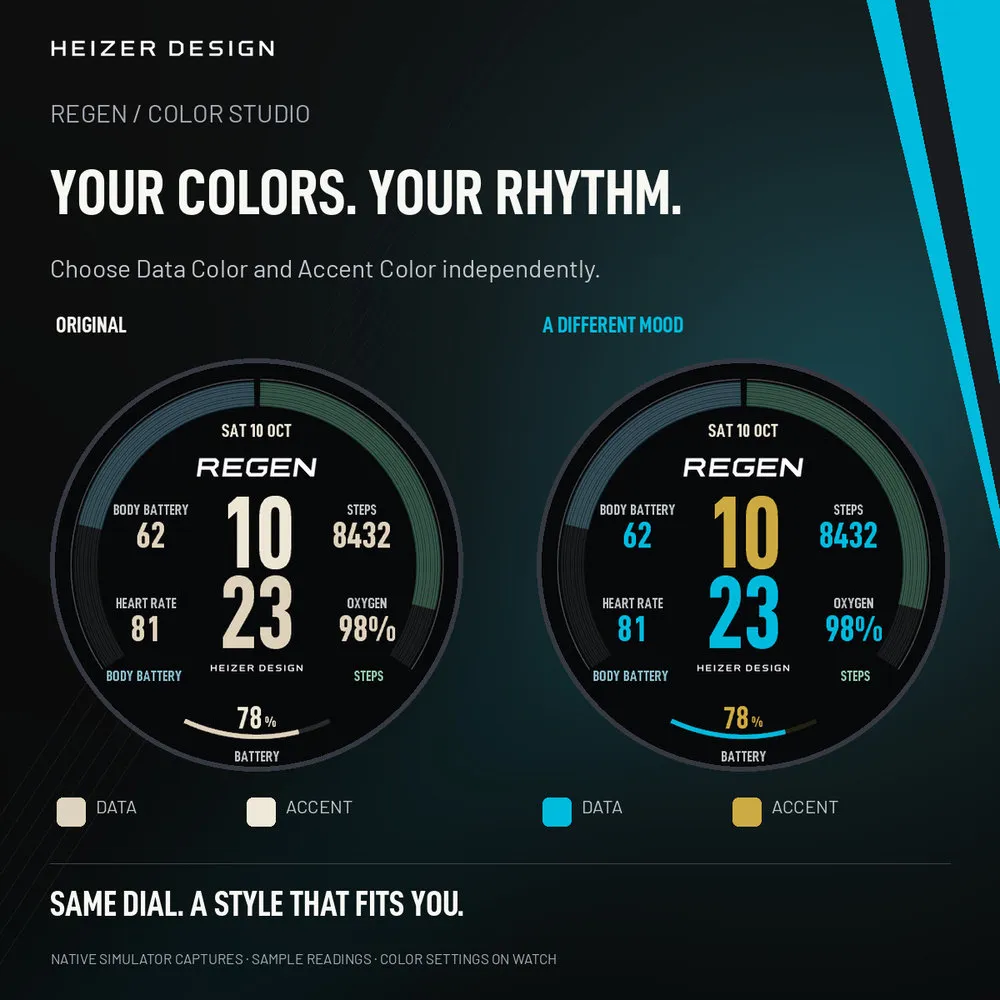
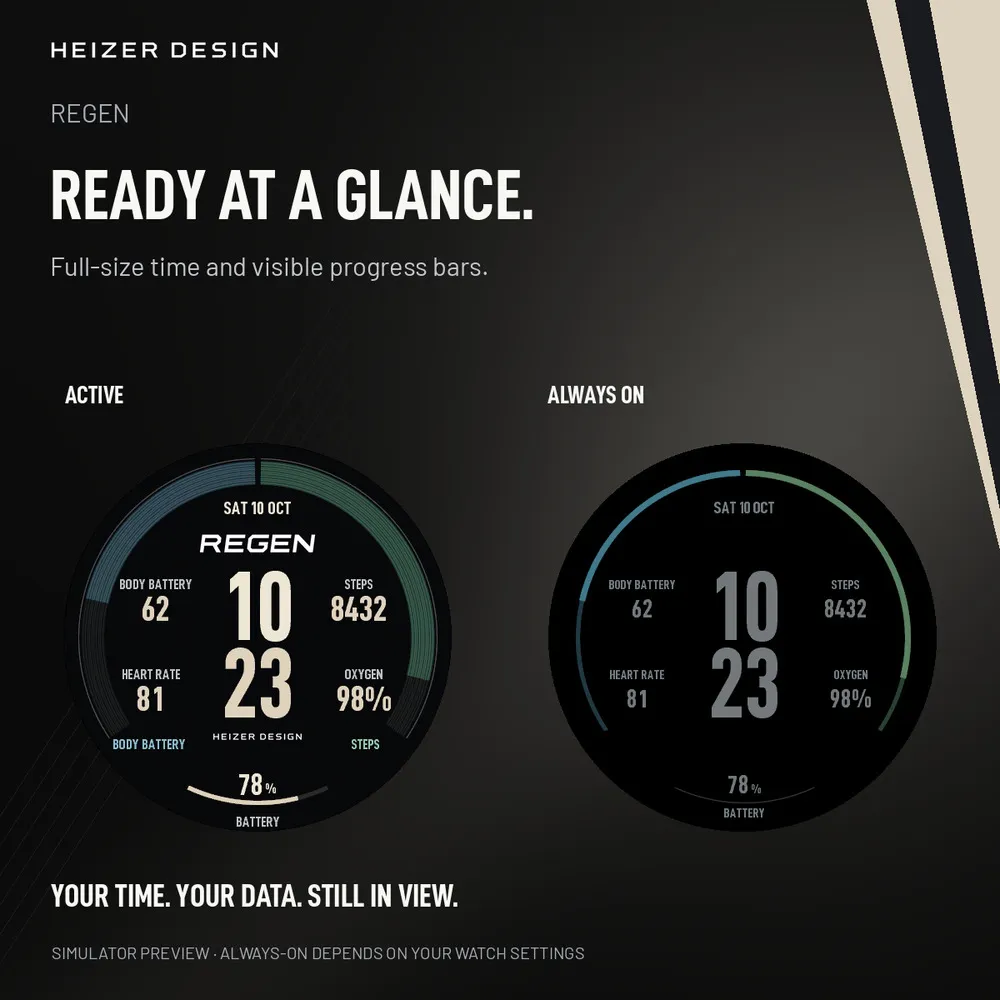
Choose Data Color and Accent Color independently. The always-on view keeps full-size time digits and shows both configurable progress bars as restrained arcs, alongside supporting readings. Always-on display depends on your watch settings.
COMPATIBILITY AND HELP
Native 390px and 416px support now includes Venu 4 41mm and additional supported AMOLED watches. See Compatible Devices for the complete model list.
Supports fēnix 8 / 8 Pro AMOLED 47–51 mm, fēnix 9 / 9 Pro AMOLED 47–51 mm, Forerunner 970 and D2 Mach 2 through qualified device profiles. Garmin’s Compatible Devices tab is definitive for your exact watch. Data availability varies by watch settings and provider. Oxygen shows the latest available Pulse Ox reading; this face does not start a measurement. Install through Connect IQ and use the watch’s native editor for setup. For help, use Contact Developer on the listing or email [email protected]. Include your watch model, firmware, face version and a brief issue description.
Nota kemas kini
Adds native compatibility for smaller AMOLED watches, including Venu 4 41mm. Existing supported watches, layout, colors, saved settings and compact large-number formatting are preserved.
Tangkapan skrin
Bahasa disokong (1)
Peranti serasi (22)
Approach® S72 - 43 mm
D2™ Mach 2
fēnix® 8 AMOLED (43mm)
fēnix® 8 AMOLED (47mm/51mm)
fēnix® 8 Pro
fenix® 9 - 43 mm
fenix® 9 – 47 mm
fenix® 9 Pro - 43 mm
fenix® 9 Pro - 47 mm
fenix® 9 Pro - 51 mm
fēnix® E
Forerunner® 170
Forerunner® 170 Music
Forerunner® 570 - 42mm
Forerunner® 70
Forerunner® 70
Forerunner® 970
Instinct® 3 – 45 mm, AMOLED
Instinct® 3 – 50 mm, AMOLED
tactix® 8 – 47 mm, AMOLED
Venu® 4 – 41 mm
vívoactive® 6