Opis
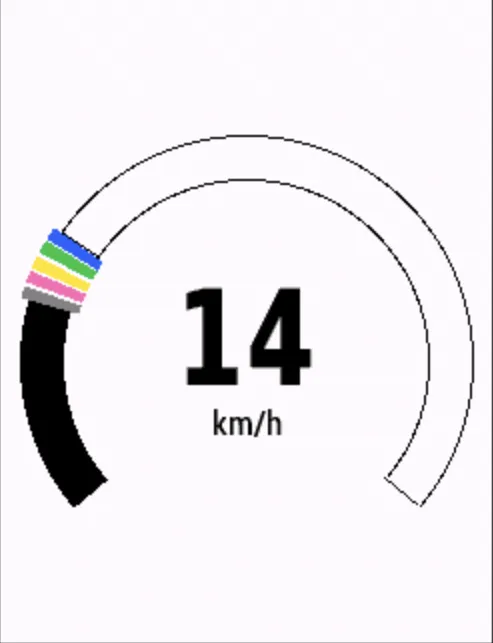
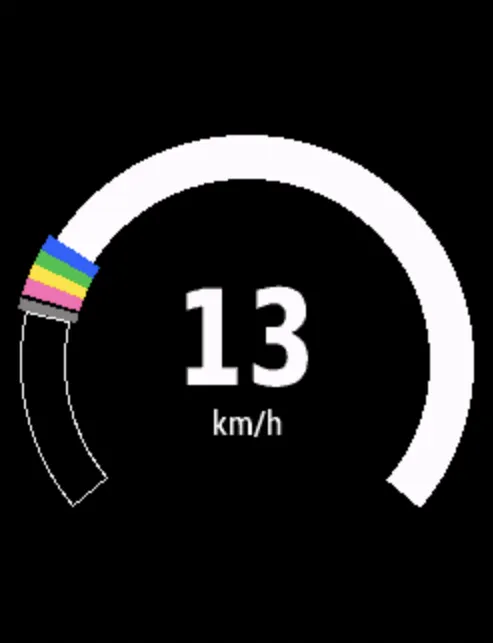
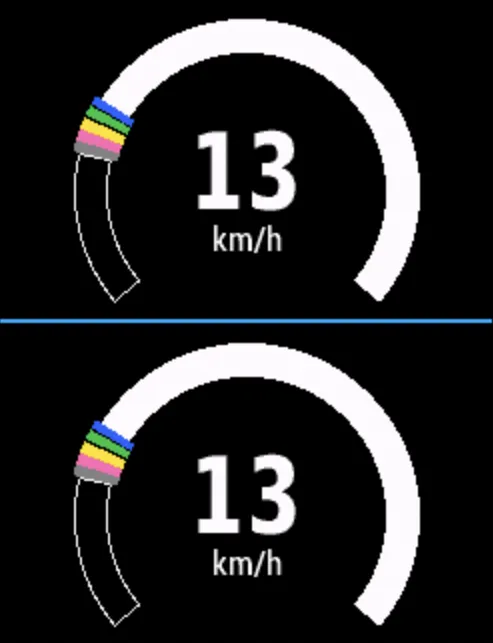
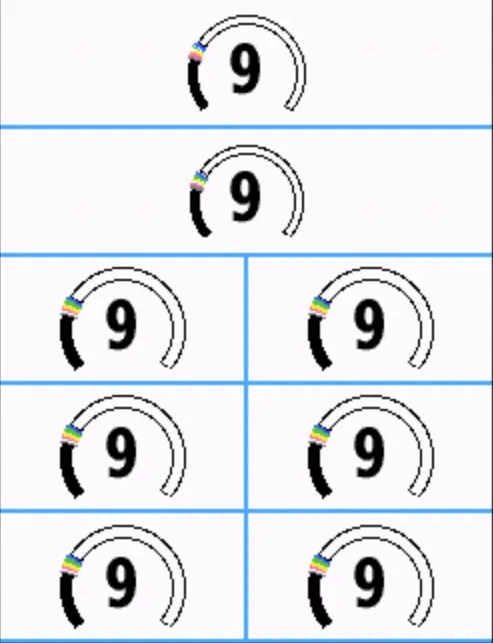
Gauge Field turns a data field into a clean circular gauge. A big number sits in the centre and a slim five-bar cursor slides around a 260 degree arc that is open at the bottom. The part of the scale you have passed is dark and the part still ahead is light. Choose speed (km/h by default, or mph), power, 3 s or 10 s average power, heart rate or cadence. Bend the scale with three calibration points (value at arc start, at 12 o'clock and at arc end) so the range you ride in gets the most space. Pick your own colors for the bars and text from a color list or with a hex code. The gauge scales from a full-screen field down to the smallest field layouts, drops the unit label when space is tight, and stays readable at night. Settings are changed in the Garmin Connect or Garmin Express app after installing.
Popis promjena
The five cursor blocks now touch without thin gaps and are about 25 percent wider. New setting Block width: Narrow, Normal, Wide or Extra wide.
Snimke zaslona
Podržani jezik (1)
Kompatibilna uređaja (2)
Nedavni trend metrike
Ocjena
Recenzije
Datumi snimaka
2026-11-17 → 2026-11-26