Opis
Mjölnir, the hammer of the Norse god Thor, resting on shattered stone under a storm.
Mjölnir stands on the face with a red cloth swaying from its handle, over a floor of cracked stone. Lightning races around the rim, and the ground fractures as you progress toward your daily step goal.
AT A GLANCE
- Time: large two-digit hours and minutes beside the hammer, with am or pm under the minutes in 12 hour mode.
- Lightning seconds: a spark travels the outer rim, one step per second, and leaves a fading trail of the last fifteen seconds.
- Cracks: the stone under the hammer breaks as your steps increase. A new day starts with a few small cracks, and the full web of cracks opens when you reach your step goal.
- Animated cloth: the red cloth on the hammer sways while the watch face is active.
INTERACTIVE PAGES
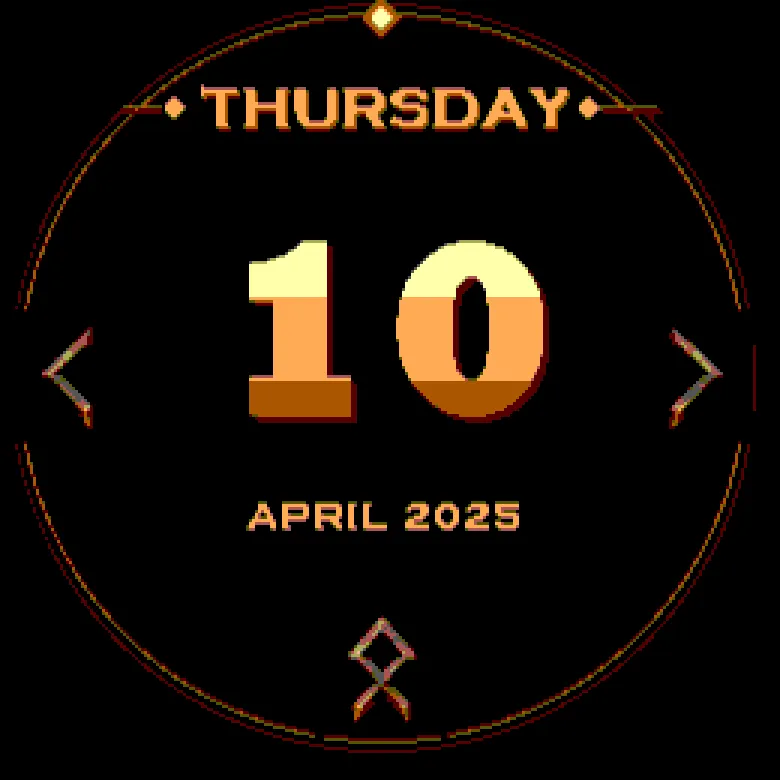
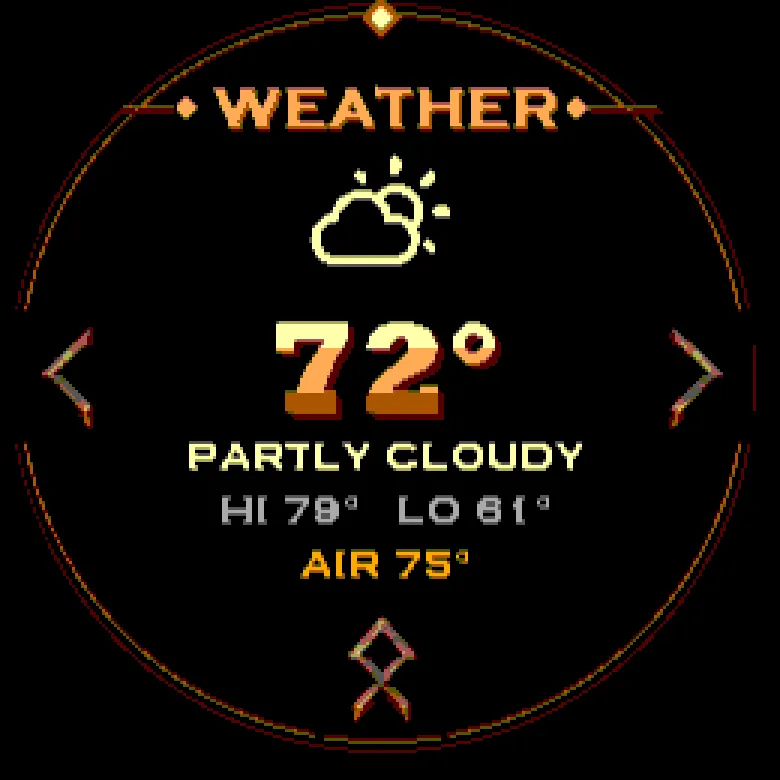
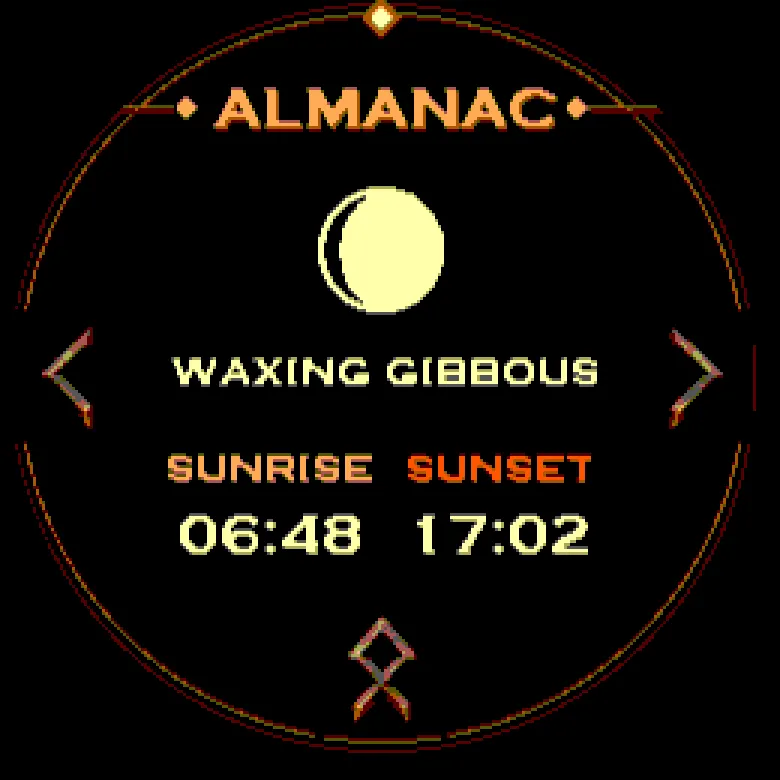
Press and hold the hammer to open the pages. On a page, press and hold the rune on the left for the previous page, the rune on the right for the next page, and the rune at the bottom to return to the hammer.
- Date: the weekday, the day of the month, the month and the year.
- Weather: the conditions, the temperature from the weather Garmin gives your watch, today's high and low, and the air temperature from your watch's own sensor. Colors run from cold blue to hot red.
- Forecast: the next three two-hour steps with a weather icon and temperature each, and tomorrow's high and low.
- Almanac: the moon phase with its name, sunrise and sunset.
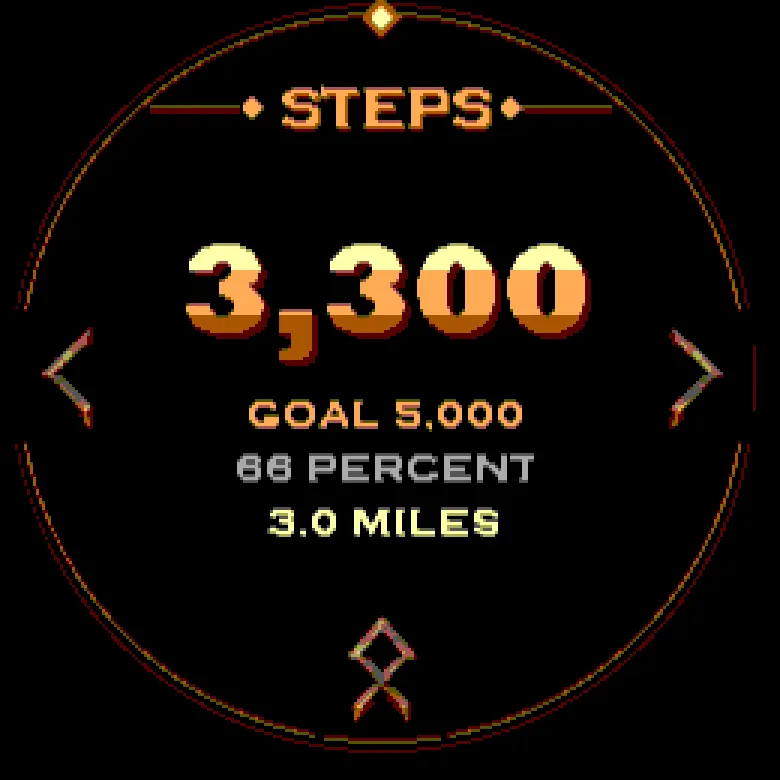
- Steps: your steps, your goal, the percent done and the distance.
- Heart: your heart rate.
- Battery: the charge in percent, green, yellow, orange or red by level.
SETTINGS IN GARMIN CONNECT
- Time format: Follow the watch settings, 12 hour or 24 hour.
- Temperature: Follow the watch settings, Fahrenheit or Celsius.
- Distance: Follow the watch settings, Miles or Kilometers.
- Lightning seconds: On or Off. Off hides the lightning and leaves the hammer and the time.
- Lightning color: Blue or Green.
LOCATION AND PRIVACY
Position is the last location your watch has available, not continuous navigation, and the face never starts GPS itself. To refresh it, record an outdoor activity such as a walk or a run and then return to the face. If the watch has no stored location, sunrise and sunset show two dashes.
Mjölnir uses the location your watch already has, only for sunrise and sunset. Nothing is sent anywhere. There is no account and no network use of its own.
Data availability varies by watch, sensors and Garmin Connect sync. Weather uses the data Garmin has already provided to your watch. Screenshots show sample values.
Made for fēnix 7, fēnix 7 Pro, fēnix 7 Pro (no Wi-Fi), fēnix 7X, fēnix 7X Pro, fēnix 7X Pro (no Wi-Fi), fēnix 8 Solar 47mm, fēnix 8 Solar 51mm, fēnix 9 Pro Solar 47mm, fēnix 9 Pro Solar 51mm, Forerunner 955, Enduro 3 and Enduro 4.
Popis promjena
Version 1.0.0: first release.
Snimke zaslona
Podržani jezik (1)
Kompatibilnih uređaja (18)
Enduro™ 2
Enduro™ 3
Enduro™ 4
fēnix® 7
fēnix® 7
fēnix® 7 Pro
fēnix® 7 Pro – Solar Edition (No Wi-Fi®)
fēnix® 7X
fēnix® 7X
fēnix® 7X Pro
fēnix® 7X Pro No Wi-Fi
fēnix® 8 Solar (47mm)
fēnix® 8 Solar (51mm)
fenix® 9 Pro - Solar 47 mm
fenix® 9 Pro - Solar 51 mm
Forerunner® 955 Dual Power
tactix® 7
tactix® 8 – 51 mm, Solar
Nedavni trend metrike
Ocjena
Recenzije
Datumi snimaka
2026-11-19 → 2026-11-25