Opis
Free for 24 hours. Then USD 2.99, paid through KiezelPay. The price is for this watch face only.
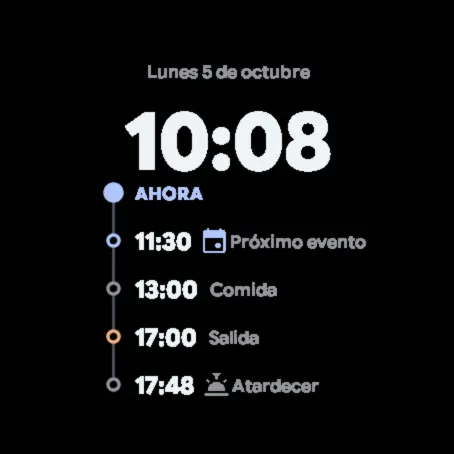
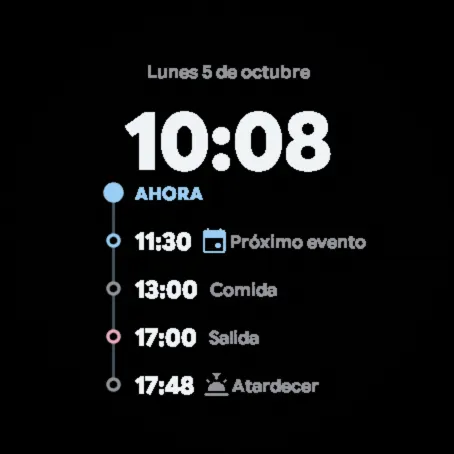
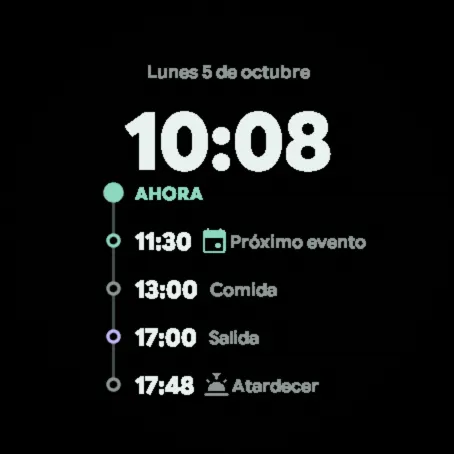
A watch face to organise your day: the full date, the time and a vertical timeline with what comes after “NOW”.
- Next row of your choice (by default, the next calendar event). The watch provides only the event's time, without a date, so this row always comes right after “NOW” and is not sorted with the others.
- Below, in order, today's times that have not passed yet: start, lunch and finish of your workday, and sunrise and sunset.
- The workday is set in the settings (workday start, lunch and workday finish, in half-hour steps; lunch can be removed) and only appears on the workdays you choose (Monday to Friday or every day).
- Each row disappears once its time has passed.
- Data by time of day: available for the next row, off by default.
- When you raise your wrist, the rows come in one after another and the timeline grows downwards.
- Colours: its own pair or five two-tone palettes.
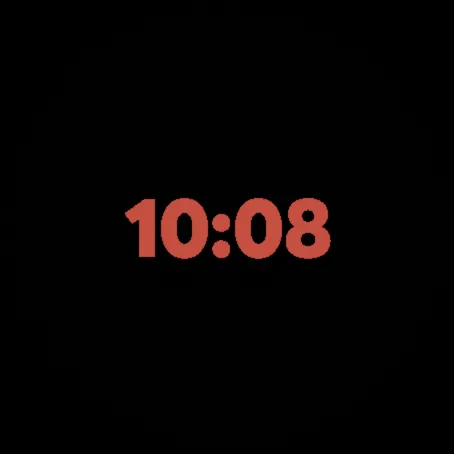
- Automatic night mode: between 19:00 and 11:00, while Do Not Disturb is on (sleep mode turns it on), the face switches to a minimal view in dim red that does not dazzle and returns to the normal view when Do Not Disturb ends. It can be turned off in the settings.
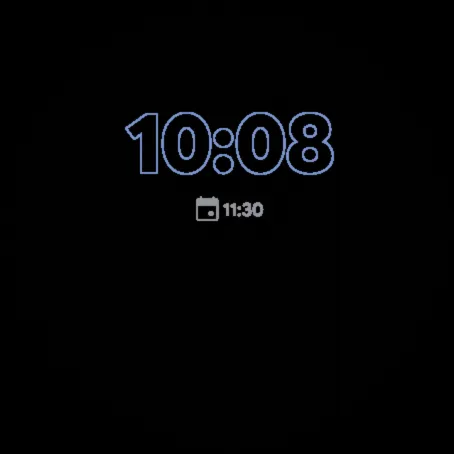
- Full always-on mode (outlined time and the next row) or minimal (time only); in colour with very low brightness (you can switch back to grey); position shifts every minute.
- Long press the next row to open its information when supported.
- 12- or 24-hour time, as set on the watch; row times are always in 24-hour format.
- Watch and phone settings in English, Spanish, German, French, Italian and Portuguese.
- On watches with the built-in watch face editor you can also customise it on the watch itself.
Missing readings appear as dashes. Available readings depend on the watch, its sensors and providers. Images show example data.
Refunds: if the watch face does not work as described, request a refund within 30 days of purchase through KiezelPay support. KiezelPay handles refunds. Policy and contact: https://kiezelpay.com/faq/faq-refund .
Third-party notices and the complete license texts accompany the delivery.
More information: https://dot-watchfaces.vercel.app/#agenda
Snimke zaslona
Podržanih jezika (6)
Kompatibilna uređaja (32)
D2™ Air X15
D2™ Mach 1 Pro
D2™ Mach 2
D2™ Mach 2 Pro
epix™ Pro (42mm)
epix™ Pro (47mm)
epix™ Pro (51mm)
fēnix® 8 AMOLED (43mm)
fēnix® 8 AMOLED (47mm/51mm)
fēnix® 8 Pro
fenix® 9 - 43 mm
fenix® 9 – 47 mm
fenix® 9 Pro - 43 mm
fenix® 9 Pro - 47 mm
Forerunner® 165
Forerunner® 165 Music
Forerunner® 170
Forerunner® 170 Music
Forerunner® 265
Forerunner® 570 - 42mm
Forerunner® 570 - 47mm
Forerunner® 965
Forerunner® 970
MARQ® (Gen 2)
MARQ® Commander (Gen 2) – Carbon Edition
tactix® 7 – AMOLED Edition
tactix® 8 – 47 mm, AMOLED
Venu® 3
Venu® 3S
Venu® 4 – 41 mm
Venu® 4 – 45 mm
vívoactive® 6
Nedavni trend metrike
Ocjena
Recenzije
Datumi snimaka
2026-11-06 → 2026-11-19