Opis
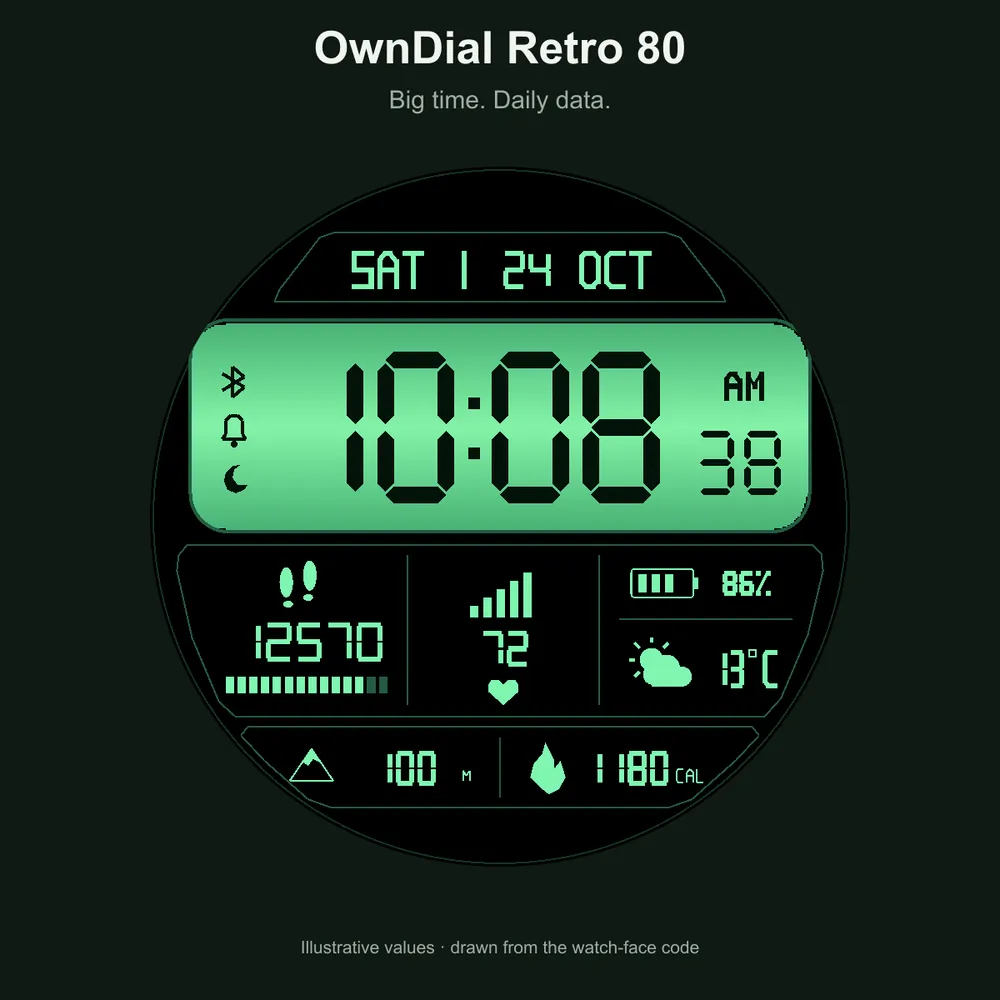
OwnDial Retro 80 brings the look of an illuminated 1980s LCD watch to your Garmin. Large seven-segment time sits in a coloured LCD panel, surrounded by a true-black AMOLED background and a separate dashboard for your daily data.
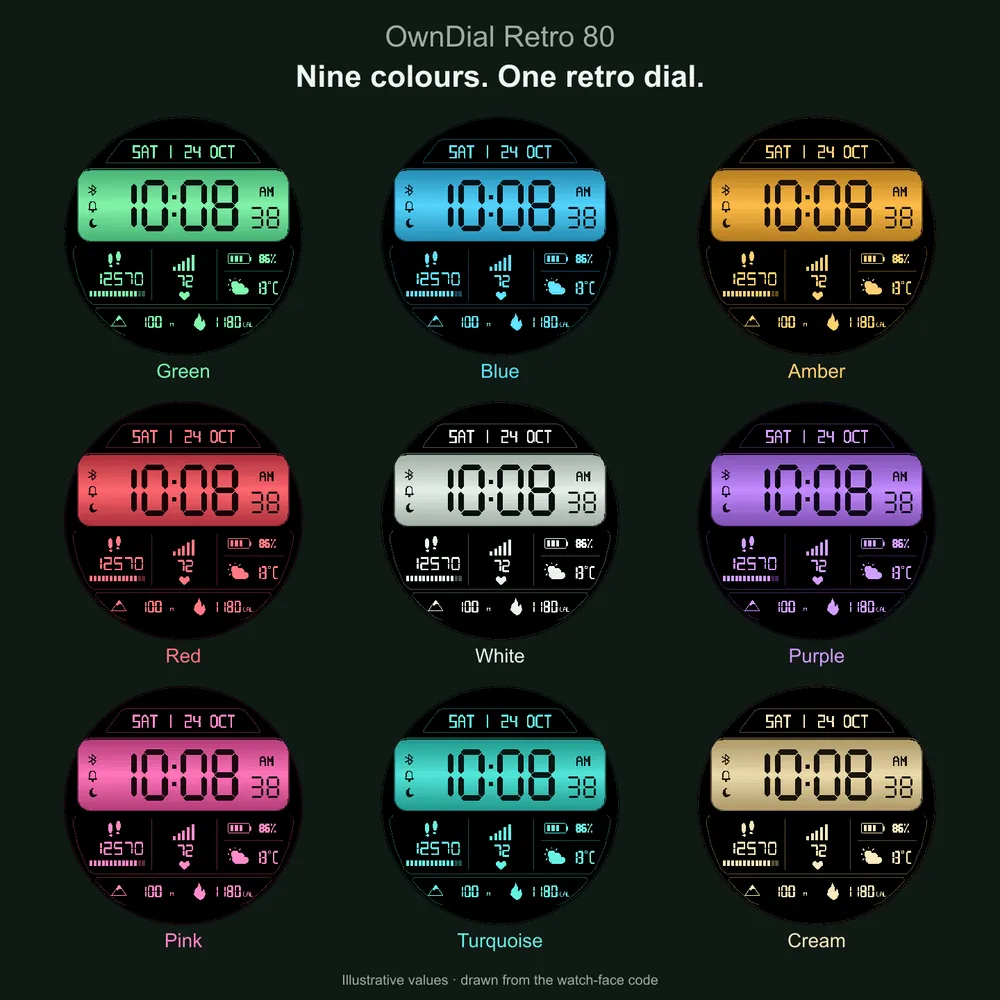
CHOOSE YOUR COLOUR
Nine complete themes are included: green, blue, amber, red, white, purple, pink, turquoise and cream. Each theme changes the LCD illumination and dashboard accents while keeping the surrounding background black.
YOUR DAY AT A GLANCE
• Large digital hours and minutes, with seconds in the active display.
• Separate day and date panel.
• Steps with progress towards your daily goal.
• Heart rate and battery percentage.
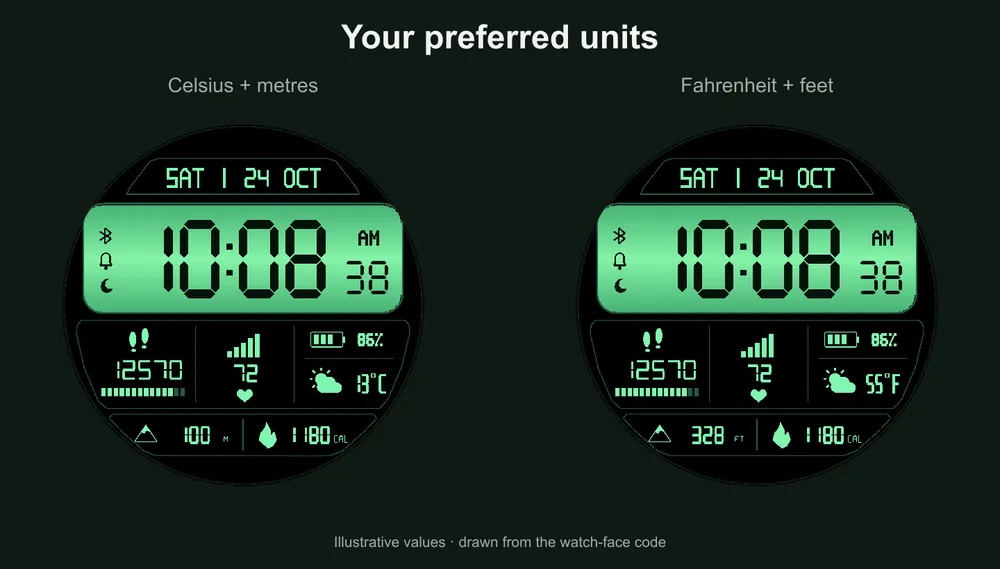
• Weather condition icon and temperature, when Garmin weather data is available.
• Altitude and calories in the lower panel.
• Phone connection, alarm and Do Not Disturb icons when supported and active.
MAKE IT YOURS
Choose a theme directly on the watch. Set 12-hour, 24-hour or system time; Celsius or Fahrenheit; and altitude in metres or feet. On-watch settings are available in English and Russian. The watch-face weekday and month abbreviations are in English.
ALWAYS-ON MODE
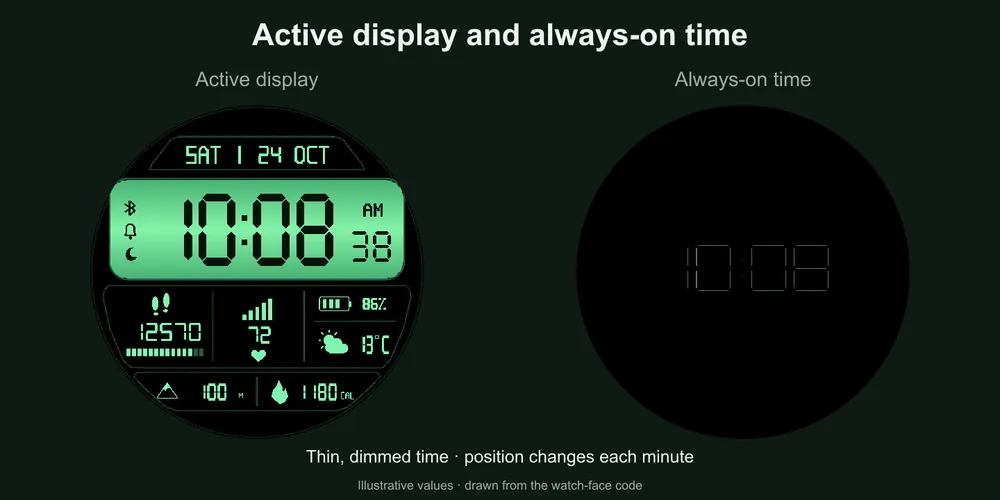
A simplified always-on display shows thin, dimmed time on a black background. The time changes position each minute. Seconds and dashboard metrics are hidden in this mode. Always-on display must also be enabled in the watch's system settings.
COMPATIBILITY
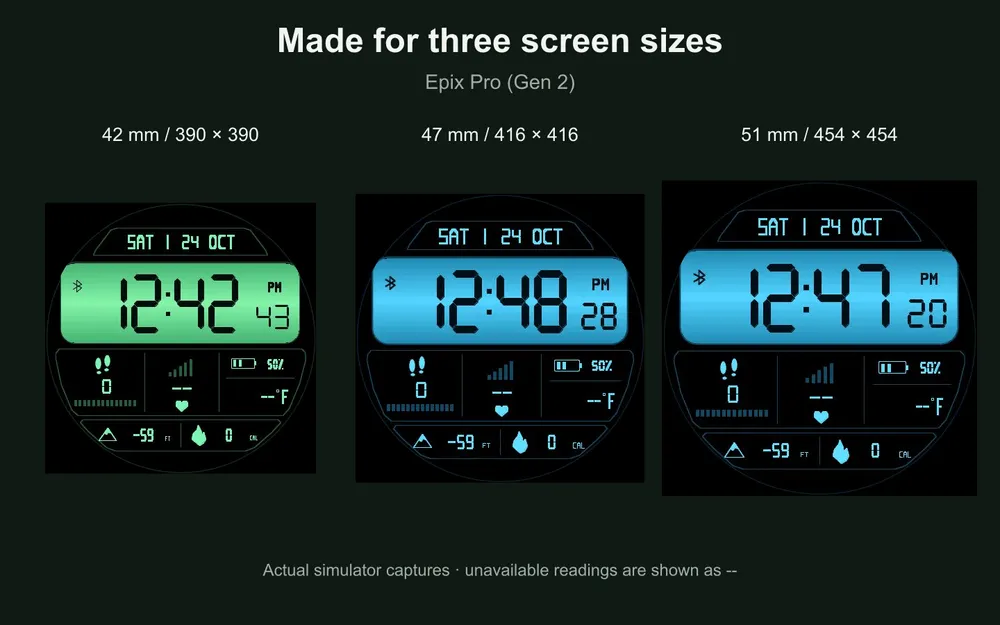
Compatible with Garmin fēnix 8 AMOLED (43, 47 and 51 mm), Forerunner 265, 965 and 970, Venu 3 and 3S, and epix Pro (Gen 2) (42, 47 and 51 mm). The layout scales to each screen size. Please use the store's Compatible Devices list to check your exact watch before purchasing.
DATA AVAILABILITY
Weather uses the Garmin weather data available on your watch; no separate weather API key is needed. Weather, heart rate and altitude depend on the data available from the watch. Missing or outdated readings are shown as “--”.
SETTINGS
From the watch face, hold MENU → Watch Face → OwnDial Retro 80 → START → Customize/Settings. Choose LCD colour, temperature, altitude units, time format or always-on display. Menu wording may vary with the watch language and firmware.
For help, use Contact Developer on this listing and include your watch model, firmware version and a short description of the issue.
Popis promjena
1.1.1
Added Garmin Venu 2 Plus support. Adjusted the on-watch settings menu for this model. Existing devices, colours, scenes and settings are retained. Venu 2 Plus builds, rendering and simplified AOD were tested in the Garmin simulator. Not tested on a physical Venu 2 Plus watch.
Snimke zaslona
Podržanih jezika (7)
Kompatibilnih uređaja (15)
Nedavni trend metrike
Ocjena
Recenzije
Datumi snimaka
2026-10-27 → 2026-11-02