תיאור
Chart Room Trial — free for 72 hours
Supports English, Simplified Chinese and Traditional Chinese. Choose English to override the watch language for weekdays, dial labels, on-watch settings and the trial countdown. Reopen settings to refresh labels. Phone settings follow Connect IQ’s language.
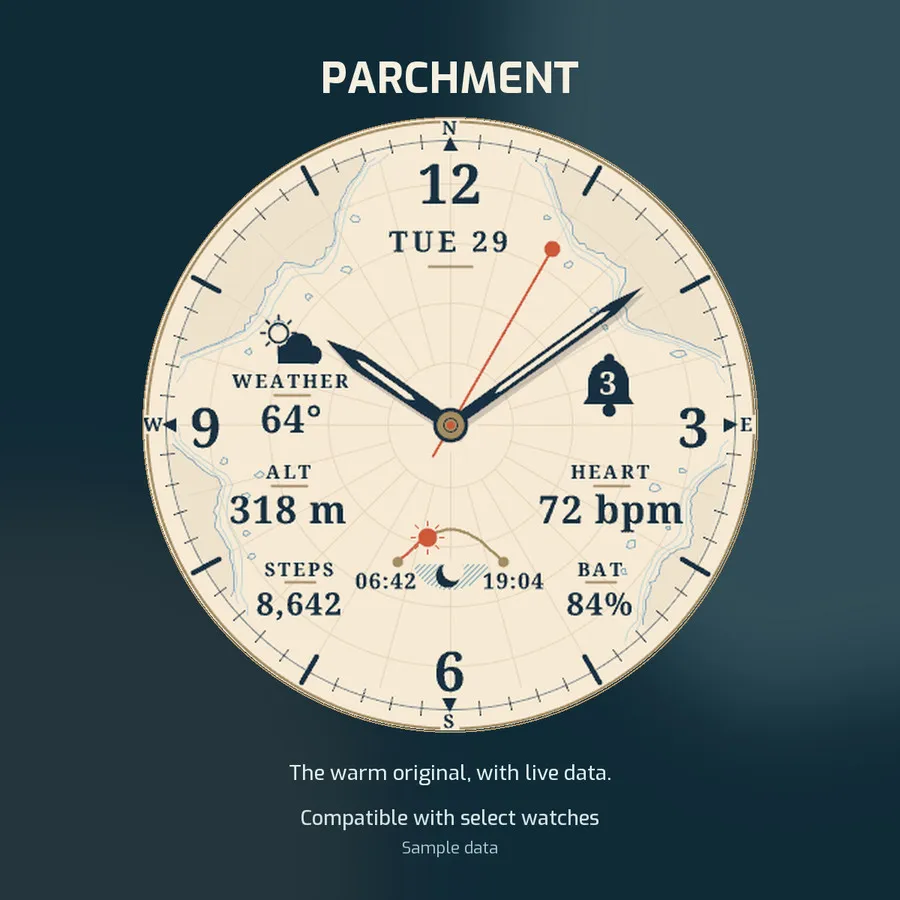
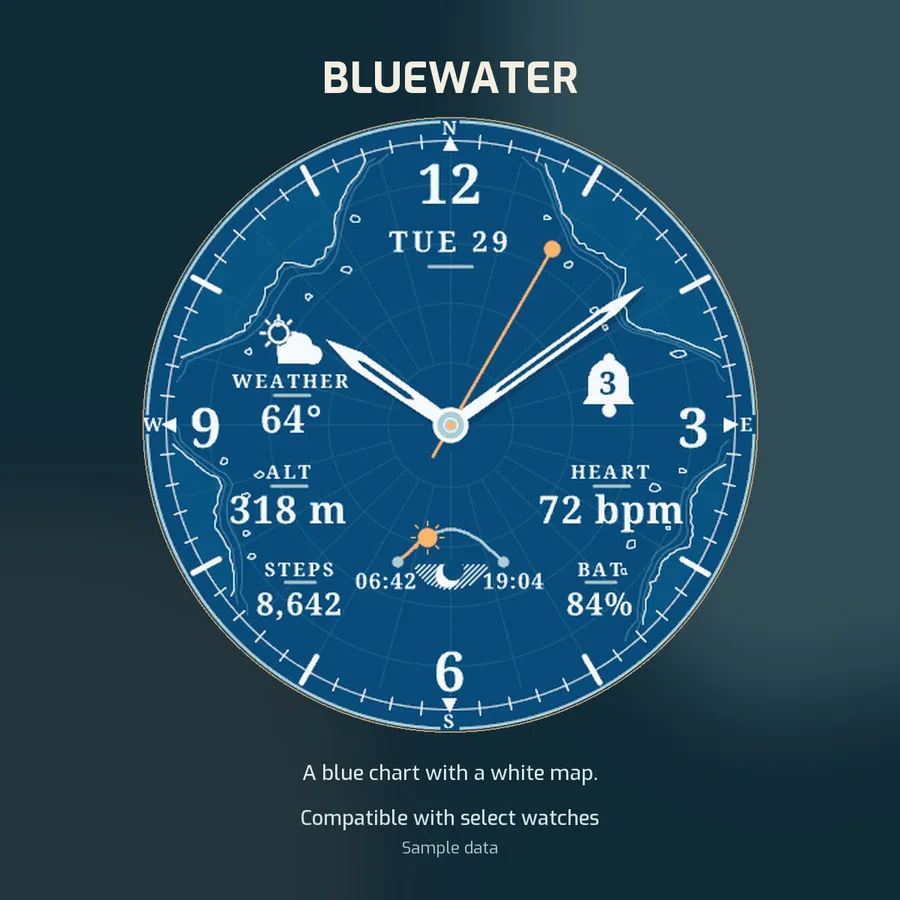
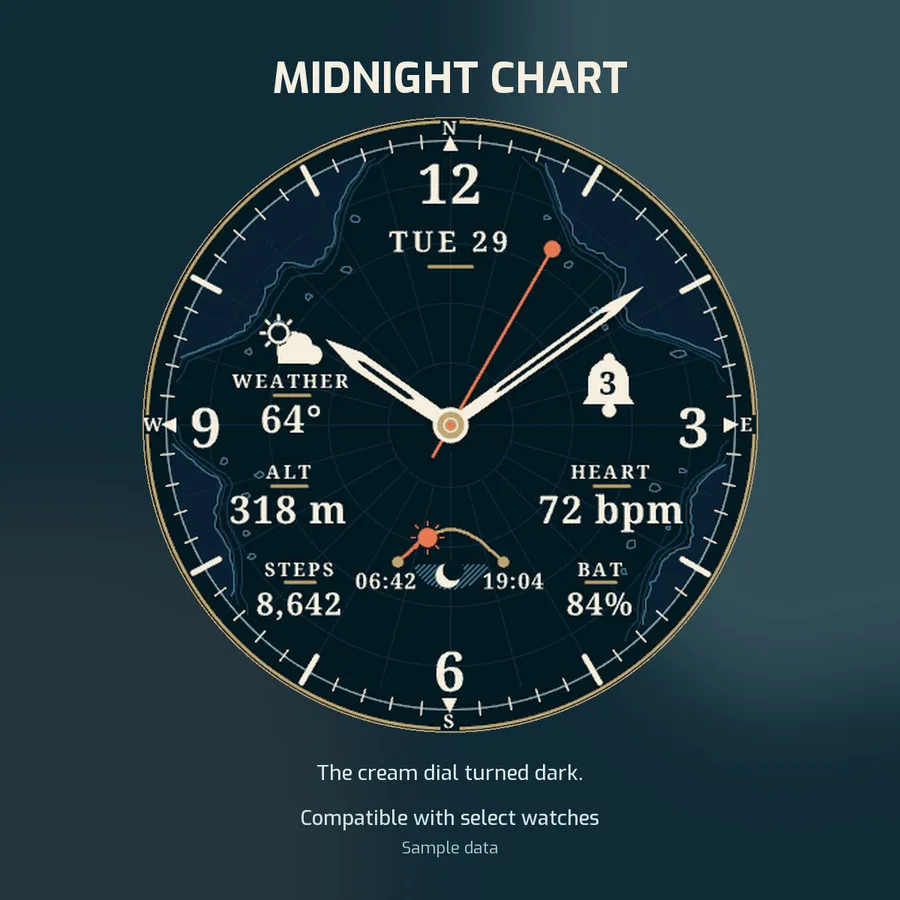
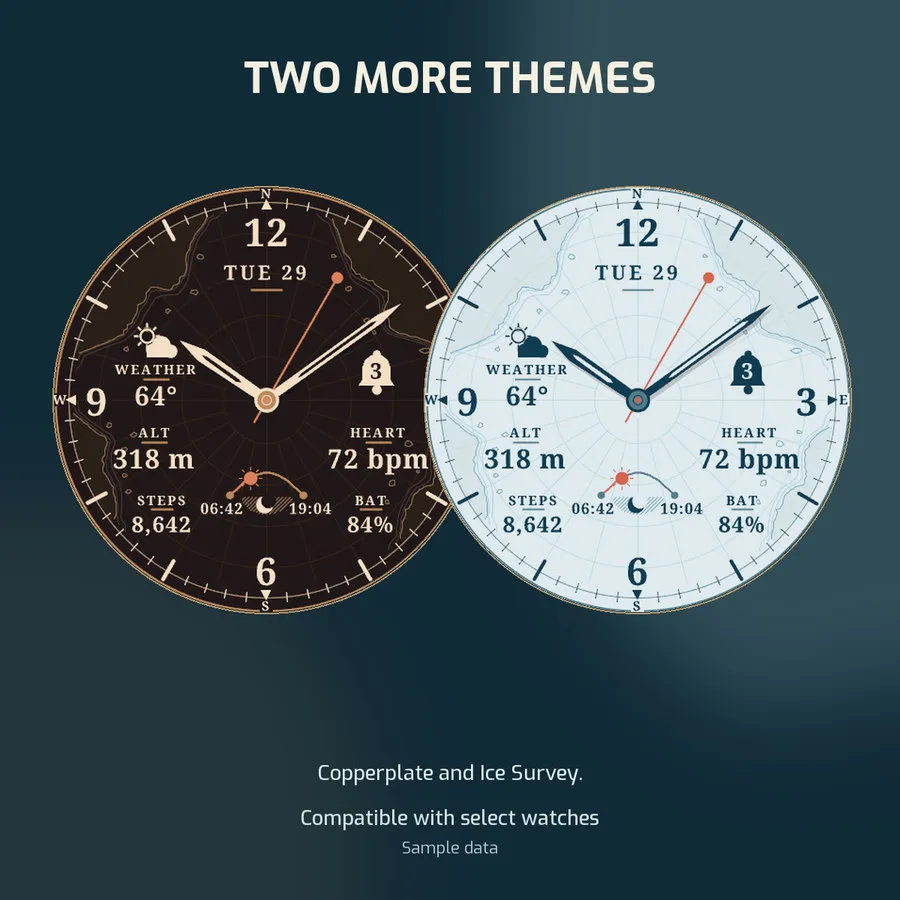
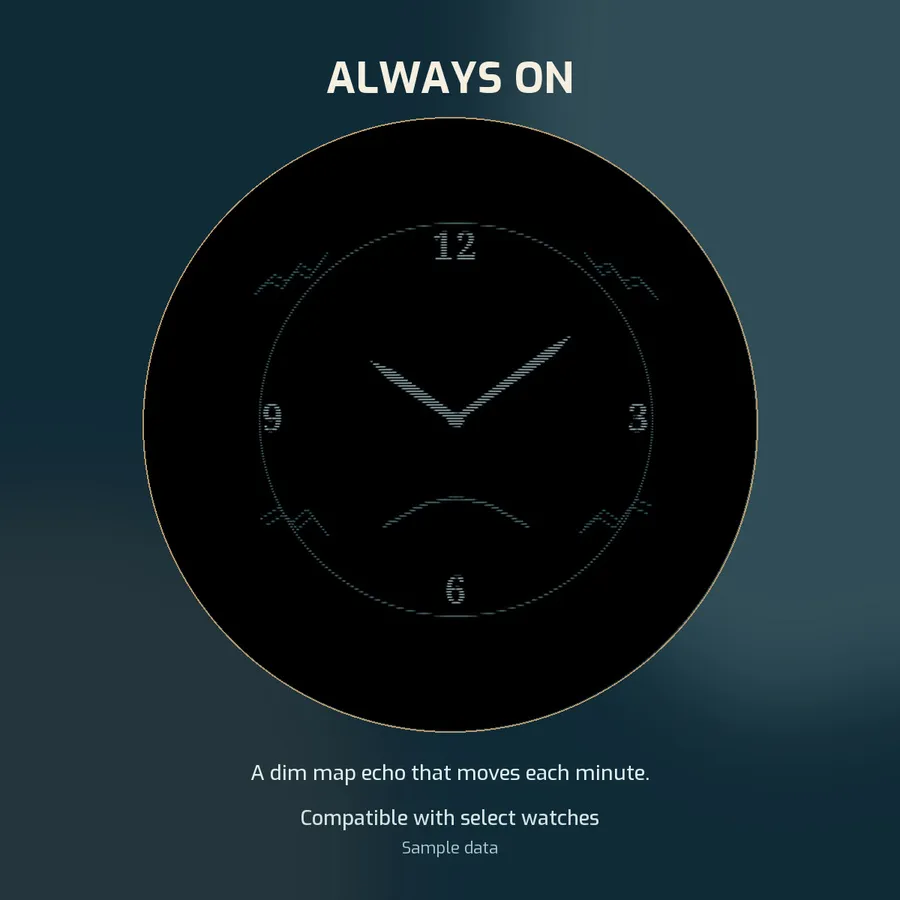
An analog chart-paper dial with four data areas, a notification bell, a sunrise-to-sunset arc, and fixed steps and battery readings. Five themes: Parchment, Midnight Chart, Bluewater, Copperplate and Ice Survey. Includes a subtle always-on display. The chart lines are decorative.
FREE FOR 72 HOURS
- Free to download. All features, settings and always-on display work for 72 hours from first use.
- The timer continues while another face is selected or the watch is off.
- In the last 24 hours, a small line on the face shows the time left.
- No subscription and no automatic charge. To keep the face after the trial, buy it once, in one of two ways.
WAY 1: BUY THE FULL EDITION IN THE CONNECT IQ STORE
- Open https://apps.garmin.com/apps/412d48f7-5747-46fe-b498-209db8669b08 and buy Chart Room with Garmin's own payment.
- It is a separate app: install it, then select it as your watch face. You can remove this trial afterwards.
- Garmin offers store purchases only in some countries. If the store will not sell it to you, use Way 2.
WAY 2: UNLOCK THIS EDITION THROUGH KIEZELPAY ($3.49 ONCE)
1. When the 72 hours end, the watch shows a 6-digit code.
2. On your phone or computer, open kzl.io/code and enter the code.
3. Pay $3.49 with PayPal or a card. KiezelPay takes the payment outside the Connect IQ store.
4. The face unlocks within about 5 minutes. Keep your phone connected to the watch.
- Until you buy, the watch shows the code while awake and stays dark while it sleeps.
- The license check needs your phone's connection, so this edition asks for internet and background permissions.
- Paid before on this watch? Unlock it again for free with your purchase email at kzl.io/unlock.
- Refunds for KiezelPay purchases: ask KiezelPay's help desk within 30 days. Store purchases follow Garmin's refund policy.
Choose one payment option; do not pay through both. The two are separate apps: a purchase of one does not unlock the other, and settings do not transfer.
BACKGROUND AND DATA OPTIONS
Choose a theme, or use Auto: sunrise / sunset for Parchment by day and Midnight Chart at night. Without solar times, day is 06:00–18:00 local time. Digital time works in all four data areas and follows your watch’s 12/24-hour format.
Humidity in any data area shows relative humidity (0–100%) from the watch’s weather data, even without a Weather box. Missing readings show --; readings over two hours old show a stale label and --.
COMPASS RING
Fixed north is the default. System heading rotates the outer compass letters and pointers while awake. Updates may pause or use cached data; the face cannot activate the compass sensor. Without a heading, the ring returns to north. Not for navigation.
ALWAYS-ON DISPLAY (AOD)
Enable Always On in your watch’s Display settings. Sleep mode and battery saver may turn it off. Chart Room follows the system setting; its first settings item has AOD help.
GOOD TO KNOW
- The only network request is the license check. It sends KiezelPay your watch model and a device identifier. KiezelPay, not Garmin, handles the payment.
- Weather and health data depend on your watch and Garmin data availability.
Compatible with select Garmin watches. Check the device list for your exact model.
If you like this watch face, please leave a review and a 5-star rating.
See every Chris Creates face: https://watch.chris-creates.net
Created by Chris Creates, LLC. Support: [email protected].
Promotional compositions use simulator captures with sample data. Chart Room is a third-party watch face and is not made or endorsed by Garmin.
יומן עדכונים
Add Language: Watch default / English. English overrides weekdays, dial labels, on-watch settings and the trial countdown. Add Humidity (0–100%) to all four data areas, with missing-data and stale-weather handling. Existing data selections are preserved.
צילומי מסך
שפה נתמכת (1)
מכשירים תואמים (61)
Approach® S50
Approach® S70 (42mm)
Approach® S70 (47mm)
D2™ Air X10
D2™ Air X15
D2™ Mach 1
D2™ Mach 1 Pro
D2™ Mach 2
D2™ Mach 2 Pro
Descent™ G2
Descent™ MK3 - 43mm
Descent™ MK3i - 51mm
epix™ (Gen 2)
epix™ (Gen 2)
epix™ Pro (42mm)
epix™ Pro (47mm)
epix™ Pro (51mm)
fēnix® 8 AMOLED (43mm)
fēnix® 8 AMOLED (47mm/51mm)
fēnix® 8 Pro
fenix® 9 - 43 mm
fenix® 9 – 47 mm
fenix® 9 Pro - 43 mm
fenix® 9 Pro - 47 mm
fenix® 9 Pro - 51 mm
fēnix® E
Forerunner® 165
Forerunner® 165 Music
Forerunner® 170
Forerunner® 170 Music
Forerunner® 265
Forerunner® 265S
Forerunner® 570 - 42mm
Forerunner® 570 - 47mm
Forerunner® 70
Forerunner® 70
Forerunner® 965
Forerunner® 970
Instinct® 3 – 45 mm, AMOLED
Instinct® 3 – 50 mm, AMOLED
MARQ® (Gen 2)
MARQ® Commander (Gen 2) – Carbon Edition
MARQ™ Aviator (Gen 2)
Mercedes-Benz Venu® 2
Mercedes-Benz Venu® 2
Mercedes-Benz Venu® 2S
Mercedes-Benz Venu® 2S
tactix® 7 – AMOLED Edition
tactix® 8 – 47 mm, AMOLED
Venu® 2
Venu® 2
Venu® 2 Plus
Venu® 2 Plus
Venu® 2S
Venu® 2S
Venu® 3
Venu® 3S
Venu® 4 – 41 mm
Venu® 4 – 45 mm
vívoactive® 5
vívoactive® 6