Description
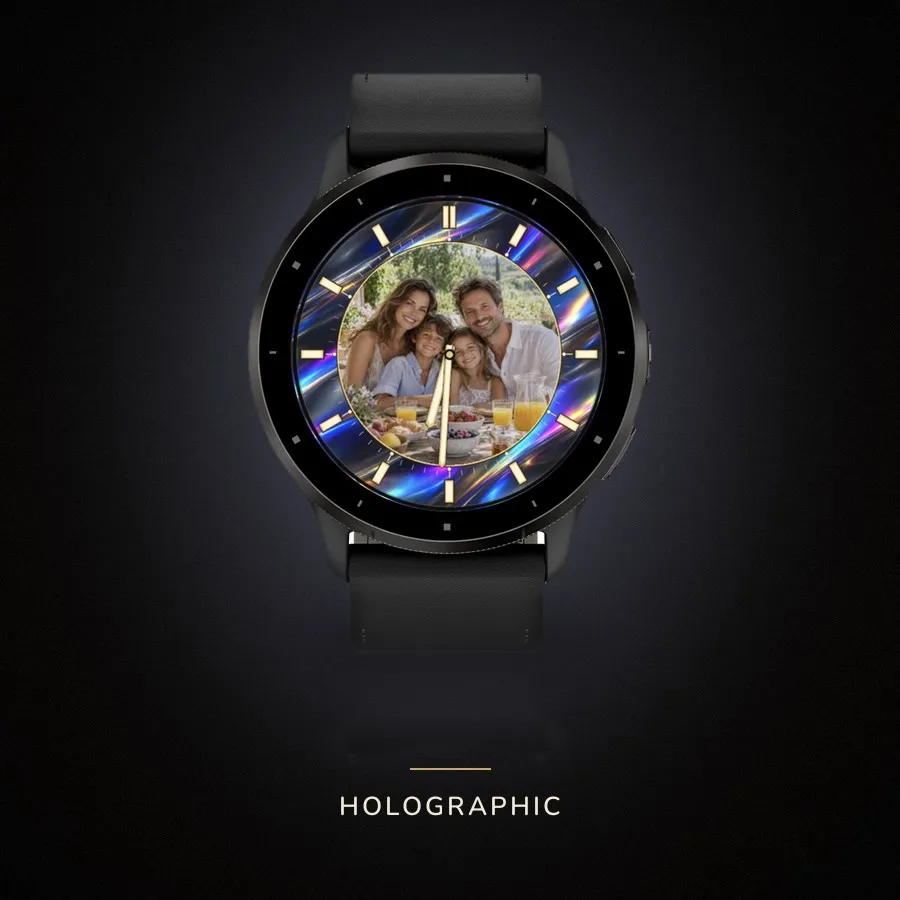
Your photograph, under gold and ivory.
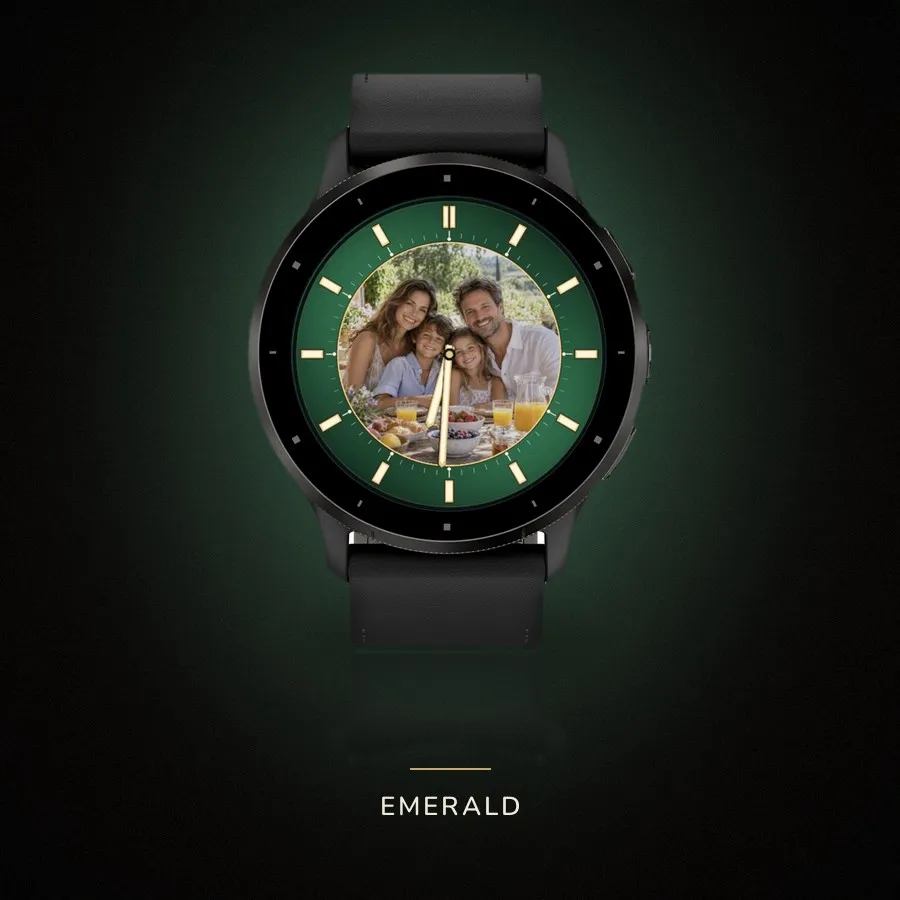
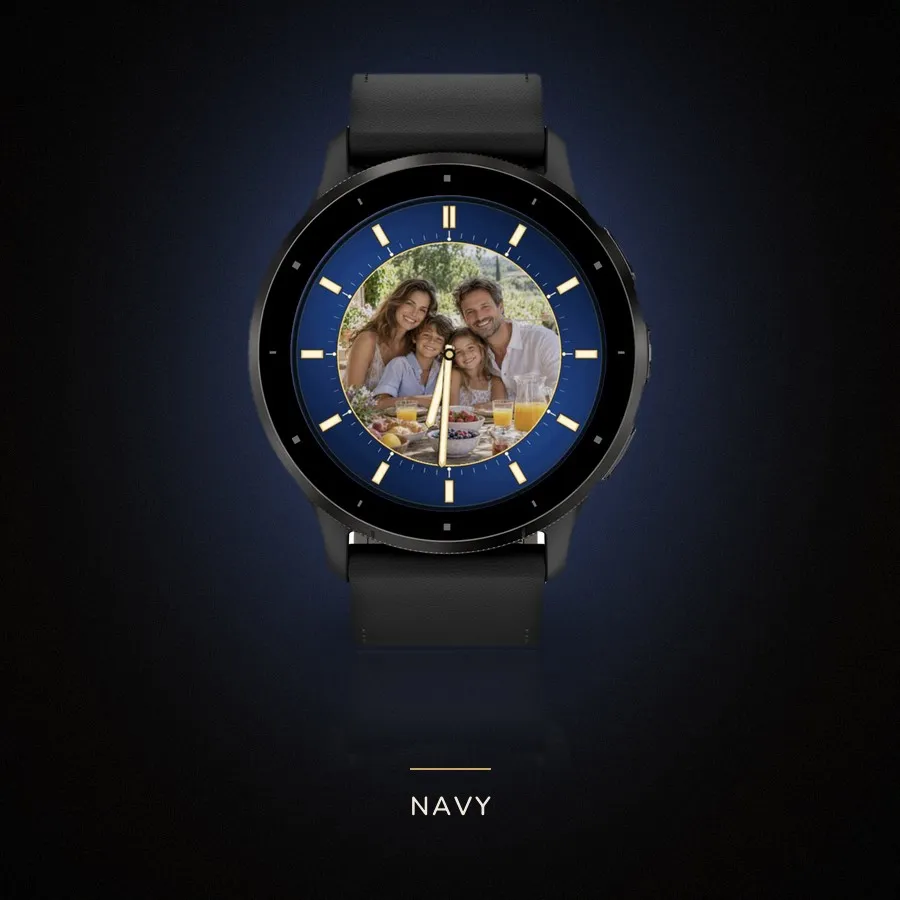
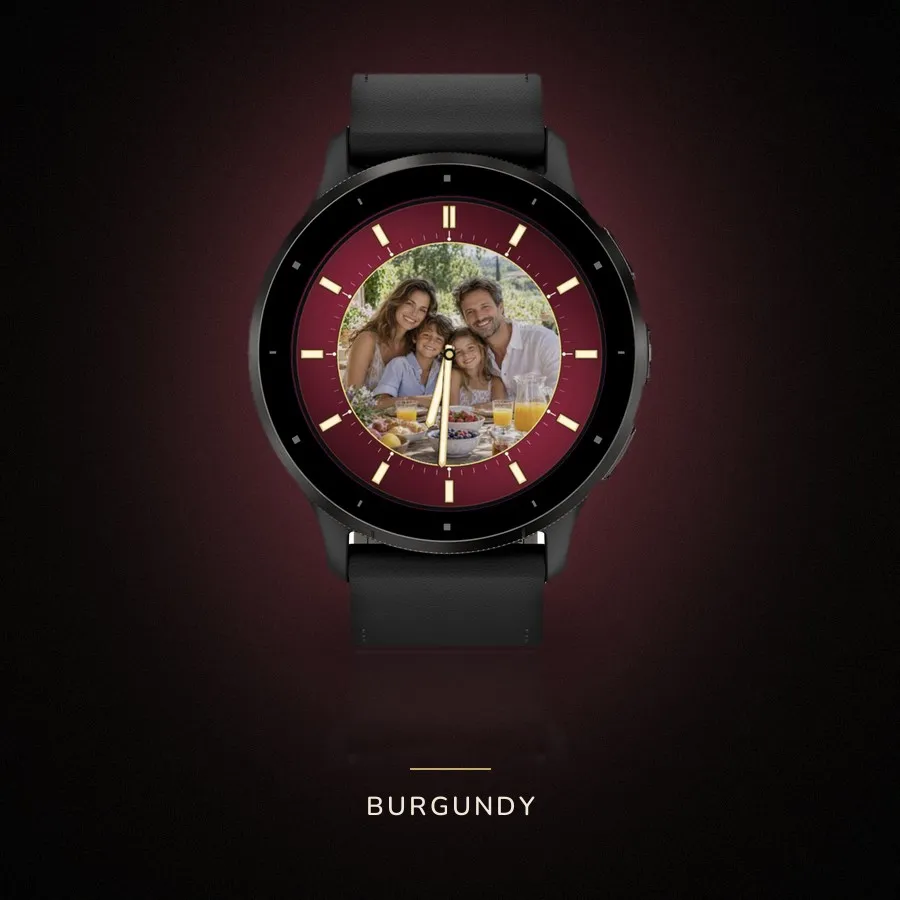
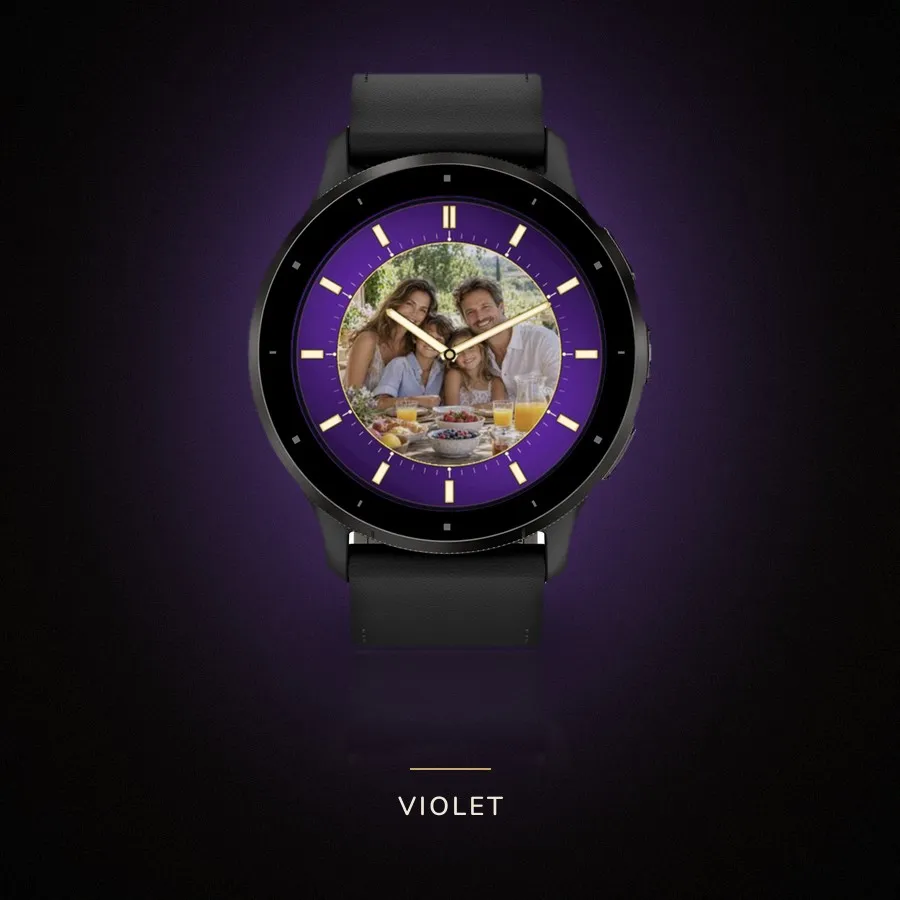
Your picture sits in the middle of the dial. Around it runs the chapter ring
with the hour markers, and its colour is yours to choose: seven of them, from
sober graphite to shifting holographic. The photograph stays as it was when the
ring changes.
The hands are flat ivory batons with a gold edge, and twelve carries a double
marker. A second hand can be switched on; it is off to begin with.
PUTTING YOUR PHOTO ON
Install the face and the watch shows a six-character code and the address
watchfacekit.com/photo/. Open it on your phone, type the code or scan the QR
straight from the watch. Pick a picture, move it, zoom it, darken it if you like,
and send. Keep Garmin Connect connected: the watch collects the photo in pieces
and checks every five minutes, so it can take a few cycles.
The image is prepared in your browser. The server only ever holds the finished
pieces and deletes them once the watch confirms delivery. After that the
photograph lives on the watch and needs neither phone nor internet.
ALSO
— On-watch menu: colour, second hand, show pairing code, remove photo
— Always-on keeps the hands and sparse marks on black, without the photo
— 47 round AMOLED Garmin models
More watch faces: https://watchfacekit.com/
Questions and answers: https://watchfacekit.com/faq/
How to install: https://watchfacekit.com/how-to-install-garmin-watch-faces/
Screenshots
Supported languages (5)
Compatible devices (64)
Approach® S50
Approach® S70 (42mm)
Approach® S70 (47mm)
Approach® S72 - 43 mm
Approach® S72 - 47 mm
D2™ Air X10
D2™ Air X15
D2™ Mach 1
D2™ Mach 1 Pro
D2™ Mach 2
D2™ Mach 2 Pro
Descent™ G2
Descent™ MK3 - 43mm
Descent™ MK3i - 51mm
epix™ (Gen 2)
epix™ (Gen 2)
epix™ Pro (42mm)
epix™ Pro (47mm)
epix™ Pro (51mm)
fēnix® 8 AMOLED (43mm)
fēnix® 8 AMOLED (47mm/51mm)
fēnix® 8 Pro
fenix® 9 - 43 mm
fenix® 9 – 47 mm
fenix® 9 Pro - 43 mm
fenix® 9 Pro - 47 mm
fenix® 9 Pro - 51 mm
fēnix® E
Forerunner® 165
Forerunner® 165 Music
Forerunner® 170
Forerunner® 170 Music
Forerunner® 265
Forerunner® 265S
Forerunner® 570 - 42mm
Forerunner® 570 - 47mm
Forerunner® 70
Forerunner® 70
Forerunner® 965
Forerunner® 970
Instinct® 3 – 45 mm, AMOLED
Instinct® 3 – 50 mm, AMOLED
MARQ® (Gen 2)
MARQ® Adventurer (Gen 3)
MARQ® Commander (Gen 2) – Carbon Edition
MARQ™ Aviator (Gen 2)
Mercedes-Benz Venu® 2
Mercedes-Benz Venu® 2
Mercedes-Benz Venu® 2S
Mercedes-Benz Venu® 2S
tactix® 7 – AMOLED Edition
tactix® 8 – 47 mm, AMOLED
Venu® 2
Venu® 2
Venu® 2 Plus
Venu® 2 Plus
Venu® 2S
Venu® 2S
Venu® 3
Venu® 3S
Venu® 4 – 41 mm
Venu® 4 – 45 mm
vívoactive® 5
vívoactive® 6