Description
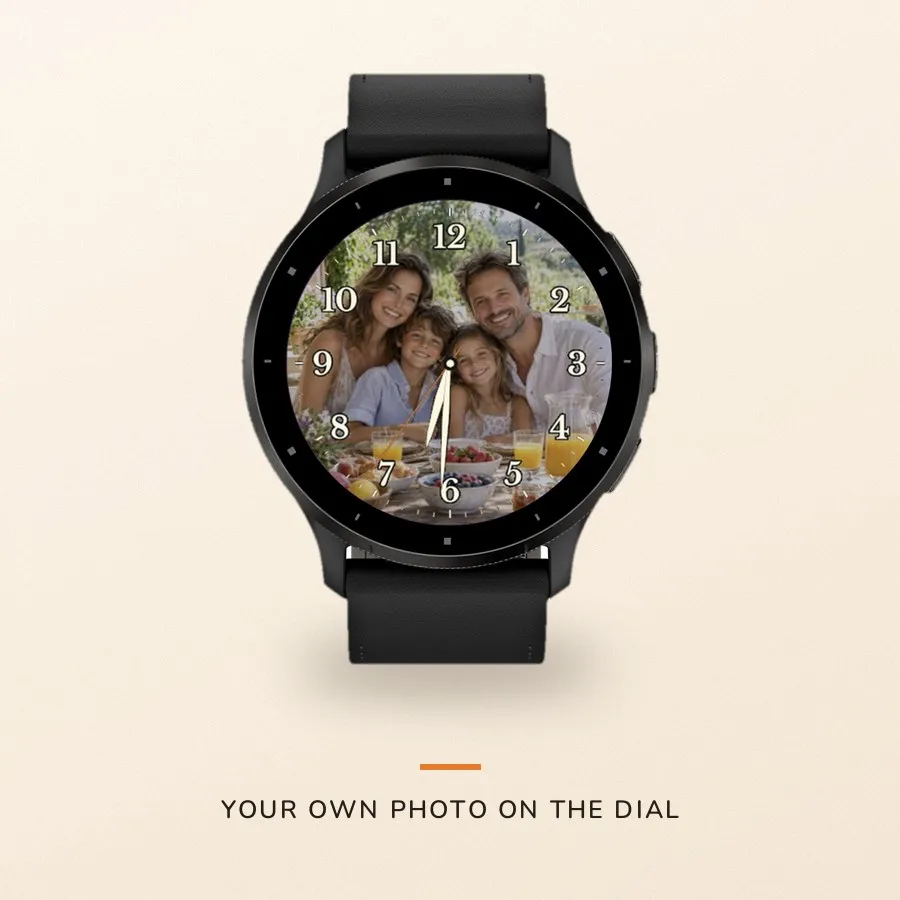
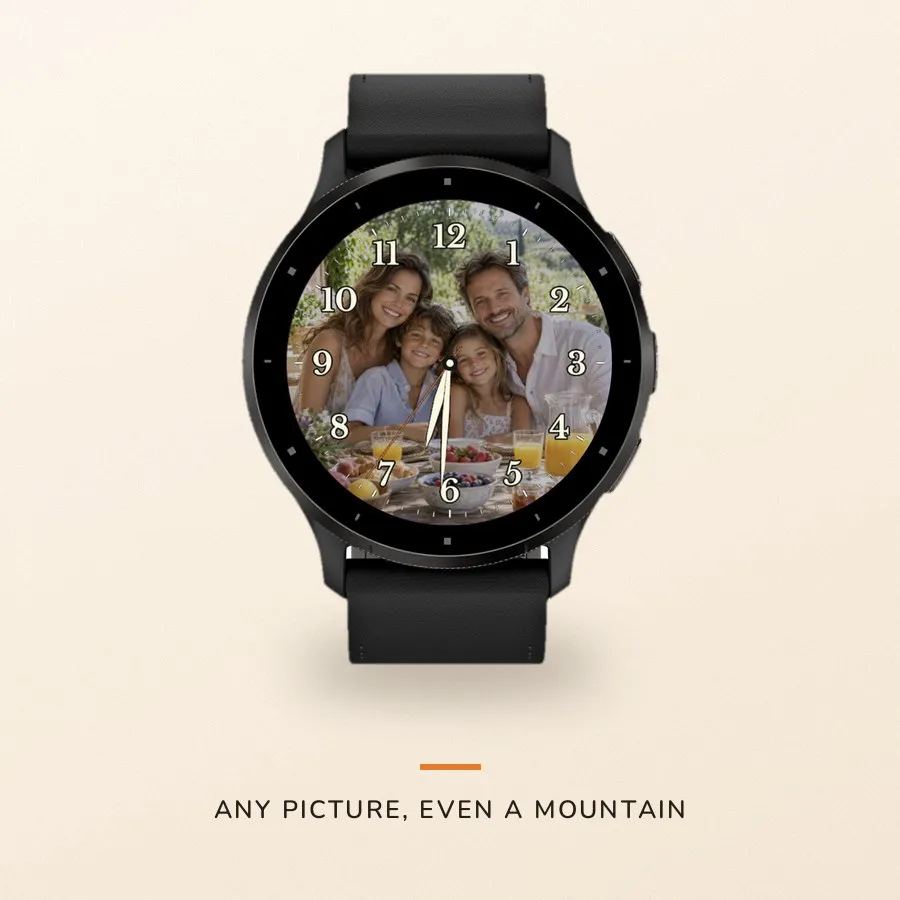
Your people, behind the hands. Every time you check the time.
Not a stock landscape from someone else's collection — your own photograph: the
kids in the kitchen, the dog in a field, that summit last summer. Over it, quiet
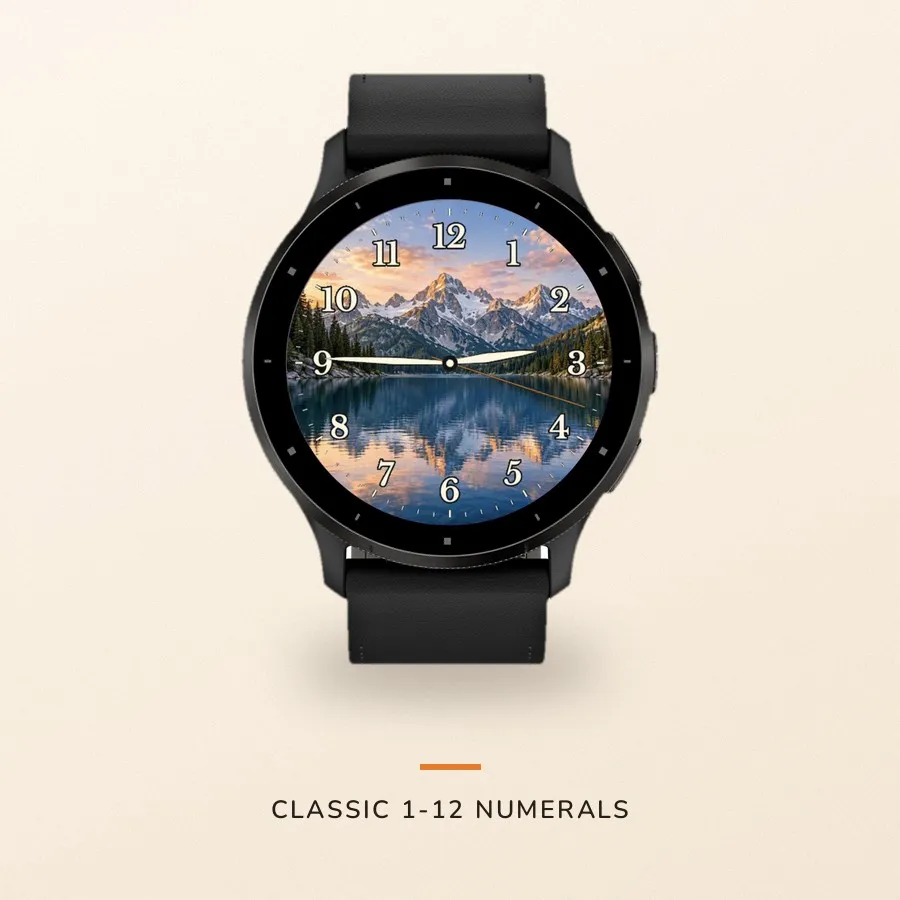
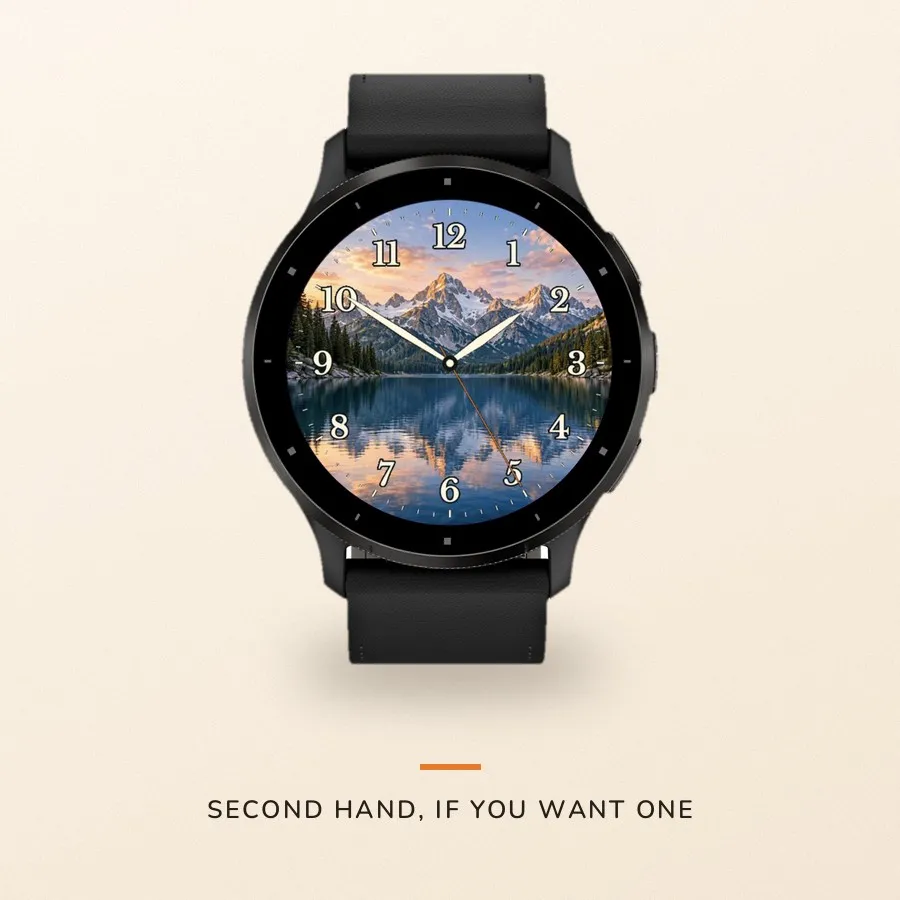
classic time: numerals 1 to 12, warm white hands, an orange second hand if you
want one.
HOW YOUR PHOTO GETS THERE
1. Point your phone camera at the QR code the watch shows you
2. Pick a photo, crop it, dim it behind the numerals — all in the editor
3. Tap Apply and keep the phone nearby
A few minutes later it is on your wrist. After that it works with no phone and
no internet: the photo lives on the watch.
Tired of it? Change it. Want a clean dial? Remove the photo from the watch menu.
HONEST ABOUT DELIVERY
It is not instant. Usually five to ten minutes, sometimes longer: the watch
collects the photo in pieces in the background rather than all at once. Keep the
phone close and Garmin Connect running until you see the confirmation. A large
photo or a weak connection simply means a few more rounds.
YOUR PICTURES STAY YOURS
The original never leaves your phone. The uploaded copy is deleted from the
server as soon as the watch confirms the install. Only the pairing is kept, so
you can change the photo later without setting everything up again.
FREE, WITH NO ASTERISK
No trial that runs out. No paid unlock, no subscription, no account. Install it
and use it.
More watch faces: https://watchfacekit.com/
Questions and answers: https://watchfacekit.com/faq/
How to install: https://watchfacekit.com/how-to-install-garmin-watch-faces/
Screenshots
Supported languages (5)
Compatible devices (64)
Approach® S50
Approach® S70 (42mm)
Approach® S70 (47mm)
Approach® S72 - 43 mm
Approach® S72 - 47 mm
D2™ Air X10
D2™ Air X15
D2™ Mach 1
D2™ Mach 1 Pro
D2™ Mach 2
D2™ Mach 2 Pro
Descent™ G2
Descent™ MK3 - 43mm
Descent™ MK3i - 51mm
epix™ (Gen 2)
epix™ (Gen 2)
epix™ Pro (42mm)
epix™ Pro (47mm)
epix™ Pro (51mm)
fēnix® 8 AMOLED (43mm)
fēnix® 8 AMOLED (47mm/51mm)
fēnix® 8 Pro
fenix® 9 - 43 mm
fenix® 9 – 47 mm
fenix® 9 Pro - 43 mm
fenix® 9 Pro - 47 mm
fenix® 9 Pro - 51 mm
fēnix® E
Forerunner® 165
Forerunner® 165 Music
Forerunner® 170
Forerunner® 170 Music
Forerunner® 265
Forerunner® 265S
Forerunner® 570 - 42mm
Forerunner® 570 - 47mm
Forerunner® 70
Forerunner® 70
Forerunner® 965
Forerunner® 970
Instinct® 3 – 45 mm, AMOLED
Instinct® 3 – 50 mm, AMOLED
MARQ® (Gen 2)
MARQ® Adventurer (Gen 3)
MARQ® Commander (Gen 2) – Carbon Edition
MARQ™ Aviator (Gen 2)
Mercedes-Benz Venu® 2
Mercedes-Benz Venu® 2
Mercedes-Benz Venu® 2S
Mercedes-Benz Venu® 2S
tactix® 7 – AMOLED Edition
tactix® 8 – 47 mm, AMOLED
Venu® 2
Venu® 2
Venu® 2 Plus
Venu® 2 Plus
Venu® 2S
Venu® 2S
Venu® 3
Venu® 3S
Venu® 4 – 41 mm
Venu® 4 – 45 mm
vívoactive® 5
vívoactive® 6